

Recipes
Everything you build by hand in TotalBase, an agent can build for you through the MCP server. These recipes build part of Acme's field service application, one request at a time: a table, who may see it, a screen, a dashboard, an automation and the menu. Each shows what you ask, and what you get.
Result shows what the agent built, as people see it. Calls shows the MCP calls it made, with their real arguments: you don't write them, the agent does, but they show exactly what happened and what the agent can and can't do.
describe_table, list_roles, list_dataviews), and chooses the calls itself. These recipes assume an agent connected with an administrator's token: see Quickstart with AI.A table with its rules
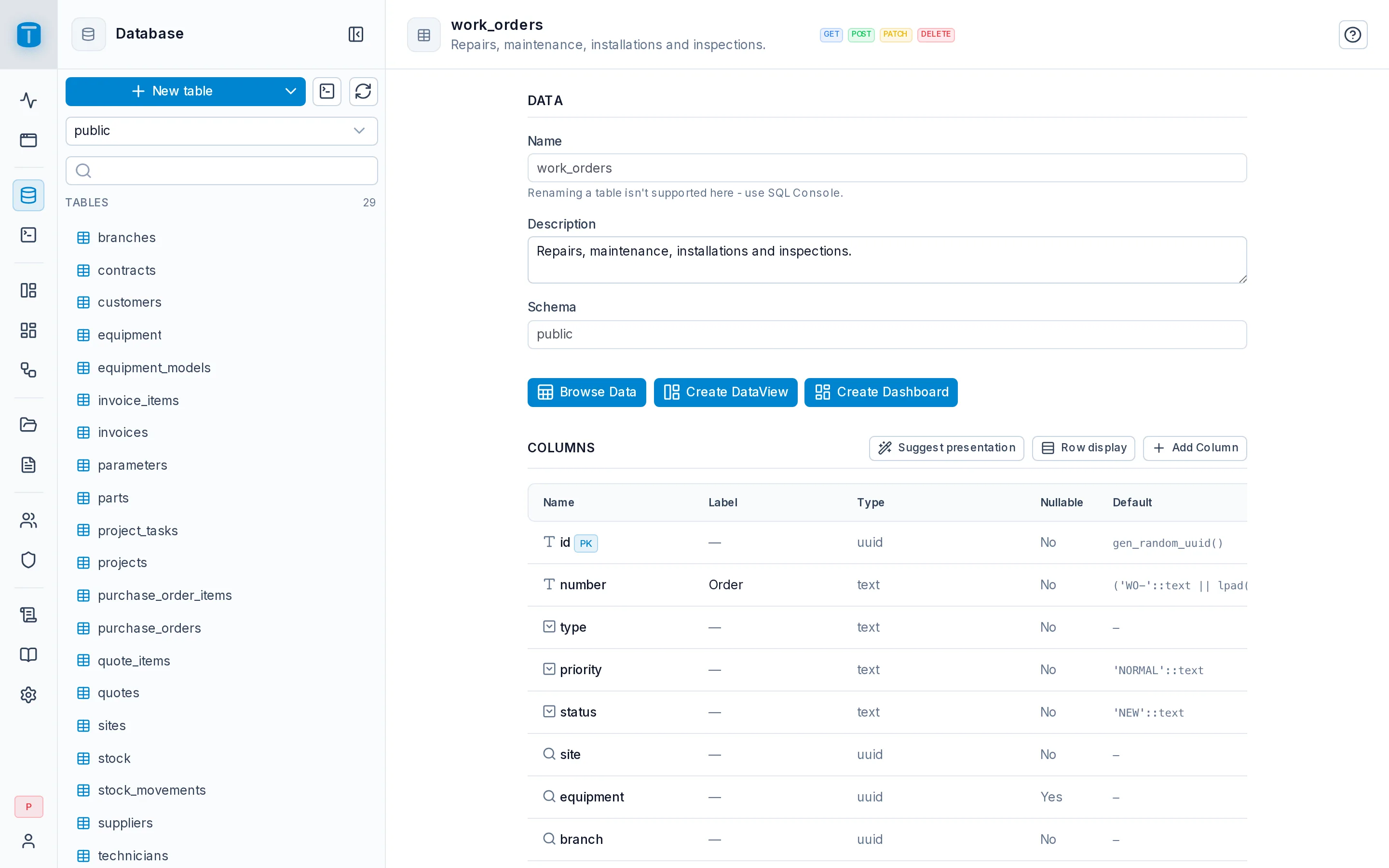
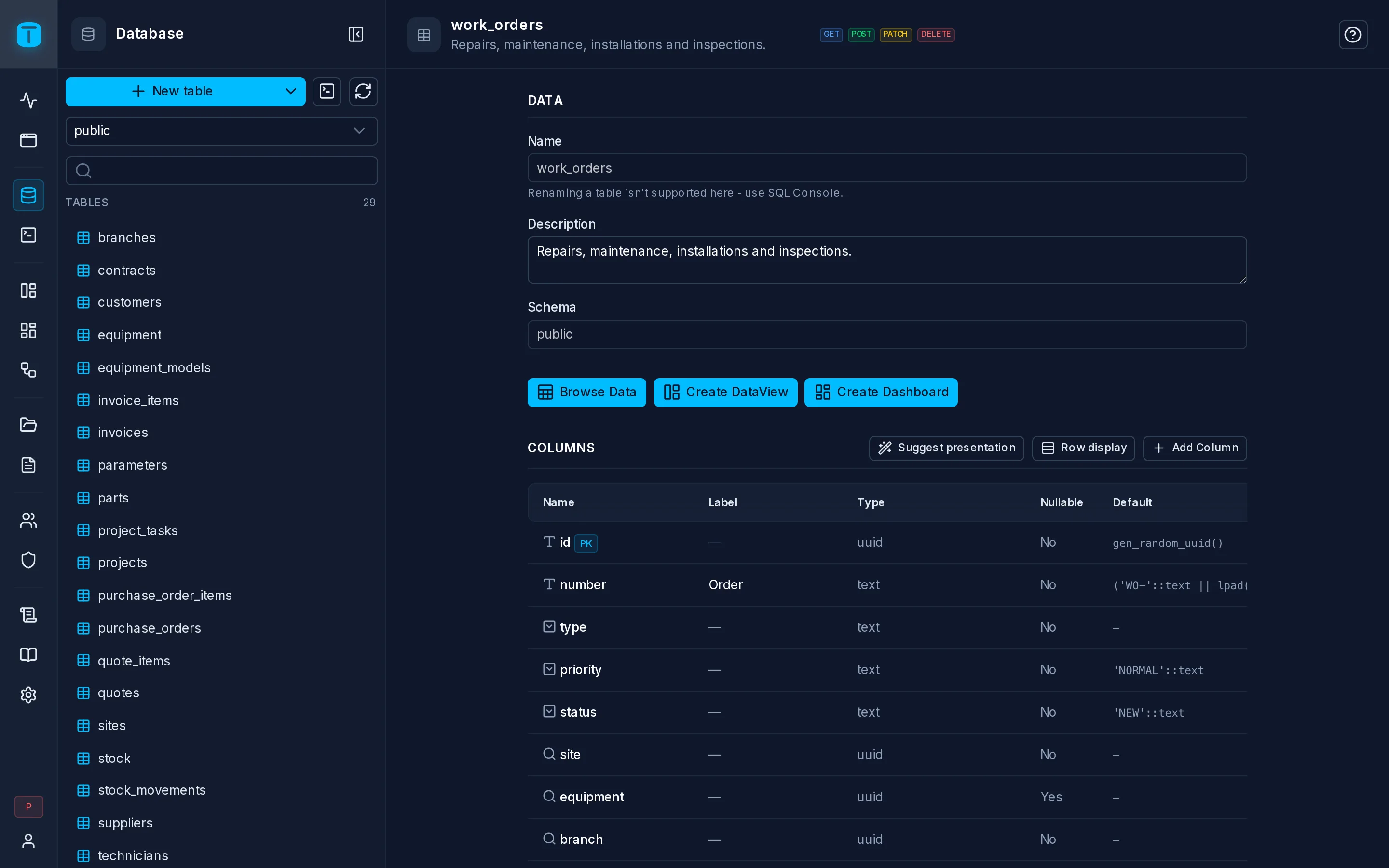
The agent created the table, its keys and constraints in one transaction, exposed it to the API, and labeled and colored its values.
Database › work_orders shows the table, its CHECK constraints and its presentation. The rule about the resolution is PostgreSQL's: it holds for every writer, the agent included. See Tables.
The agent makes one call: the table, its keys, constraints and exposure together, in one transaction.
create_table {
  "schema": "public",
  "name": "work_orders",
  "columns": [
    { "name": "id", "data_type": "uuid", "primary_key": true, "default": "gen_random_uuid()" },
    { "name": "number", "data_type": "bigint", "identity": "ALWAYS" },
    { "name": "site", "data_type": "uuid", "nullable": false,
      "foreign_key": { "references_schema": "public", "references_table": "sites", "references_column": "id", "on_delete": "RESTRICT" } },
    { "name": "priority", "data_type": "text", "nullable": false, "default": "'NORMAL'",
      "check": "priority IN ('LOW','NORMAL','HIGH','URGENT')" },
    { "name": "status", "data_type": "text", "nullable": false, "default": "'NEW'",
      "check": "status IN ('NEW','ASSIGNED','IN_PROGRESS','COMPLETED','CANCELLED')" },
    { "name": "branch", "data_type": "uuid", "nullable": false,
      "foreign_key": { "references_schema": "public", "references_table": "branches", "references_column": "id" } },
    { "name": "technician", "data_type": "uuid",
      "foreign_key": { "references_schema": "public", "references_table": "technicians", "references_column": "id", "on_delete": "SET NULL" } },
    { "name": "description", "data_type": "text", "nullable": false },
    { "name": "resolution", "data_type": "text",
      "check": "status <> 'COMPLETED' OR resolution IS NOT NULL",
      "check_message": "Write the resolution before completing the order." }
  ],
  "expose_methods": ["GET", "POST", "PATCH", "DELETE"],
  "auto_presentation": true
}
Then it labels and colors the values users will see:
set_column_presentation {
  "schema": "public", "name": "work_orders", "column": "status", "merge": true,
  "presentation": { "label": "Status", "options": {
    "NEW": { "label": "New", "color": "neutral" },
    "ASSIGNED": { "label": "Assigned", "color": "info" },
    "IN_PROGRESS": { "label": "In progress", "color": "warning" },
    "COMPLETED": { "label": "Completed", "color": "success" },
    "CANCELLED": { "label": "Cancelled", "color": "error" } } }
}
Permissions for a role
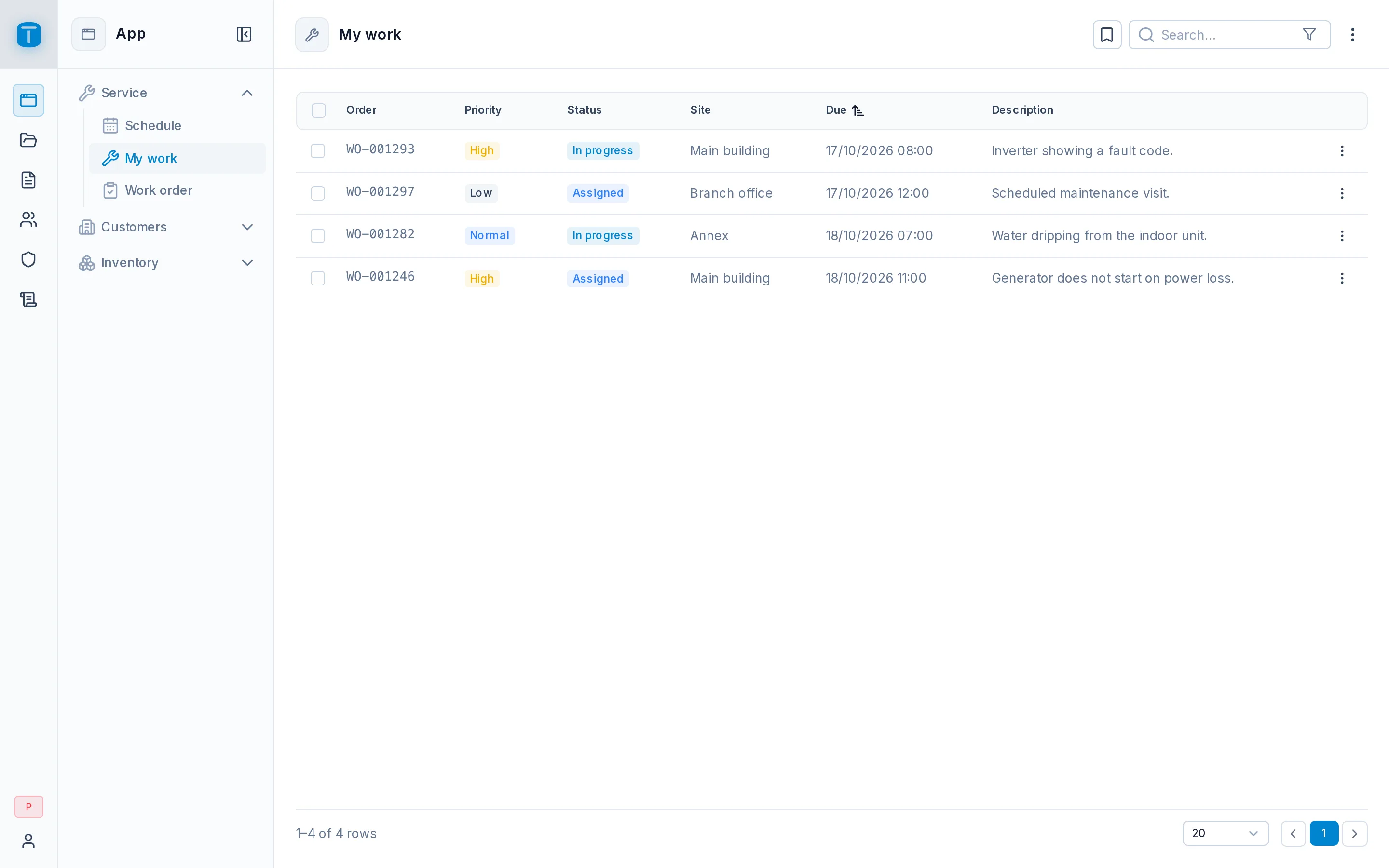
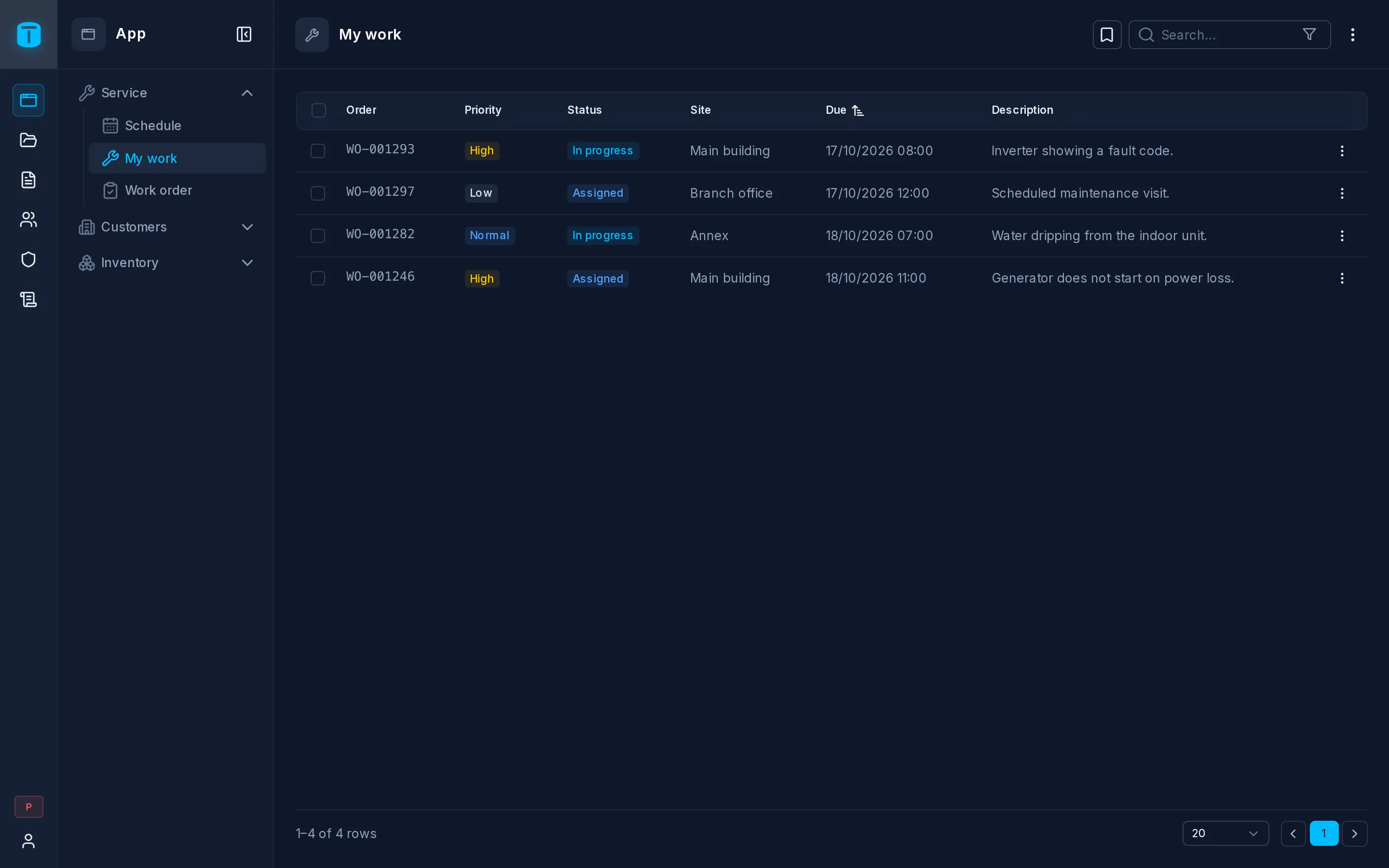
The agent granted each role its actions, its row filter and its fields. A technician signing in sees only their own orders.
Roles › Technician › Permissions shows the grants. To see them from the role's side, ask the agent to read as that role: query_records answers with what the role may see. See Row filters.
grant_permissions {
  "role_ids": ["<Dispatcher role id>"],
  "grants": [
    { "schema": "public", "name": "work_orders", "actions": ["READ", "CREATE", "UPDATE"], "effect": "ALLOW",
      "where": { "branch": { "_eq": "$USER.branch" } }, "fields": "all" }
  ]
}
grant_permissions {
  "role_ids": ["<Technician role id>"],
  "grants": [
    { "schema": "public", "name": "work_orders", "actions": ["READ"], "effect": "ALLOW",
      "where": { "technician.user": { "_eq": "$USER.id" } }, "fields": "all" },
    { "schema": "public", "name": "work_orders", "actions": ["UPDATE"], "effect": "ALLOW",
      "where": { "technician.user": { "_eq": "$USER.id" } }, "fields": ["status", "resolution"] }
  ]
}
A DataView
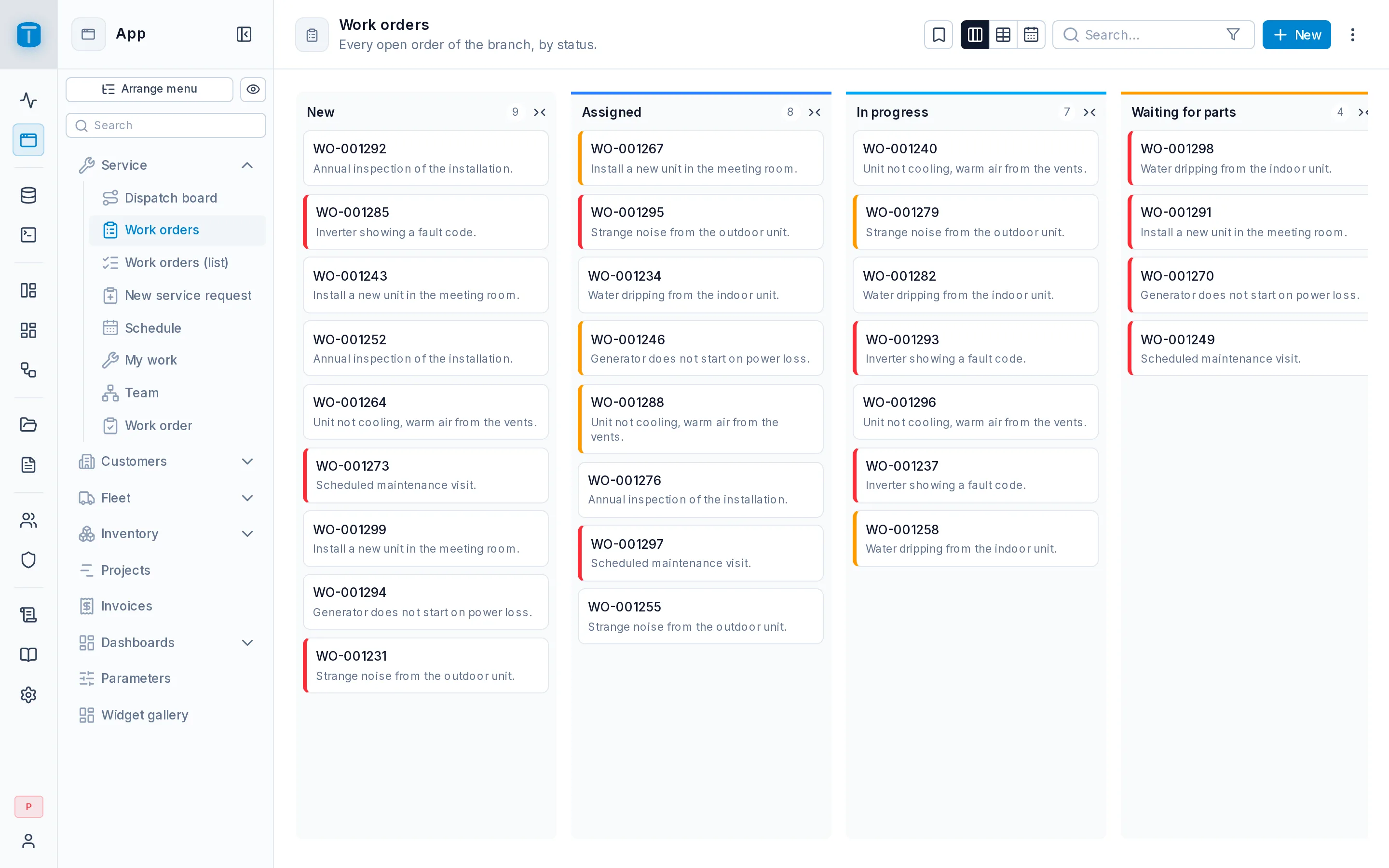
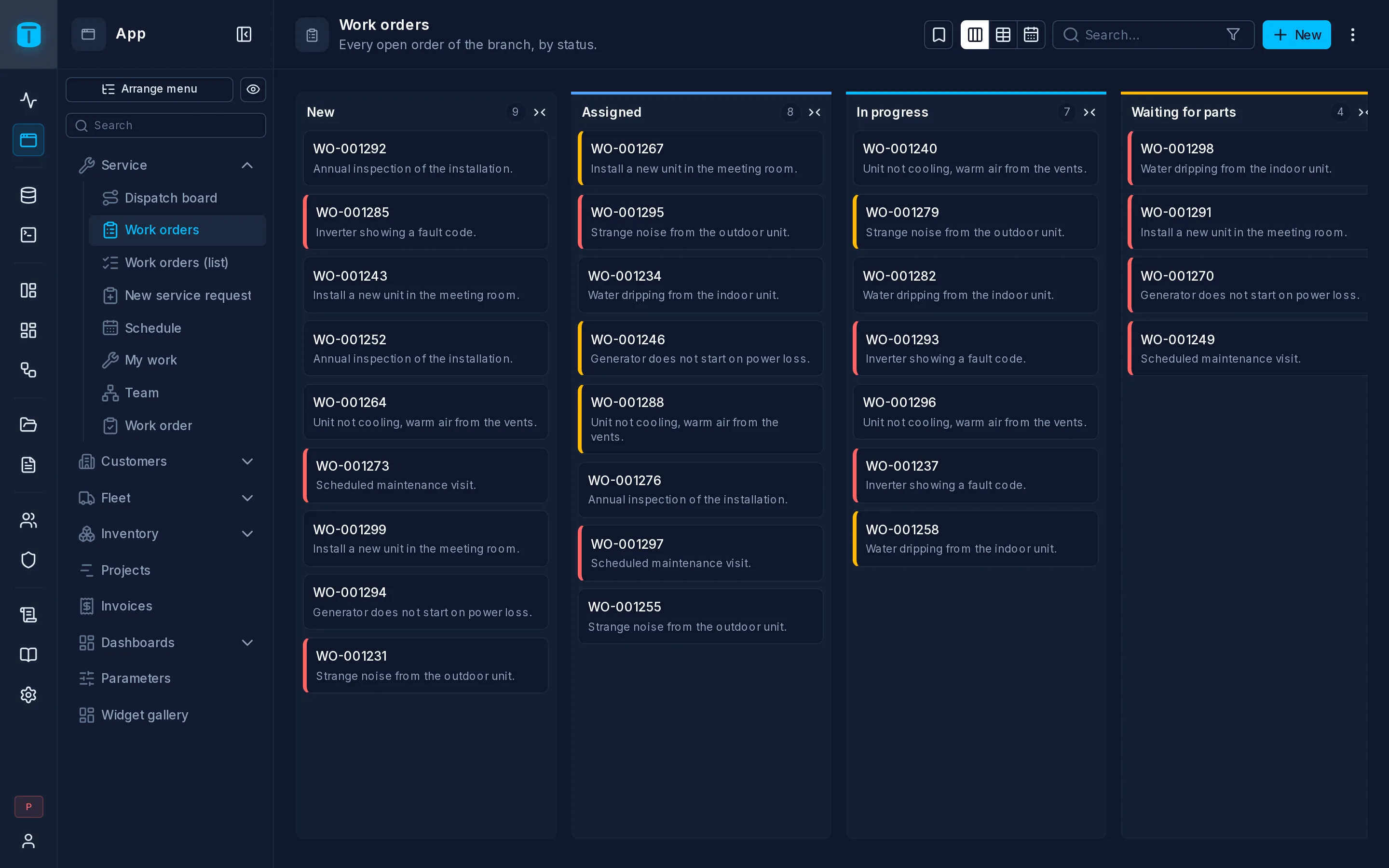
The agent created the kanban over work_orders and published it to Dispatchers and Managers. It's in their App menu.
DataViews › Work orders; open it in the App, or sign in as a dispatcher. See Kanban.
create_dataview {
  "name": "Work orders",
  "view_type": "KANBAN",
  "schema": "public",
  "table": "work_orders",
  "columns": ["number", "priority", "status", "site", "technician", "description"],
  "icon": "i-lucide-columns-3",
  "view_config": { "kanban_layout": { "groupColumn": "status", "titleFormula": "{{number}}", "descriptionFormula": "{{description}}" } }
}
publish_dataview { "id": "<the new DataView's id>", "role_ids": ["<Dispatcher role id>", "<Manager role id>"], "note": "First version" }
The DataView is created as a draft; publishing makes it reach the roles listed, and places it in the App menu.
A dashboard
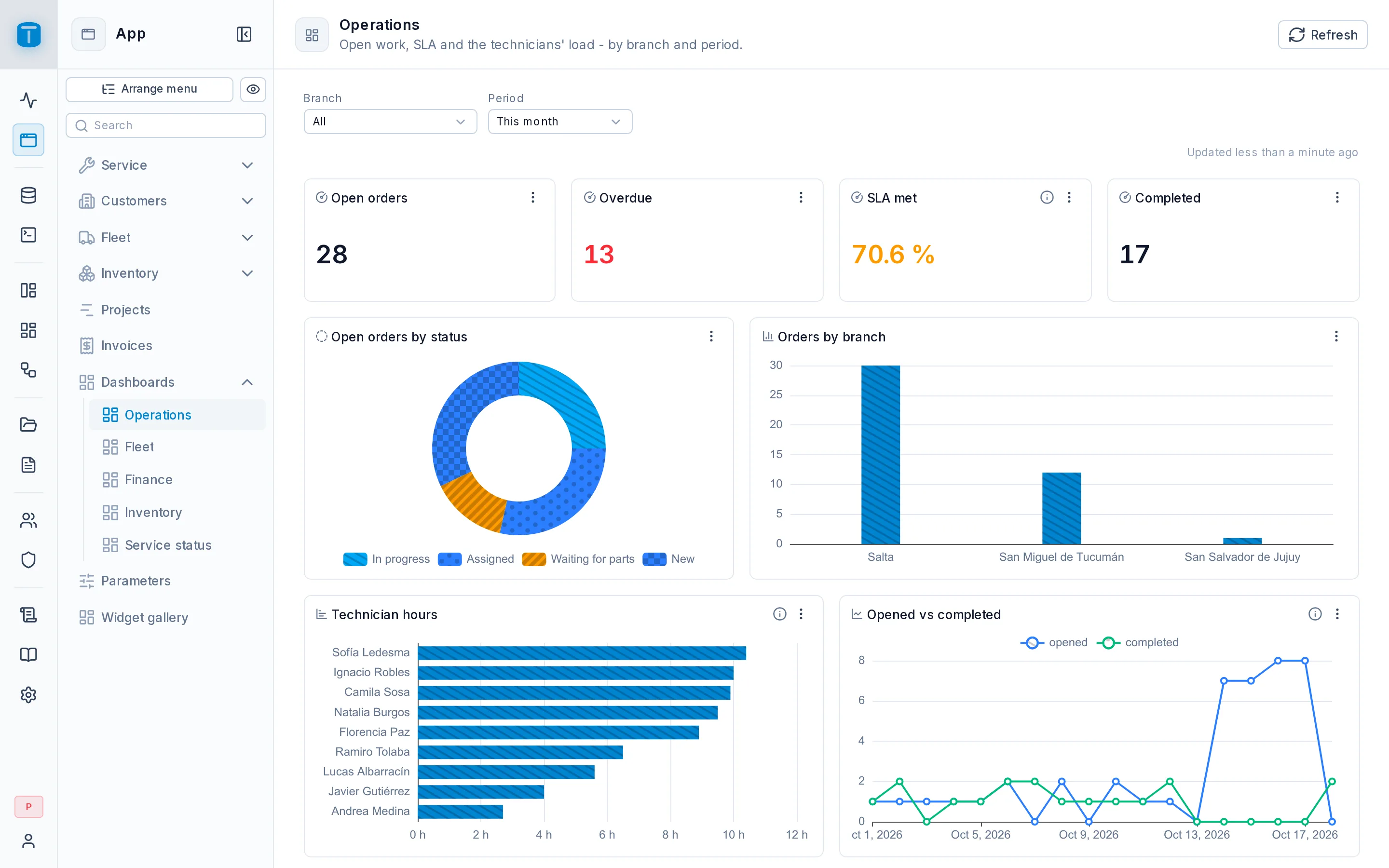
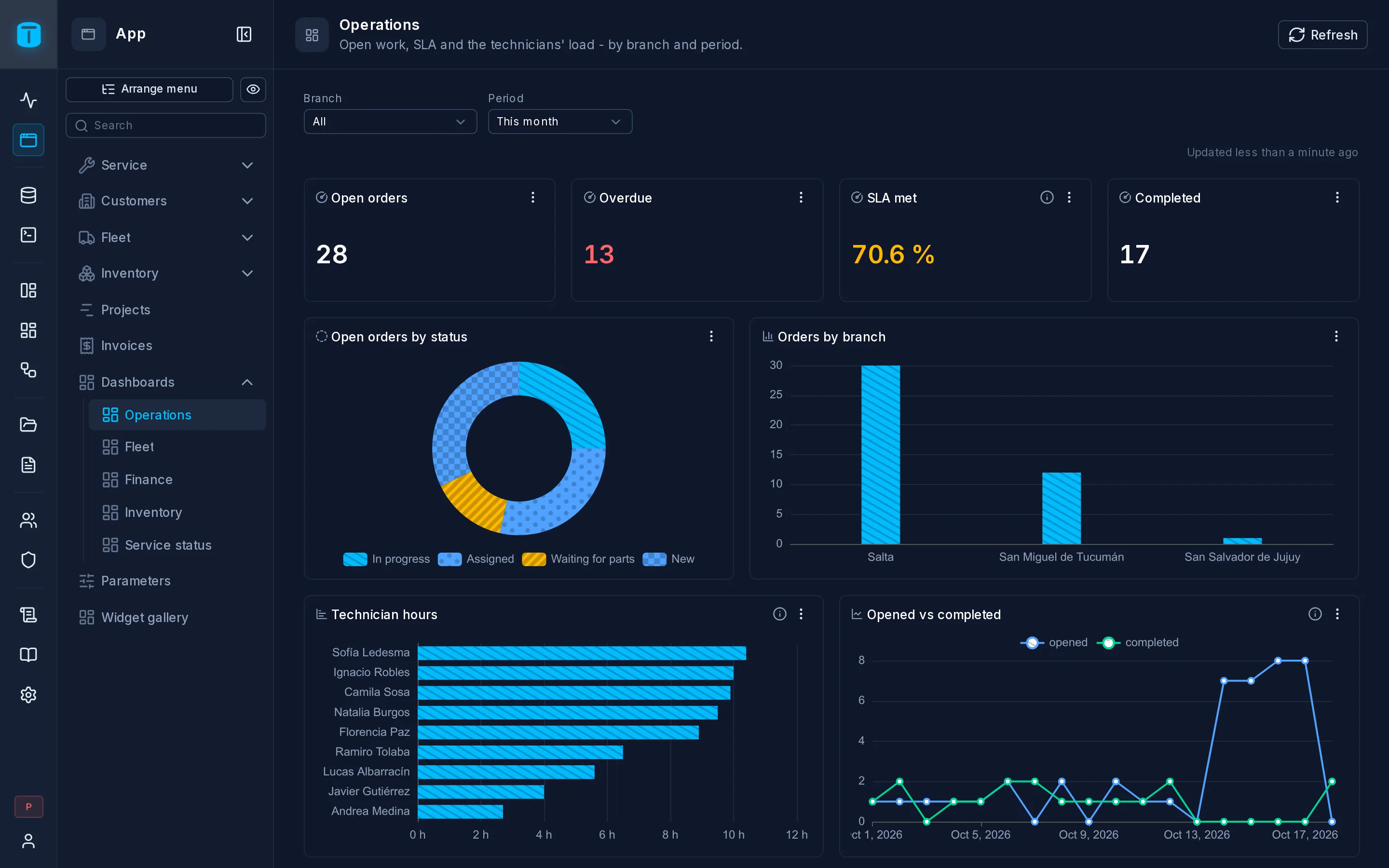
The agent created the dashboard, wrote and tried each widget's query, and published it to Managers.
create_dashboard { "name": "Operations", "icon": "i-lucide-chart-column" }
save_widget {
  "dashboard_id": "<the dashboard's id>", "type": "KPI", "label": "Open orders",
  "query": "SELECT count(*) AS open FROM work_orders WHERE status NOT IN ('COMPLETED','CANCELLED')",
  "grid": { "x": 0, "y": 0, "w": 3, "h": 2 }
}
save_widget {
  "dashboard_id": "<the dashboard's id>", "type": "BAR", "label": "Open orders by status",
  "query": "SELECT status, count(*) AS orders FROM work_orders WHERE status NOT IN ('COMPLETED','CANCELLED') GROUP BY status",
  "grid": { "x": 3, "y": 0, "w": 9, "h": 4 }
}
publish_dashboard { "id": "<the dashboard's id>", "role_ids": ["<Manager role id>"] }
Before saving a widget, the agent can try its query with preview_query, and suggest_dashboard proposes a whole dashboard from a table.
$USER.branch in the SQL. See Dashboards.A workflow
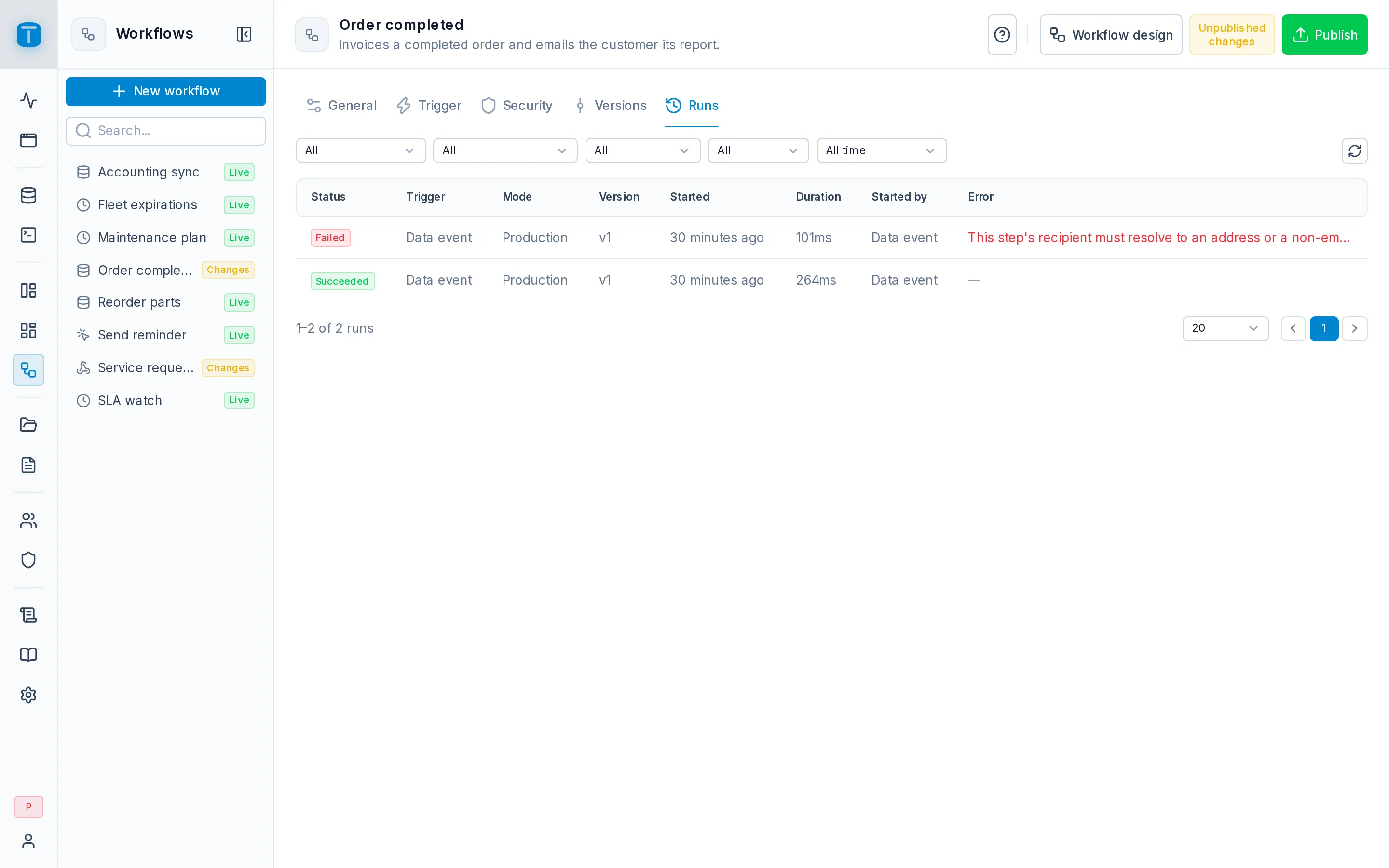
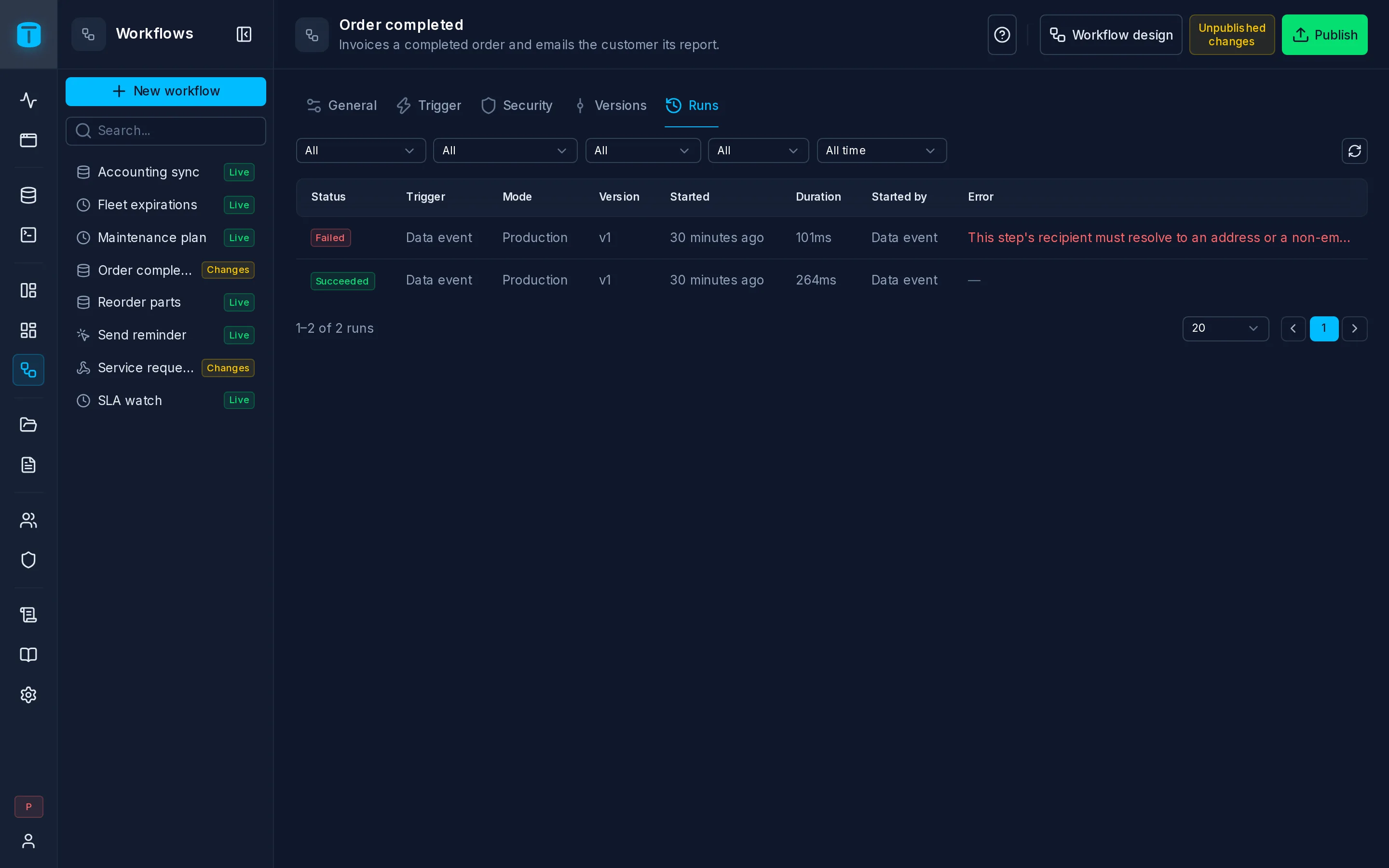
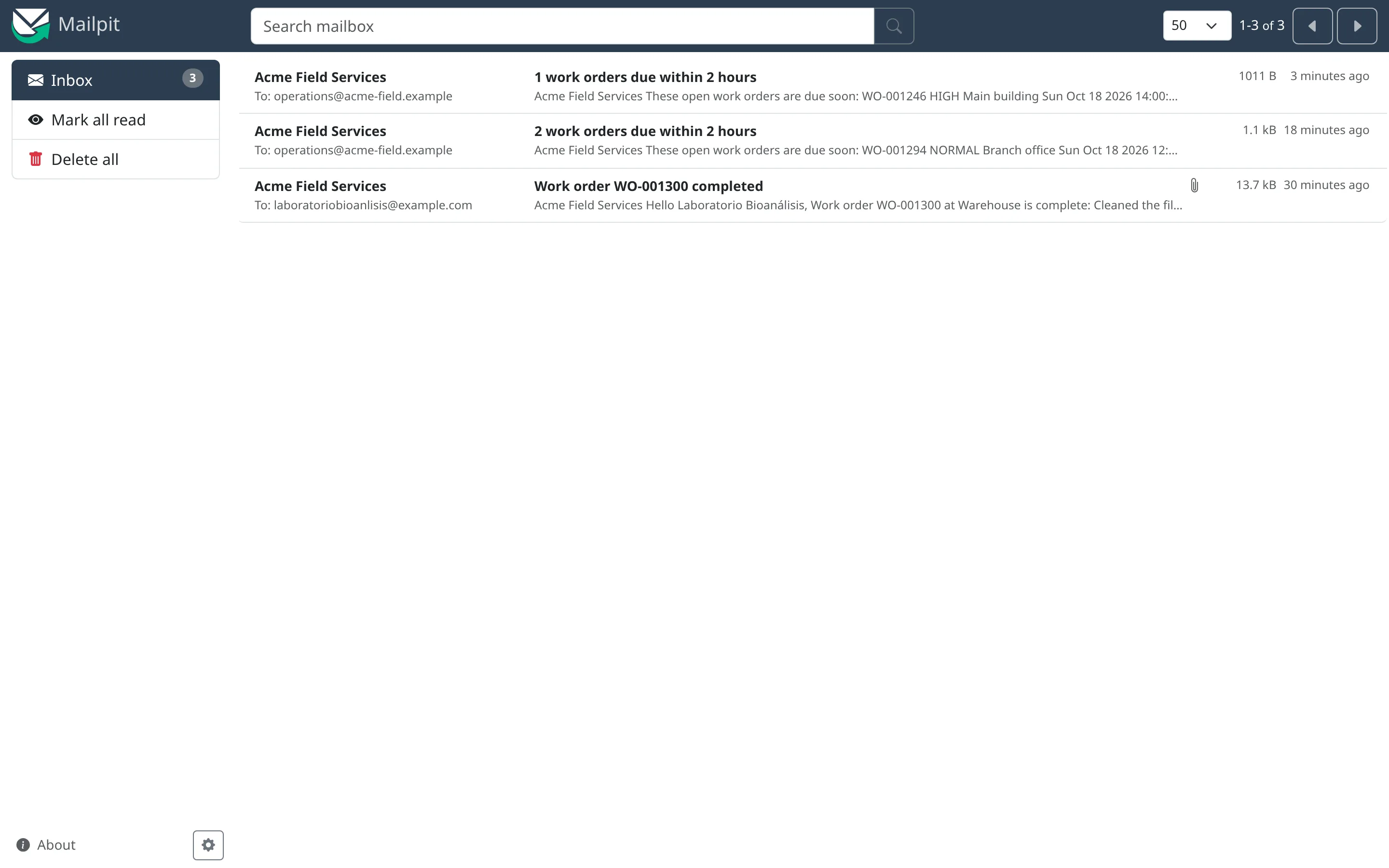
The agent created the workflow, tried it on a real order with a test run, then published and enabled it.
Workflows › Order completed › Settings › Runs shows the test run, step by step. See Workflows.
create_workflow {
  "name": "Order completed",
  "start": { "trigger": "DATA_EVENT", "resource": "<work_orders resource id>", "events": ["UPDATE"],
             "filter": { "status": { "_eq": "COMPLETED" } }, "changed_fields": ["status"],
             "execute_as": "<Workflows user id>" }
}
save_workflow {
  "id": "<the workflow's id>", "revision": "<its revision>",
  "operations": [
    { "id": "<Start's id>", "type": "totalbase.start", "key": "start", "configuration": { "trigger": "DATA_EVENT", "...": "kept as get_workflow returns it" } },
    { "type": "totalbase.send-email", "key": "email",
      "configuration": { "to": "[email protected]", "subject": "Work order {{start.data.number}} completed",
                         "bodyType": "text", "textBody": "Resolution: {{start.data.resolution}}" } }
  ],
  "connections": [
    { "source": "start", "output": "next", "target": "email" }
  ]
}
{{start.data}} is the order that was updated. The agent first reads the workflow with get_workflow, to keep the Start step and pass its revision.
Then a test run on a real order (run_workflow with "mode": "test"), and publish_workflow with "enabled": true.
The App menu
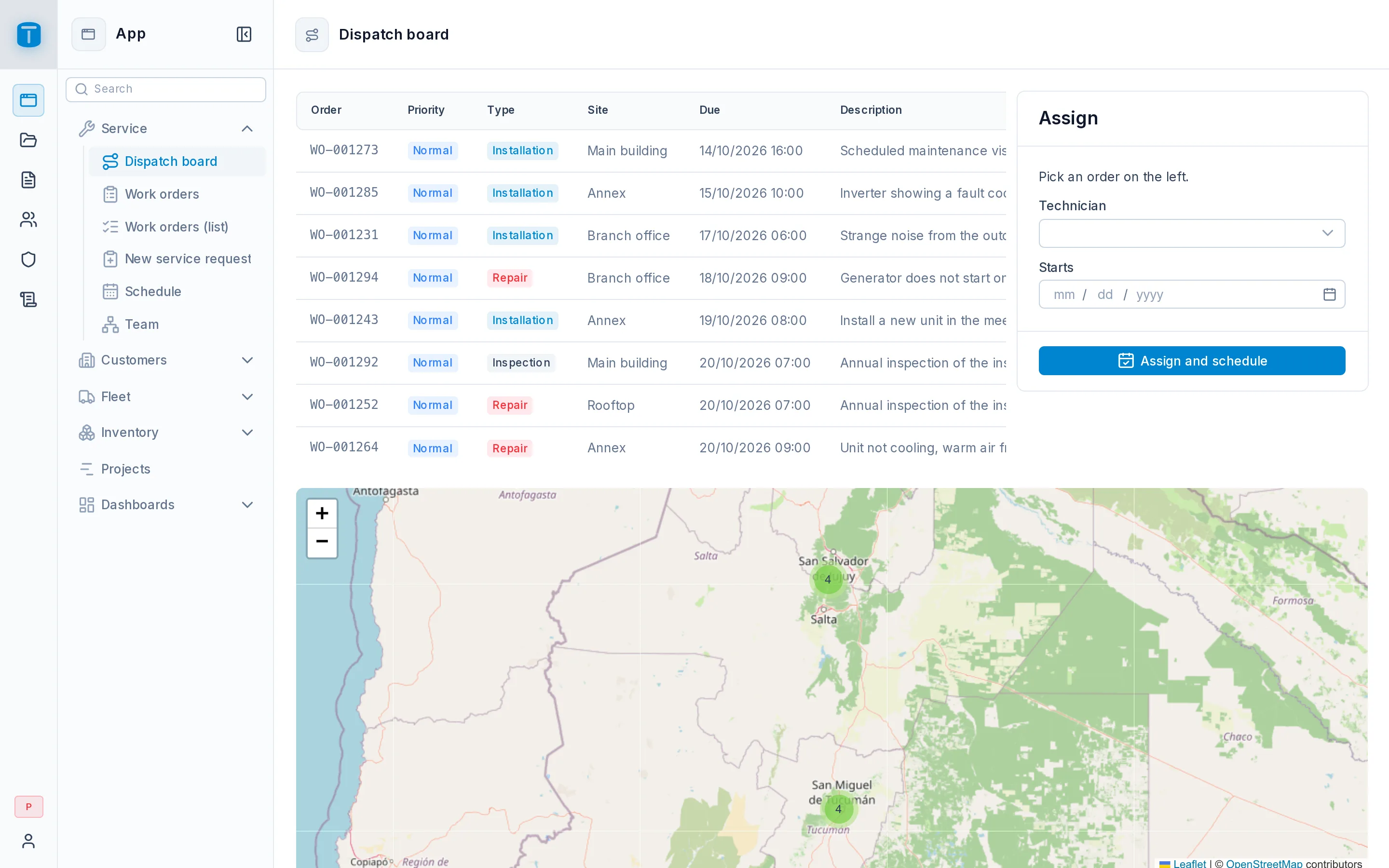
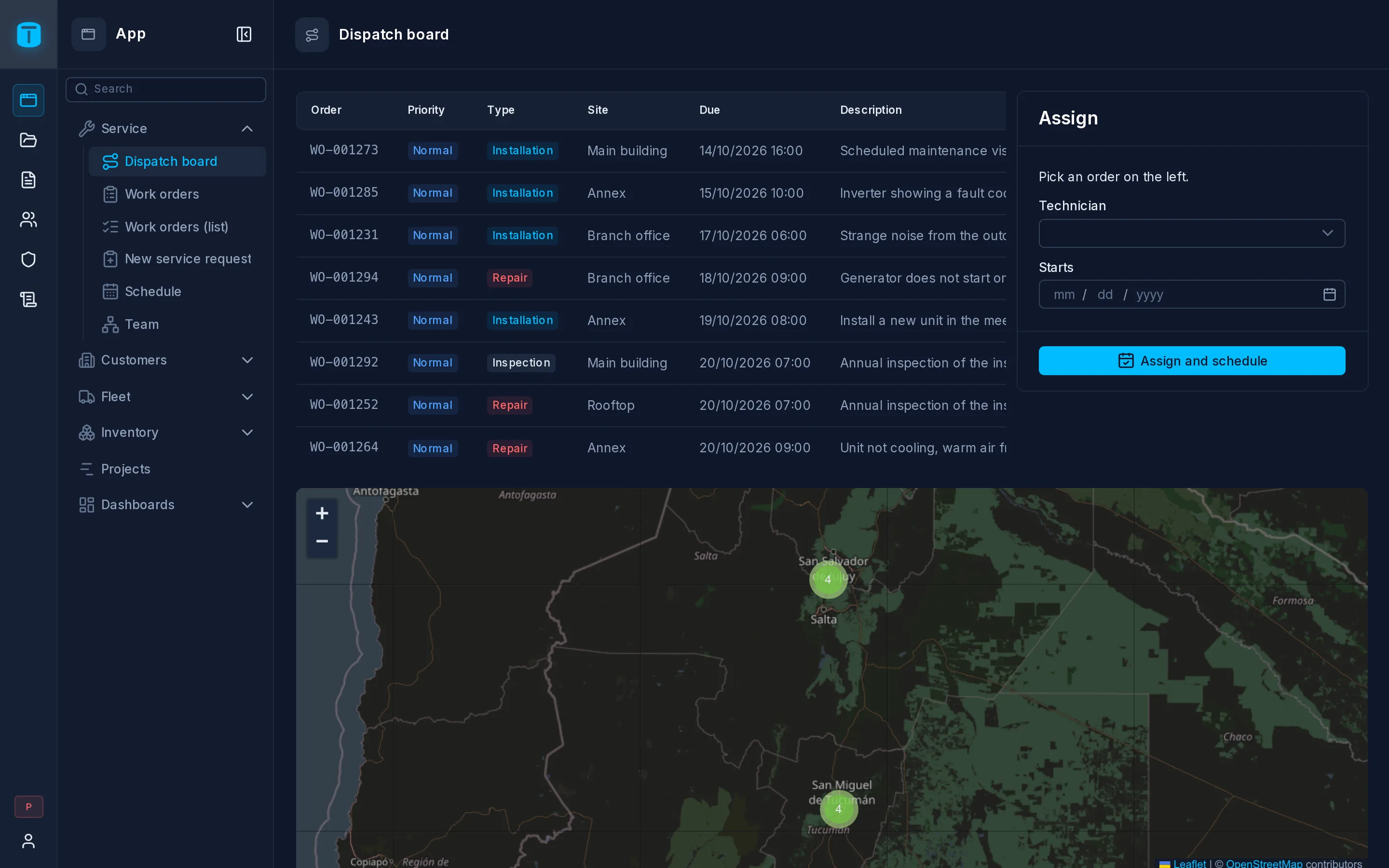
The agent arranged the menu in groups. Each user sees only the entries they may open.
the App, as a dispatcher and as a manager: each sees only the entries they may open. See The App.
set_app_menu {
  "nodes": [
    { "group": "Operations", "icon": "i-lucide-briefcase", "children": [ { "dataview": "work-orders" }, { "dashboard": "operations" } ] },
    { "group": "Fleet", "icon": "i-lucide-truck", "children": [ { "dataview": "fleet-map" } ] }
  ]
}
What the agent can't do
- Anything its token's user can't. Permissions, guardrails and PostgreSQL's constraints apply to every call.
- Raw SQL, unless you turn on SQL token access: views, functions and triggers need it. See Tokens.
- Change its own limits. MCP settings are changed only by an administrator signed in to the admin.
- Delete without asking, in Full mode: destructive calls need
confirm, which the agent is told to ask you for. See MCP Server.
Next steps
- Tools: every tool, by group.
- Quickstart with AI: a whole application from one prompt.