

A User's Page
In the admin: Users › a user
Clicking a user opens their page. The header shows their name with Owner, System or Locked when they apply, Save for changes to the profile and roles, and a ⋮ with the account actions.
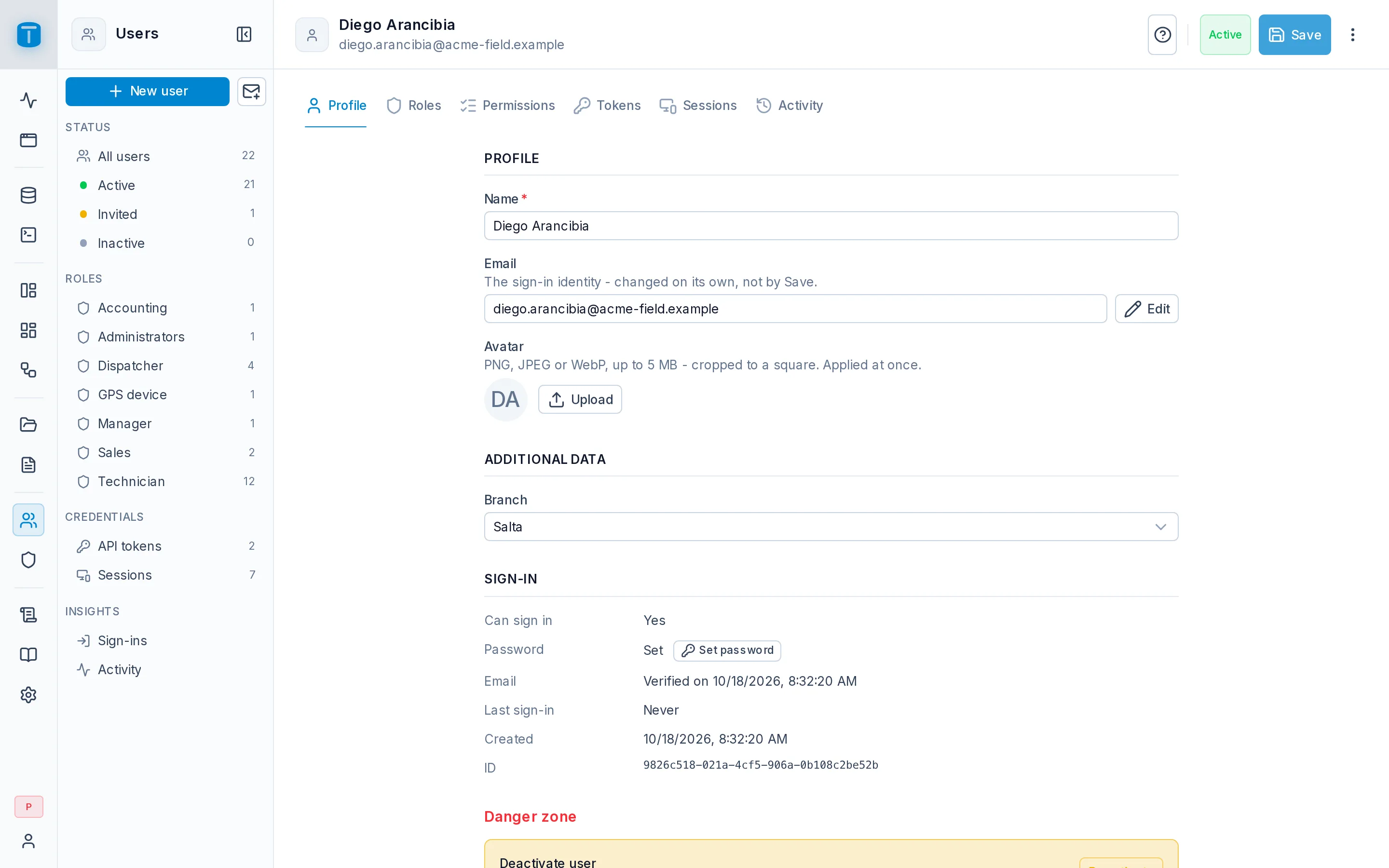
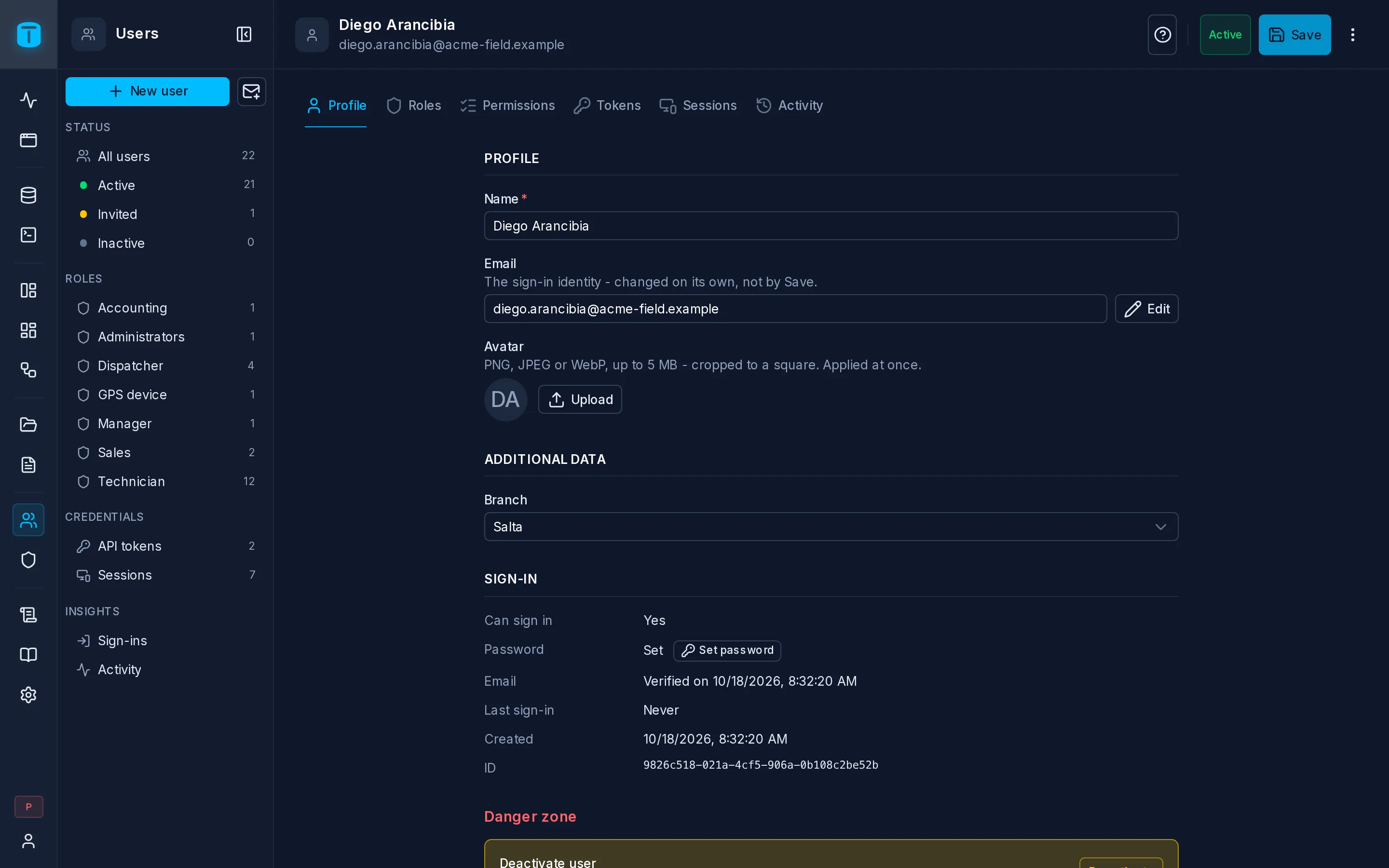
Tabs
| Tab | |
|---|---|
| Profile | Name, email, avatar and Additional data (your own columns). The Sign-in section: whether they can sign in, password, email verified, last sign-in, failed sign-ins and lock, created. The Danger zone: deactivate or delete |
| Roles | A checkbox per role. A user gets the union of every role checked, and the badges show which access that gives (Admin, App, API) |
| Permissions | The combined permissions of all their roles, read-only, with the role that grants each part, its row filter and payload checks. Only granted hides the rest |
| Tokens | Their API tokens |
| Sessions | Where they're signed in, see Sessions |
| Activity | Their audit log entries, with Insights and Open in Logs |
Role changes apply on the person's next request, in every session and token they hold.
The ⋮ menu
| Action | |
|---|---|
| Send password reset / Copy password reset link | for an account with a password |
| Send invitation / Copy invitation link | for an invited account that has no password yet |
| Revoke all sessions | signs them out everywhere |
| Unlock account | only while locked |
Passwords
- Set password, in the Sign-in section, lets an administrator set it directly (with Generate a secure password) and share it another way.
- Send password reset emails them a link valid for 15 minutes (
auth.password_reset_ttl_minutes). - Forgot password, on the sign-in page, does the same for the person themselves. It always answers the same way, whether or not the address has an account.
Passwords must be at least 12 characters by default (auth.password_min_length) and are stored hashed with Argon2id. You change your own in My account.
Lockout
After 5 wrong passwords in a row (auth.lockout_max_attempts), an account is locked for 15 minutes (auth.lockout_duration_minutes). Signing in successfully after it, resetting the password, or Unlock account ends it. A locked sign-in gets the same Invalid email or password answer as any other failure, so an attacker learns nothing; the audit log records the real reason.
Email address
The email is the account's sign-in identity. Edit, beside it, opens Change email: the new address, and whether to send a verification email or mark it as verified. The old address is notified. While email verification is required (the default), an account with an unverified address can't sign in.
Deactivating and deleting
Deactivate, in the Danger zone, stops someone from signing in and ends every session at once. Their account, history and records stay. Use it when someone leaves.
Delete removes the account. Rows in your tables that reference the user follow your foreign keys' ON DELETE rules: if technicians.user is RESTRICT, PostgreSQL refuses to delete a user who is still a technician.
Some accounts are protected:
- You can't deactivate or delete your own account.
- The instance owner (the first administrator) can never be deleted or deactivated, and never loses the Administrators role.
- System accounts, such as the Workflows user, can't sign in, be deactivated or be deleted.
- Only an administrator can change an administrator's account.
For a delegated manager
A user who manages others without being an administrator gets a reduced page: the users they may see, the fields they may change. See Delegated administration.