

OpenAPI
In the admin: Docs › Endpoints, OpenAPI
TotalBase generates an OpenAPI 3.1 document of the Data API from your database's catalog, your resources' exposure, the caller's permissions and the instance's settings. Nobody writes or edits it, and it can't get out of date.
GET /api/openapi.json
Authorization: Bearer <token>
It describes the caller
The document lists what this caller can do right now:
- only resources whose method is exposed and whose action the caller's roles allow;
- for each table, schemas built from the caller's field grants:
| Schema | Holds |
|---|---|
{schema}_{name} | a row as reads and writes return it: the READ grant's fields, or the primary key only |
{schema}_{name}_create | the fields the caller may create, with required for NOT NULL columns without a default |
{schema}_{name}_update | the fields the caller may update |
Generated columns are left out of write bodies. Password columns appear only in write bodies. Columns no one may read through the API never appear. A create body also documents its nested $child lists.
A Dispatcher's document shows work_orders with GET, POST and PATCH, and the fields they may use. A GPS device's token sees a single operation: POST /api/public/table/vehicle_positions.
Also included:
- each function the caller may execute, with its arguments and its classification (
x-totalbase-function-class:QUERYonly reads,ACTIONchanges data); - the workflows the caller may run;
- the fixed routes the caller can use (authentication, tokens, transactions while the caller holds the capability).
Extensions describe the query language for each resource: x-totalbase-fields lists the readable fields, x-totalbase-relations the foreign keys, and x-totalbase-operators the filter operators.
servers is the instance's public URL (system.public_url).
Using it
Generate a typed client, import it into Postman or Insomnia, or hand it to an AI agent. Because it's per caller, generate it with the credential the client will use.
curl -s https://ops.acme-field.example/api/openapi.json \
  -H "Authorization: Bearer $TOKEN" -o acme-api.json
npx openapi-typescript acme-api.json -o acme-api.d.ts
In the admin
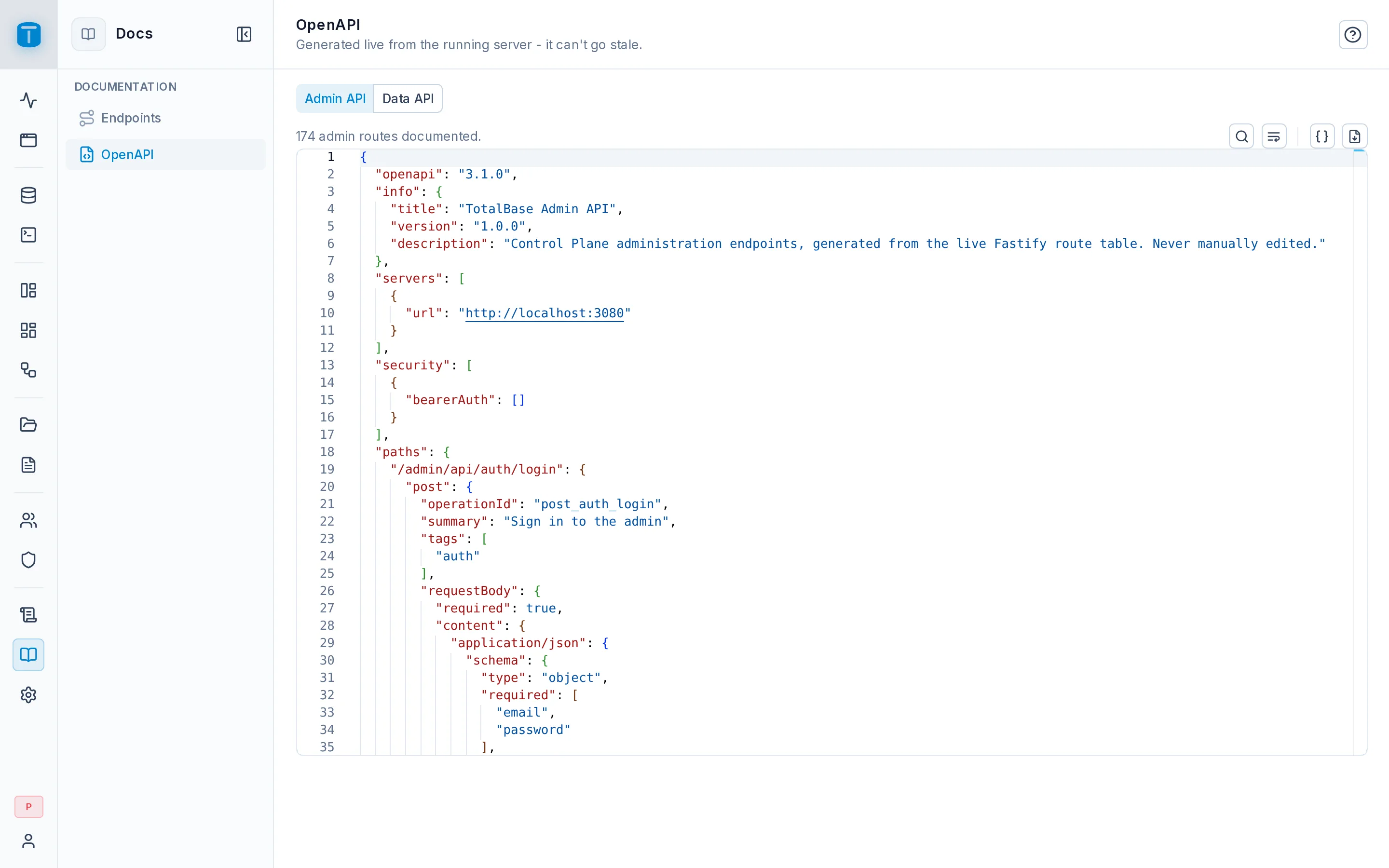
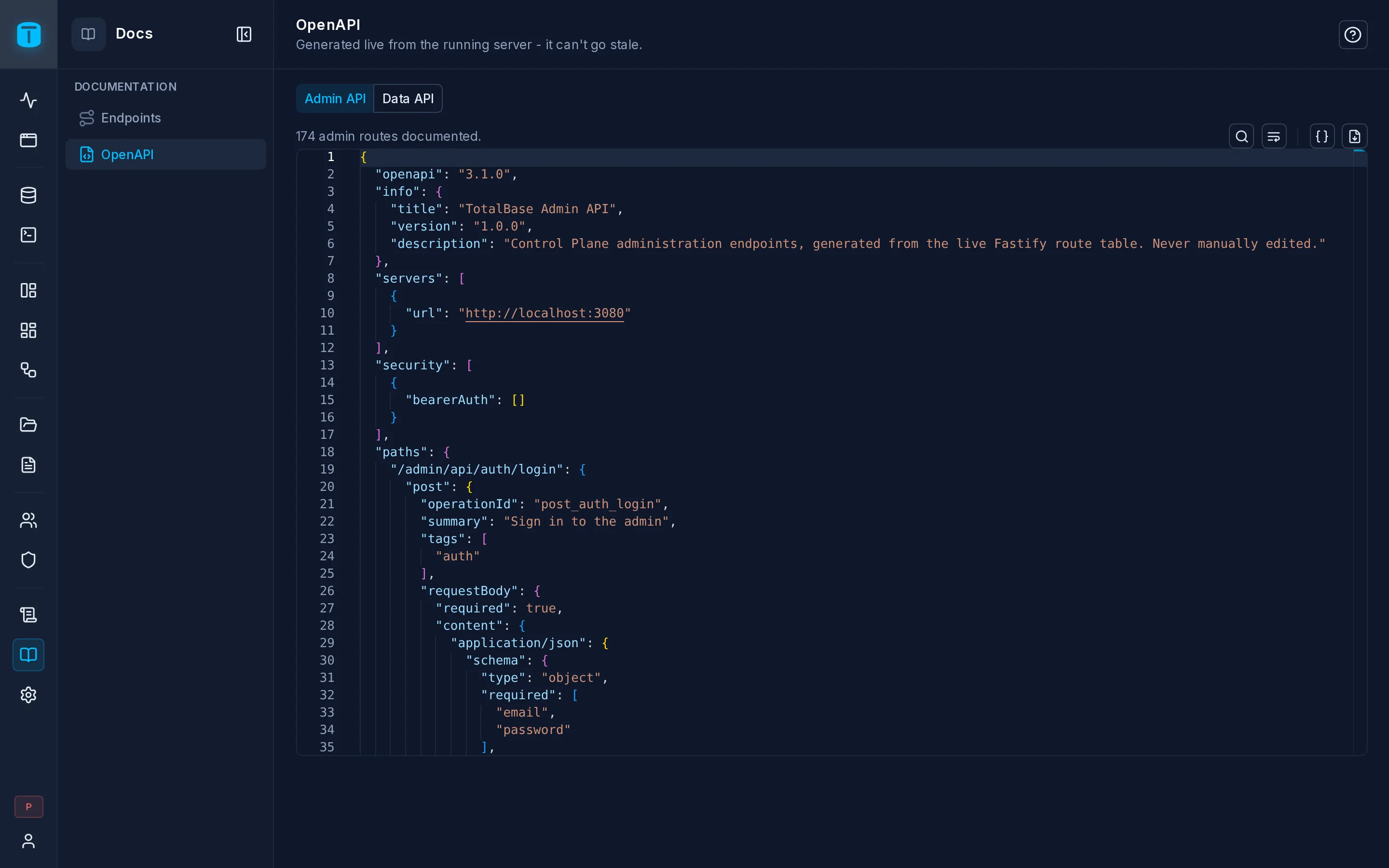
Docs in the rail has two screens:
- Endpoints: every route of the instance, whoever can use it: tables, views, functions, workflows and fixed routes, with methods that aren't exposed shown as disabled. Filter by status, method and type, and copy a URL or a
curlcommand. - OpenAPI: the document as a given role sees it, as a session or as a token, so you can check what a role's API looks like without holding its credential. The Admin API's own document is there too.
Caching
Documents are cached per role set and rebuilt when something they describe changes: a resource's exposure, a permission, a role, a setting, a workflow, or the catalog. Turn it off with openapi.cache_enabled. openapi.enabled off makes /api/openapi.json answer 404; the admin's screens keep working.
openapi.include_examples (on by default) adds sample values to schemas.