

Managing Users
In the admin: Users
Users in the rail is the list of accounts that can sign in: each person's roles, status and last sign-in. The sidebar filters it, and leads to the other user screens.
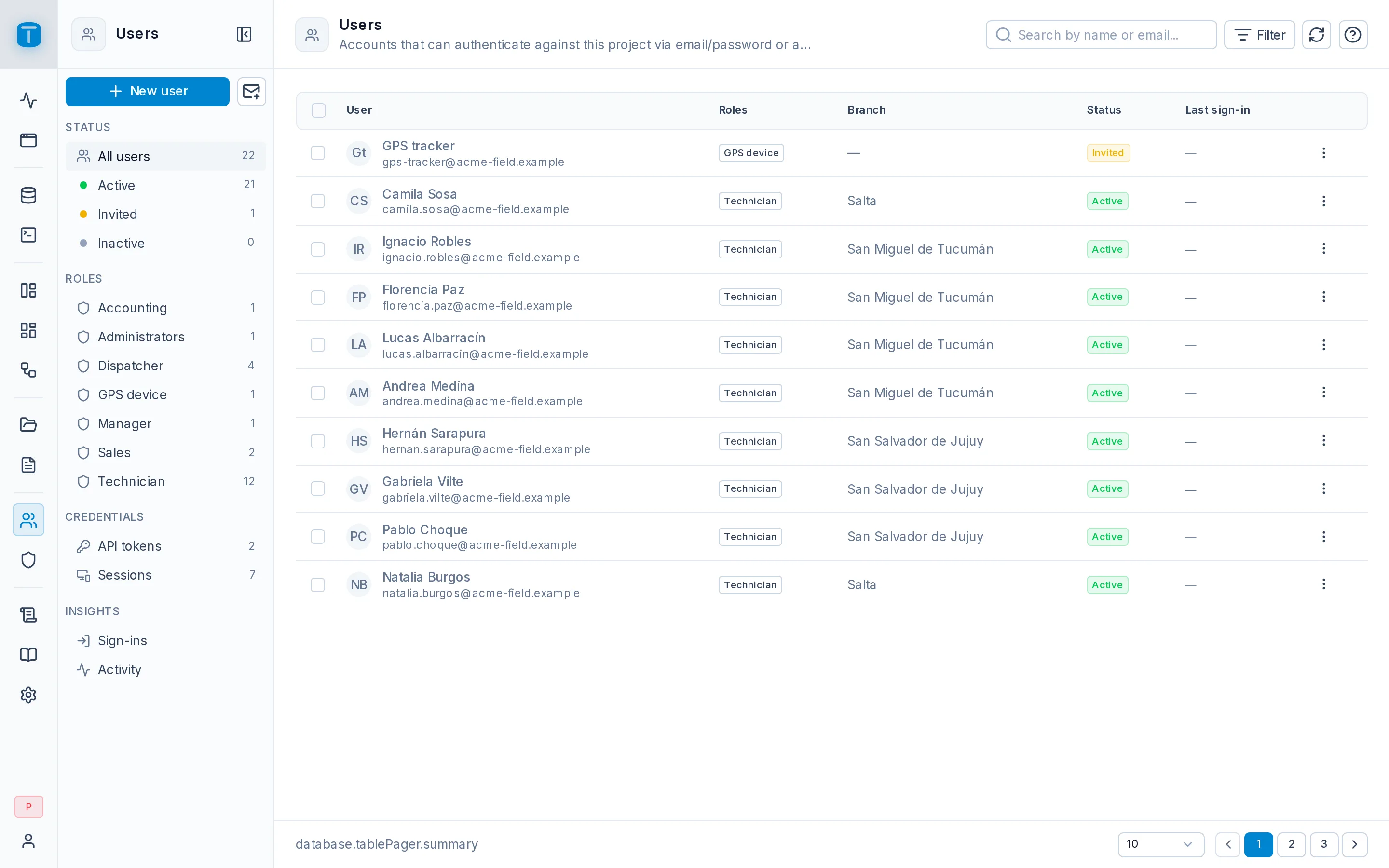
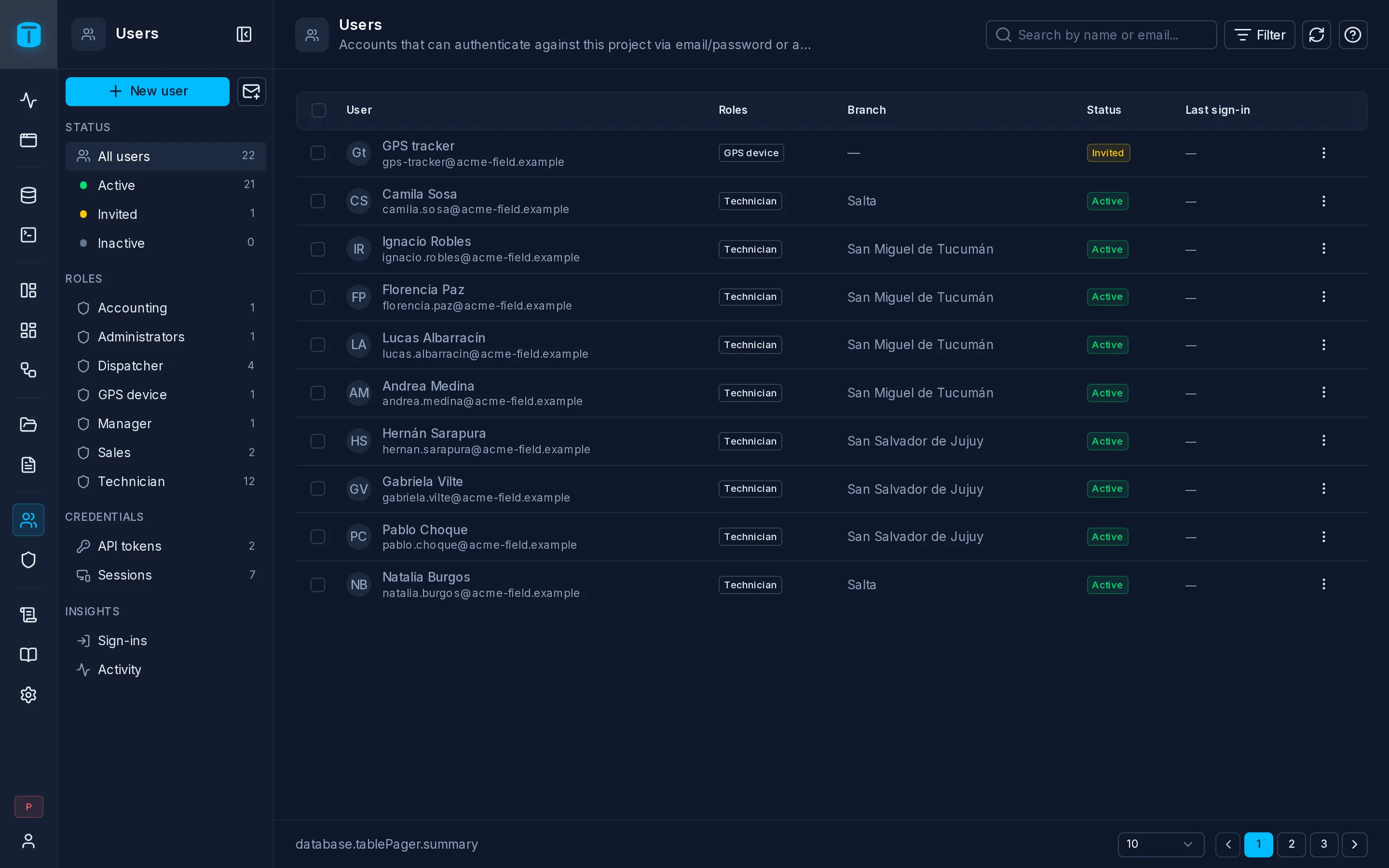
The sidebar
| Group | |
|---|---|
| (top) | New user, and the envelope icon, Invite by email |
| Status | All users, Active, Invited (no password set yet), Inactive, each with its count |
| Roles | one entry per role, with its count: the users holding it |
| Credentials | API tokens and Sessions of every user |
| Insights | Sign-ins and Activity |
The list
The search box finds users by name or email. Filter filters by your own columns on the users table, such as Acme's branch; each active filter shows as a chip you can remove.
| Column | |
|---|---|
| User | name, email and avatar |
| Roles | |
| your columns | one per column you added to the users table |
| Status | Active, Invited or Inactive, plus Locked, Owner or System when they apply |
| Last sign-in |
Click a row to open the user's page. The row's ⋮ opens it, or Deactivate, Activate or Delete it.
Select several users to Add to role…, Remove from role…, Deactivate or Delete them together.
Adding people
Invite by email opens Invite user: name, email, roles and additional data. Send invitation creates the account without a password and emails an invitation. The person sets their own password when they accept. The link is valid for 7 days (auth.invitation_ttl_hours), and accepting it marks the email as verified.
New user creates a complete account with a password you set (with Generate a secure password if you like): the person can sign in at once, and no email is sent. Use it when email isn't an option.
A new user starts with the roles you check, and with no access at all if you check none.
Anything that sends a link needs SMTP configured. From the user's page an administrator can also copy the invitation or reset link instead of having it emailed, and share it another way. Holding that link means holding the account: treat it like a password.
Self-registration
Public sign-up (POST /api/auth/register) is off by default. Turn it on in Settings › Access › Authentication and choose the role every new account receives, for example a Customer role with access to a few DataViews. It can't be an administrative role. Without one, a registered user has no access until someone gives them a role.
Extending the users table
Add your own columns to totalbase.users with SQL, as Acme does with branch:
ALTER TABLE totalbase.users
  ADD COLUMN branch uuid REFERENCES public.branches (id);
They appear as Additional data in New user, Invite user and every user's profile, and as columns and filters in the list. Permissions read them as $USER.branch. TotalBase's upgrades keep your columns, indexes and constraints.