

Settings
In the admin: New DataView › Settings · Settings › Layout
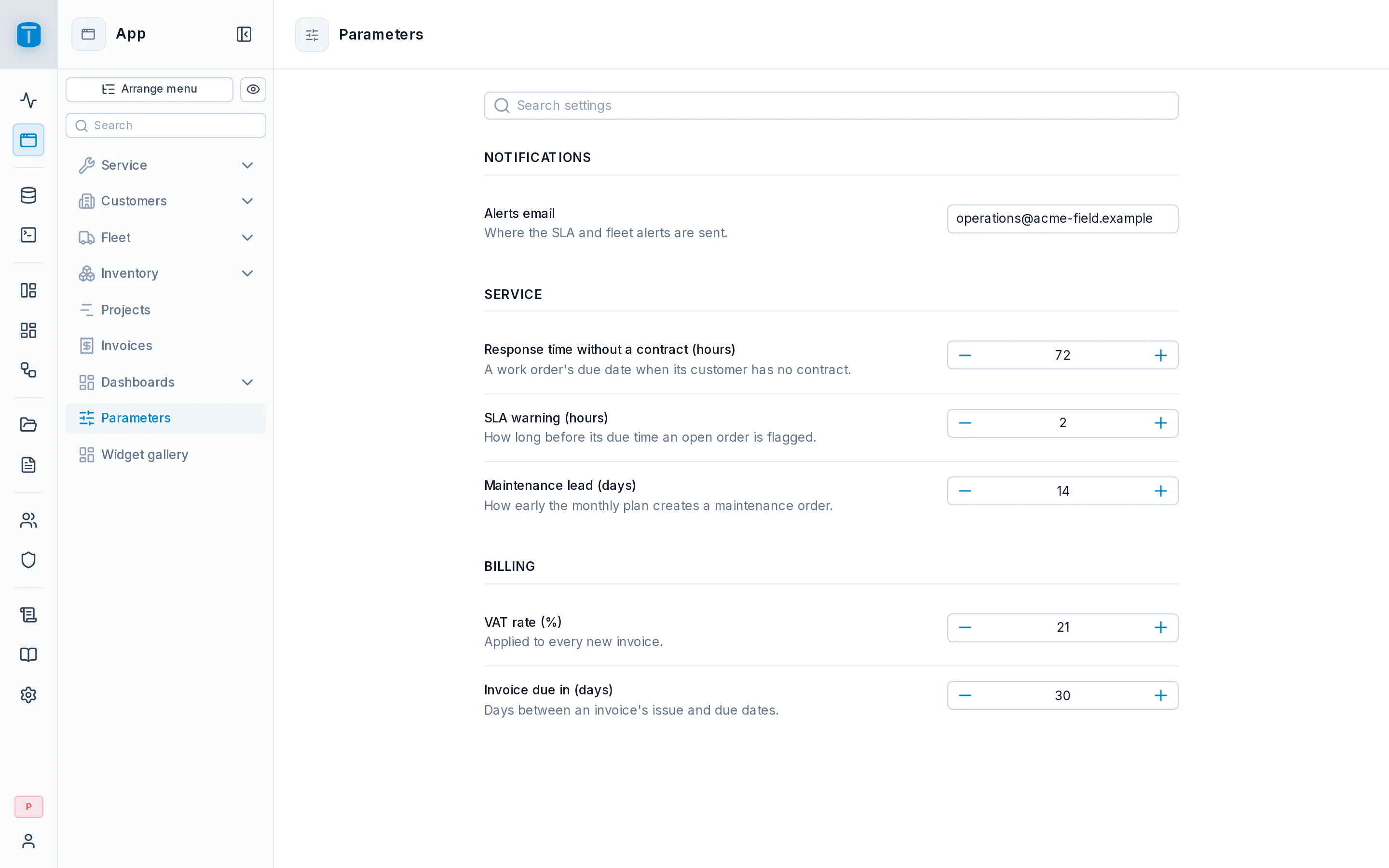
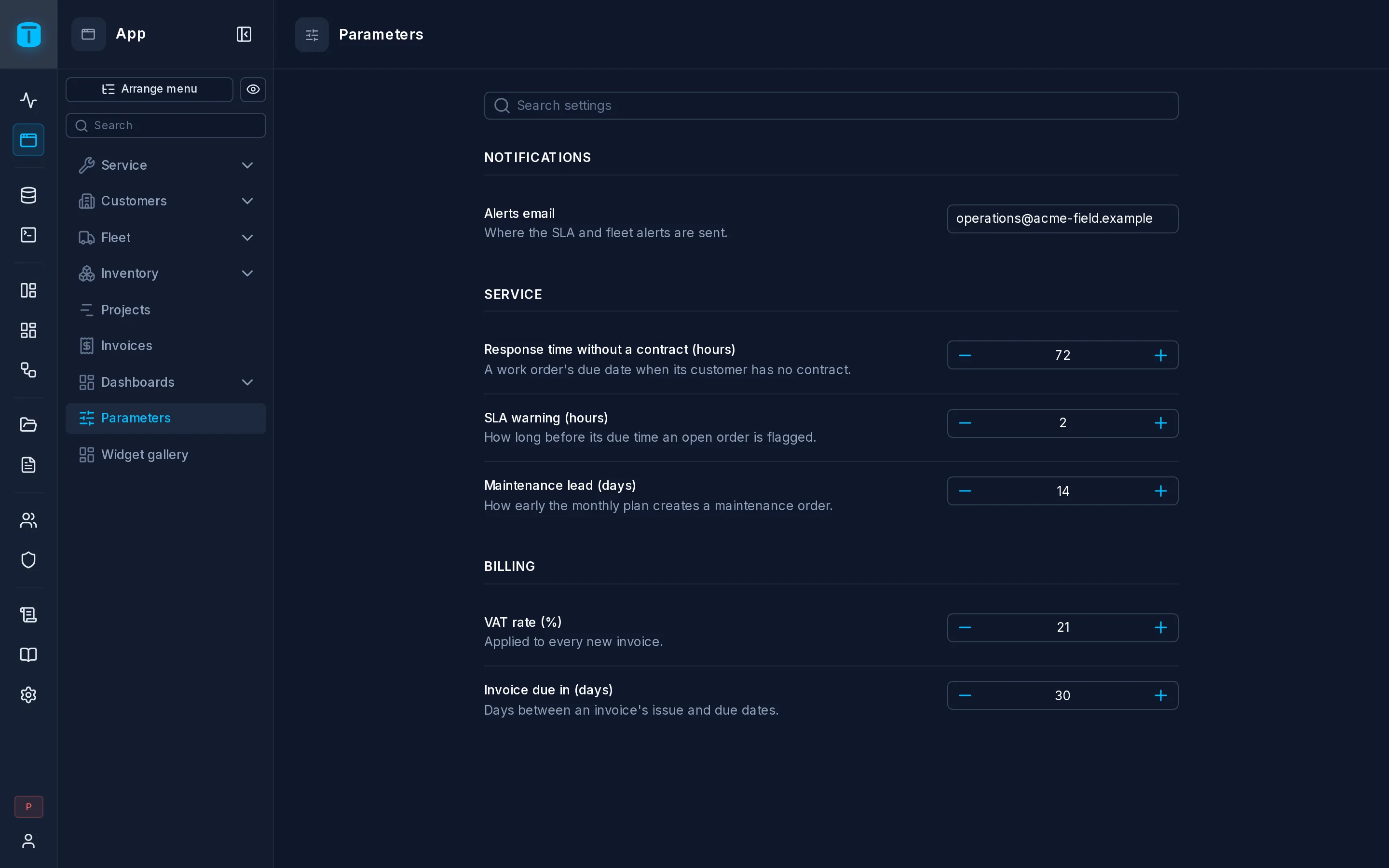
A Settings DataView edits a parameter table the way TotalBase's own Settings look: a section per group, a row per setting with its title, its description and its control. Use it for your application's parameters: the default tax rate, the hours a technician has to respond, the email that receives alerts.
What it needs
A table with a row per setting and at least four columns:
CREATE TABLE public.parameters (
  key         text PRIMARY KEY,
  value       jsonb NOT NULL,
  title       text NOT NULL,
  description text NOT NULL,
  section     text,
  position    integer
);
When you pick a table like this for another type, the wizard suggests Use Settings.
The layout
The wizard's Settings step proposes each column from its name:
| Field | |
|---|---|
| Key | Required. Each setting's identifier, never shown |
| Value | Required. What is edited |
| Title | Required. The name each setting shows |
| Description | Required. The help under its title |
| Group | Optional. A section per group, headed by its name. Without it, one section |
| Order | Optional. The settings in its order. Without it, by title |
The control
With a jsonb value column, each setting's control follows its value's JSON type: a number input, a switch, a date (YYYY-MM-DD), a text field (several lines when the text is long), or a JSON editor for an object or a list. A value column that isn't jsonb is edited as text.
What users can do
- Change settings and Save each section. A changed setting shows Modified until it's saved, and leaving with unsaved changes asks first.
- Search the titles and descriptions.
There's no New and no Delete: the rows are the installation's own.
Each setting is saved as one update through the Data API, so PostgreSQL validates it. A CHECK or a trigger's RAISE message shows under the setting it refused. Settings the user may not change are shown locked, decided by their permissions on the value column and their row filter.
Next steps
- Form: its Single record mode, for settings kept as the columns of one row.