

Overview
In the admin: Templates
Templates holds the documents TotalBase fills in with your data: emails a workflow sends, PDFs the API or a workflow generates, and the system emails TotalBase itself sends, such as an invitation or a password reset.
The sidebar groups them the same way: Emails, PDF and, for administrators, System.
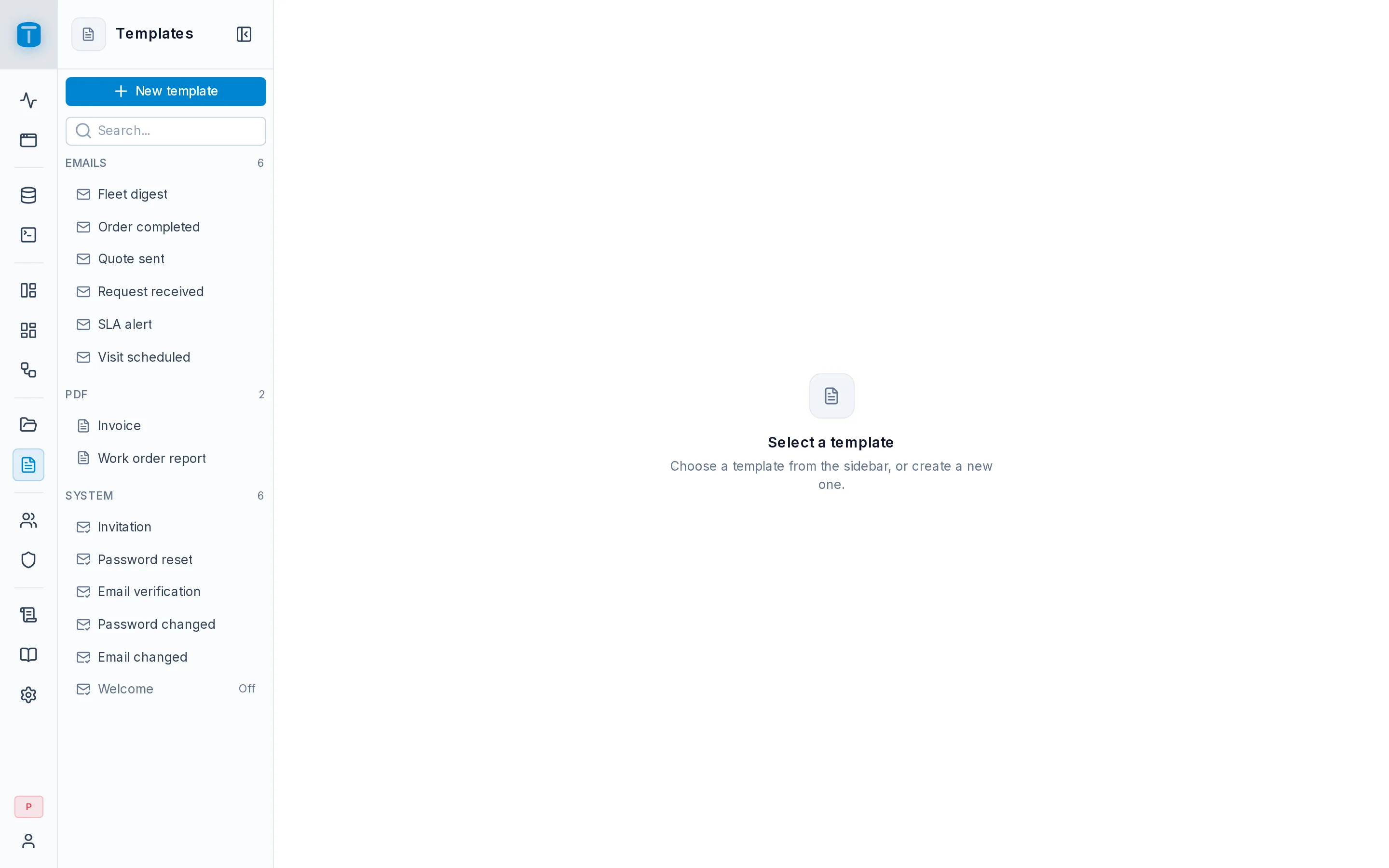
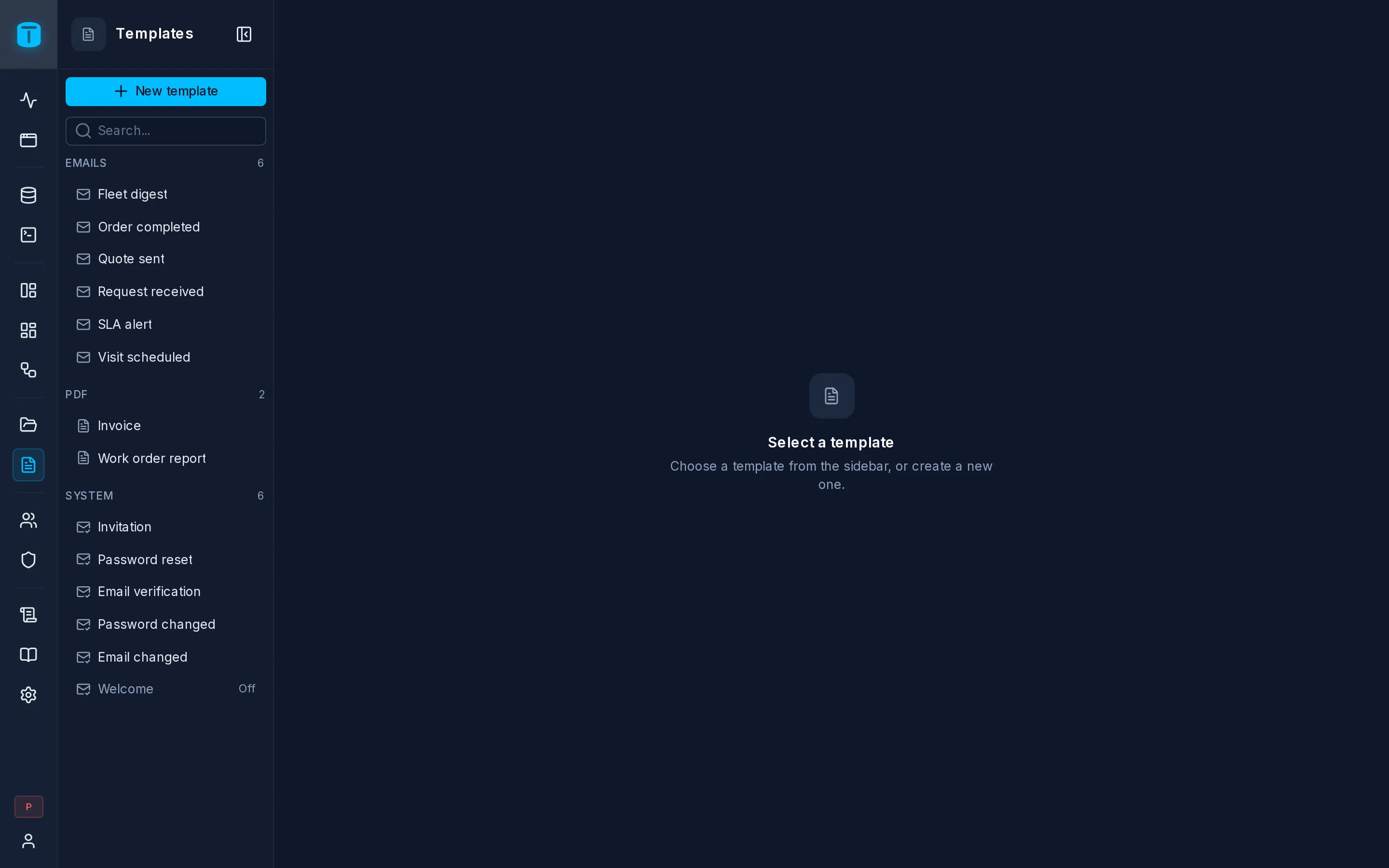
New template
New template asks for:
| Field | |
|---|---|
| Type | Email: a subject and a message with {{variable}} placeholders, sent by a workflow's Send email step. PDF: a pdfme design rendered into a document |
| Name, Description, Slug | the name up to 32 characters and unique, the slug proposed from it |
Create makes the template, empty, and opens its editor. Details…, in the editor's ⋯, changes the name, description and slug later.
Saved, not published
Unlike DataViews, dashboards and workflows, templates have no versions and no draft. Save stores the template, and every email sent and PDF rendered from then on uses it. Leaving with unsaved changes asks first.
Deleting a template doesn't change emails already sent from it: each keeps the subject and message it was sent with.
Who can use them
Templates are rows of templates, under ordinary permissions:
- a workflow's step needs its executor to be allowed
READon the template; - rendering a PDF through the API needs
READ; - a role with permissions on templates sees Templates in its rail and can manage them: see Delegated administration.
System emails are for administrators only.
Agents manage templates through the MCP tools list_templates, save_template and test_template.