

Master-detail
In the admin: New DataView › Master-detail
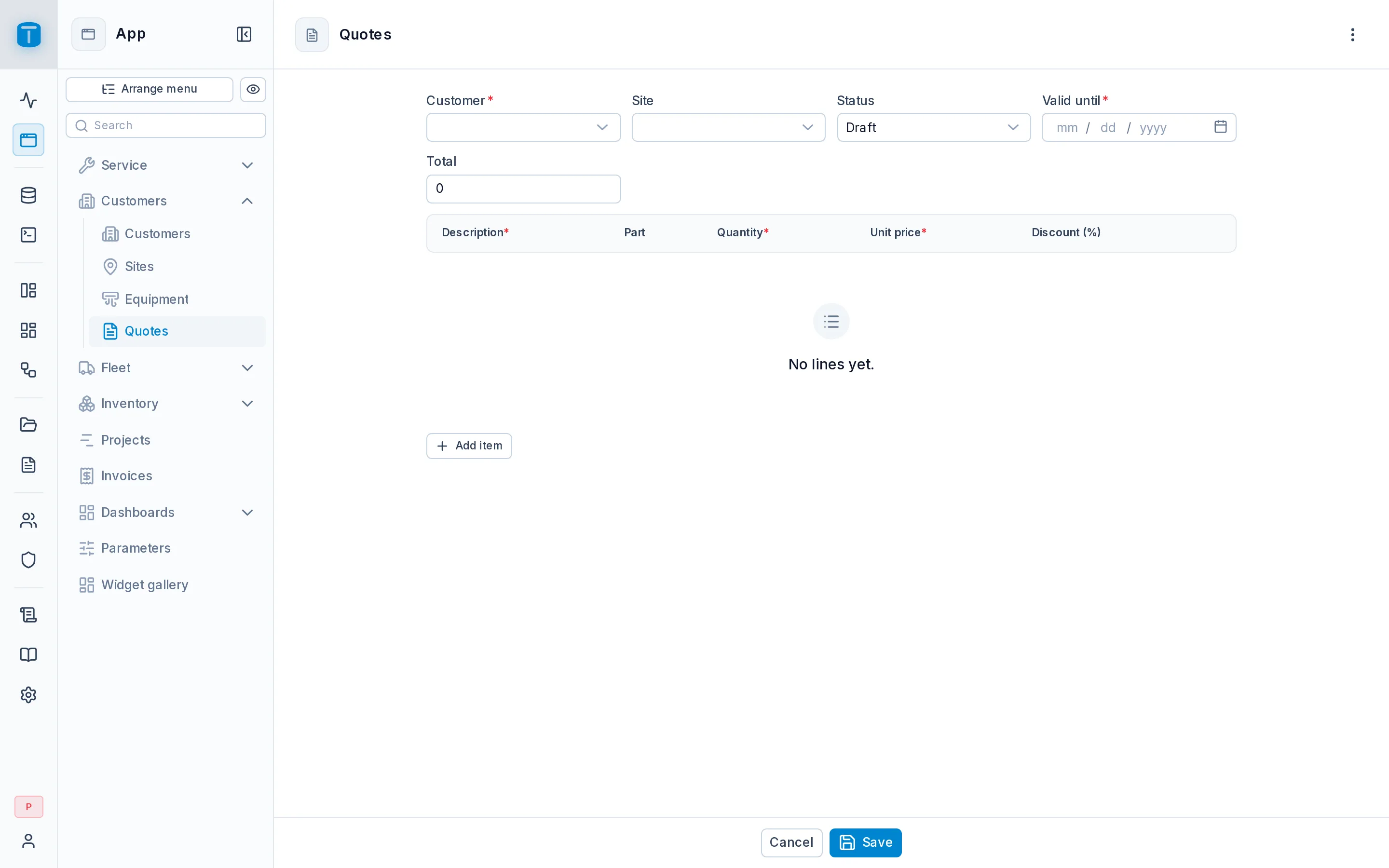
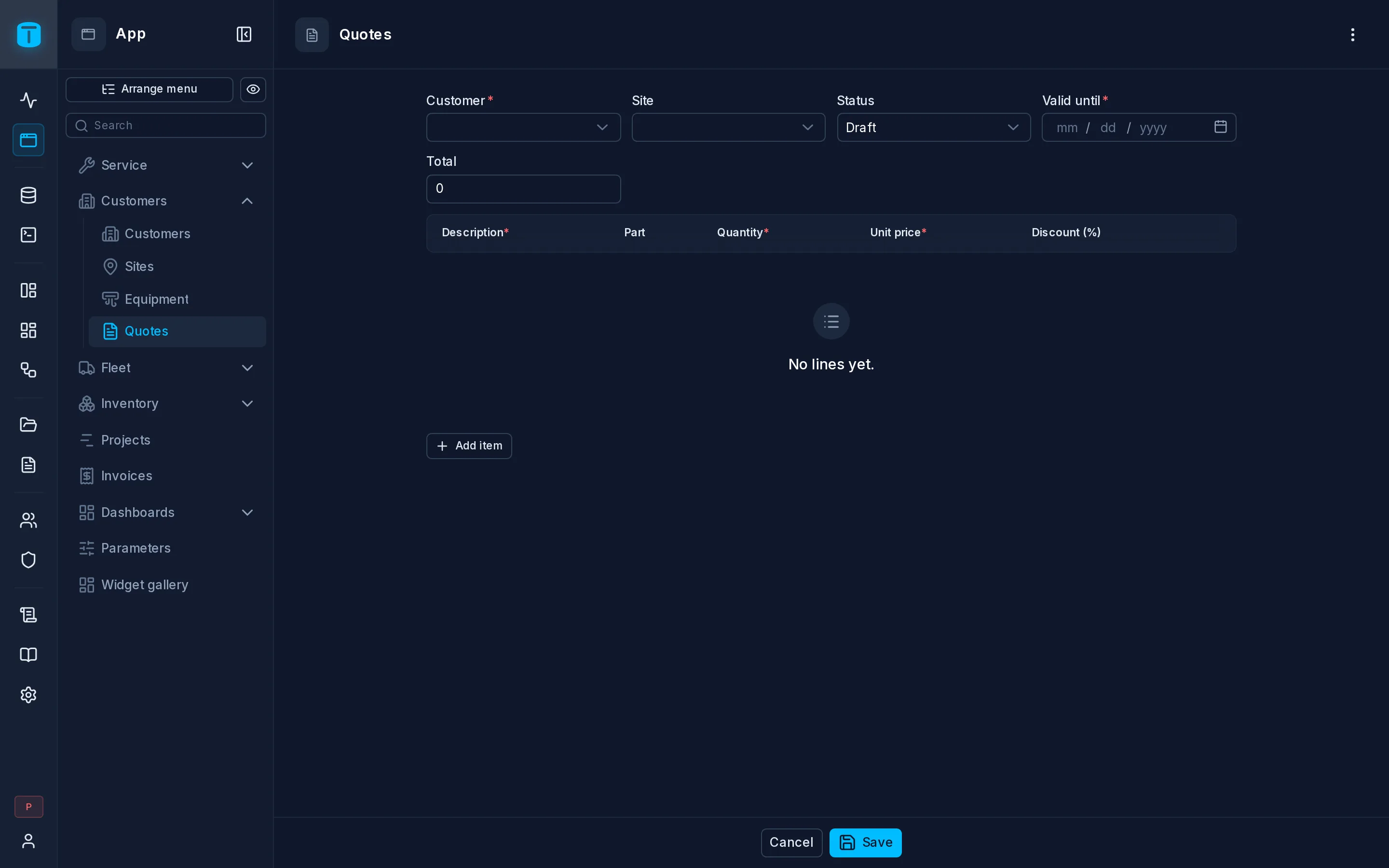
A Master-detail is a form for a record and its lines together: a quote and its items, a purchase order and the parts it orders, an invoice and its lines. The record and its lines are saved in one PostgreSQL transaction, all or nothing.
At Acme, Quotes opens a new quote, the salesperson adds its items in a grid, and PostgreSQL's CHECK on the discount and the trigger that adds up the total do the rest.
What it needs
Two tables:
- The master, such as
quotes. Its records are written, so it must be a table. - The detail, such as
quote_items: a table with a foreign key to the master,quote_items.quote → quotes. The wizard lists the tables that have one. If none does, it says so, and you add the foreign key first in Database › Tables.
What the wizard creates
The wizard's steps are Master (the table and its columns), Detail (the detail table) and Detail columns (which of its columns each line shows). It creates two DataViews:
- The master, with its fields four to a row and, below them, a Detail grid of the record's lines, edited right in the grid.
- The detail, named after both (Quotes - Quote Items), a Table over the items. It lives inside the master: it isn't in the App menu, it's published with the master, and it's deleted with it. Its foreign key to the master is always set and never shown.
Totals, buttons and the line form are laid out afterwards in the Design form.
How it opens
On open, in Settings › Form:
| Option | |
|---|---|
| New record | Opens a new record right away, created from the table's defaults, so lines can be added at once. The default |
| Wait for New | Opens on a start screen with a New button, labeled as you choose |
Reloading the page reopens the same record. New starts another and leaves the previous one as it was, like a draft.
Saving
Save writes the record and every changed line in one transaction: new lines, edited lines and deleted lines. If PostgreSQL refuses any of them, such as a discount over 100, nothing is saved and its message shows.
After saving, the record is read again, so what a trigger computed from the lines, such as the quote's total, shows at once. While lines have unsaved changes, a total PostgreSQL computes shows Total: when saved.
Each write is still authorized as the user: their permissions, row filters and payload checks apply to the record and to every line. The save can only write the DataView's own tables. It doesn't need the Data API's transactions turned on, and it's limited to 500 writes (dataviews.save_max_operations).
Search, Clone, Save & New and Previous/Next don't apply to a Master-detail. Copy, Print and Activity do.
Next steps
- Nested writes and Transactions: how clients save a record with its lines.
- Widgets: the Detail widget and its options.