

Files
File Details
A file's details: rename, move, description, tags and visibility.
In the admin: Files › a file
Clicking a file opens its details in a sidebar beside the list.
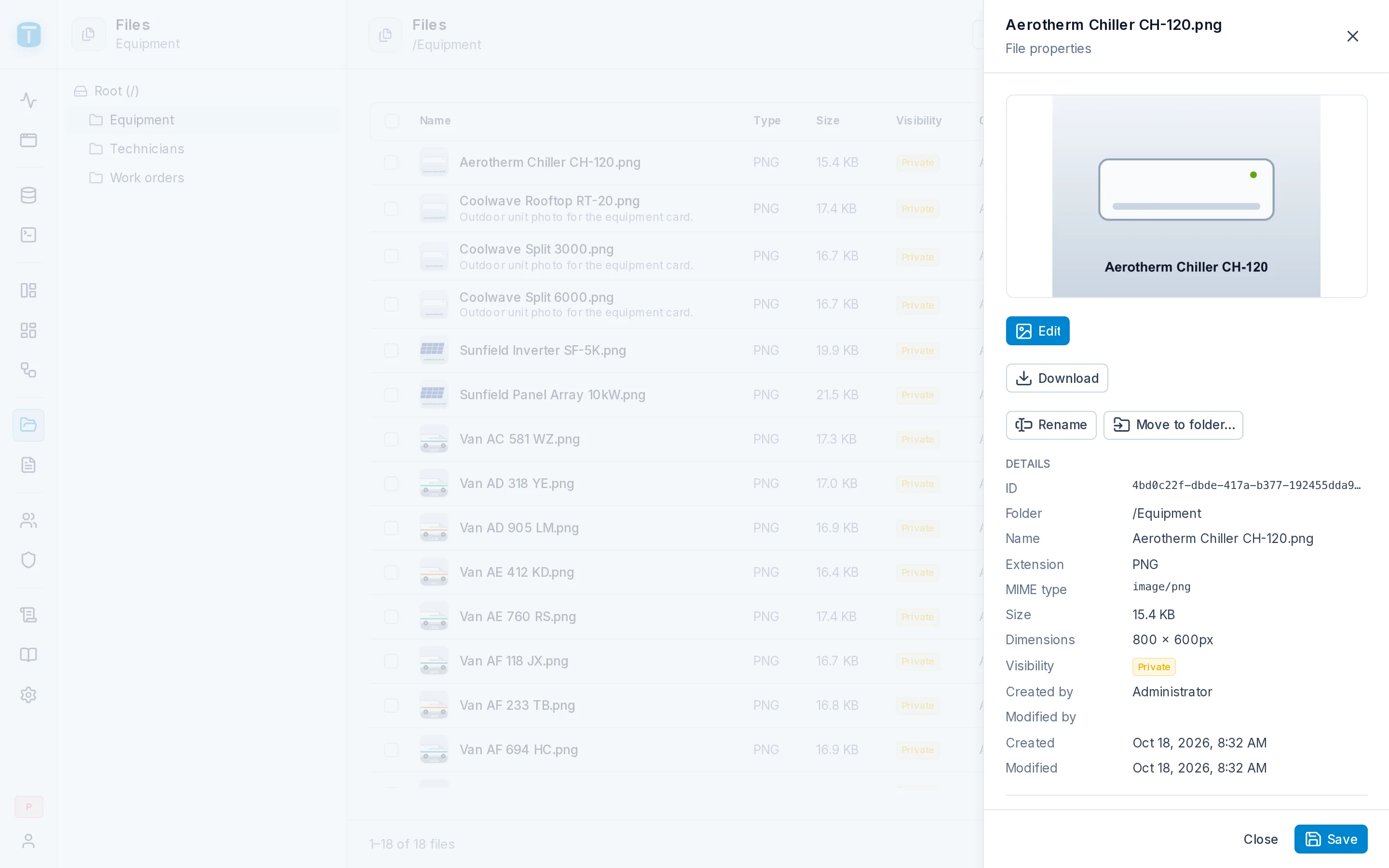
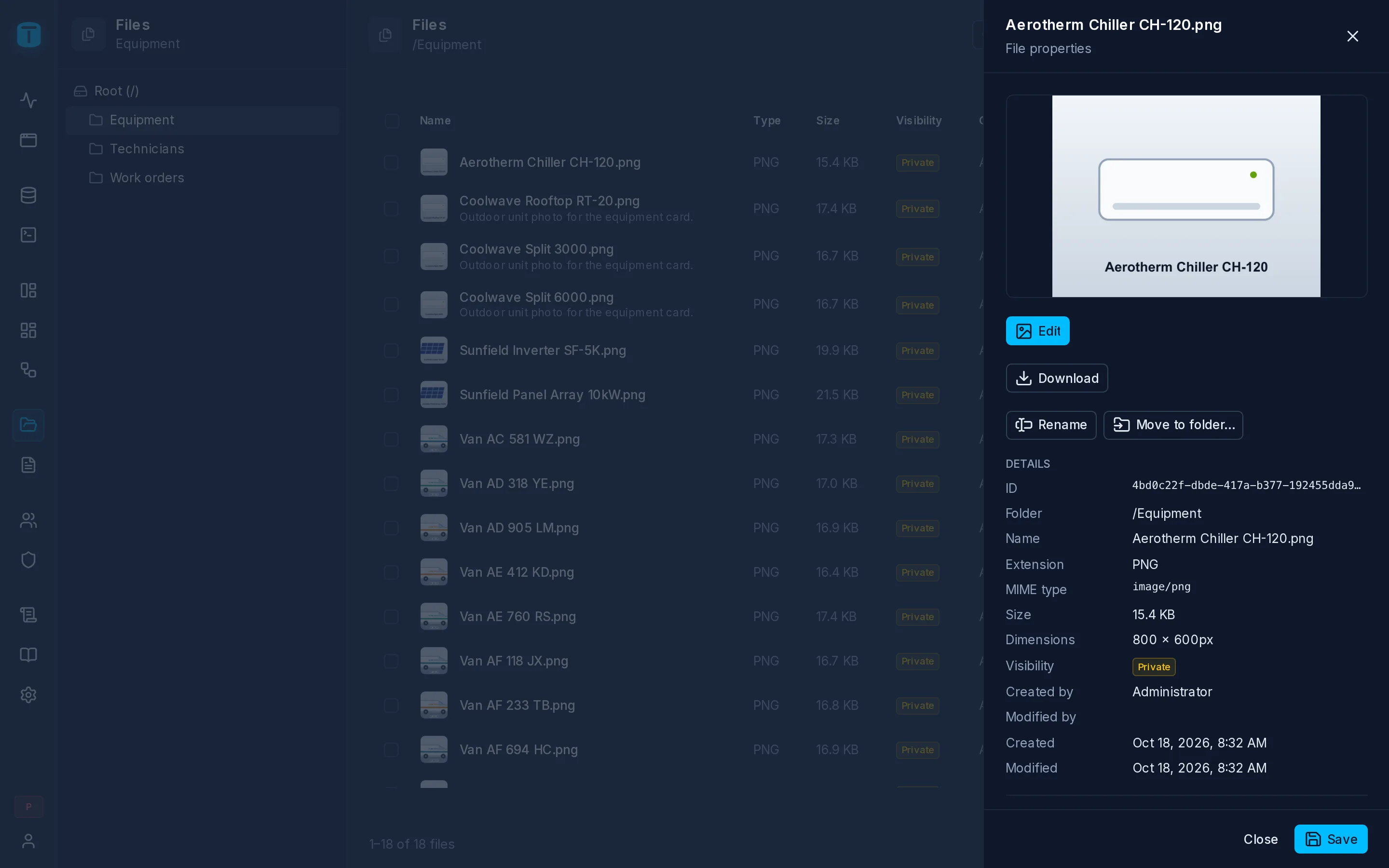
What it shows
- A preview of an image, or the file type's icon.
- Details: ID, Folder, Name, Extension, MIME type, Size, Dimensions (images), Visibility, Created by, Modified by, Created, Modified.
- Description: an optional note shown with the file.
- Tags: labels to organize files.
- Storage: the content's SHA-256 checksum.
Save stores the description and tags. Clicking the Visibility badge switches the file between Public and Private at once.
Actions
| Action | |
|---|---|
| Rename | Up to 255 characters; the extension follows the name |
| Move to folder… | |
| Edit | For a text file, a text editor; for an image, the image editor. See Editing files |
| Download | The file's content, under its name |
| Delete… | After a confirmation; the file and its content |
Download needs READ on the file, Delete DELETE, the others UPDATE. Several files are deleted at once from the list, by selecting them. See Overview.