

Schedule
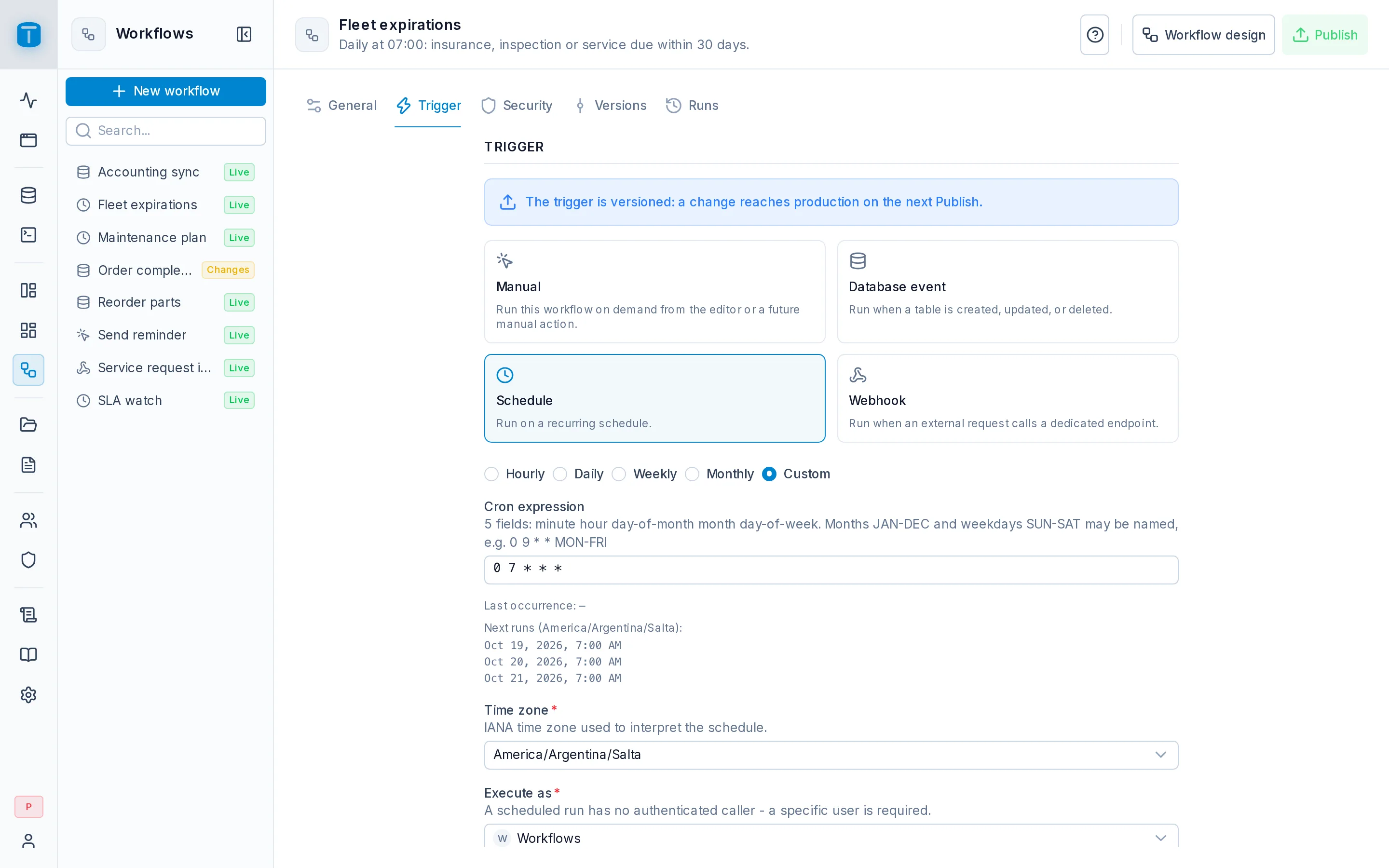
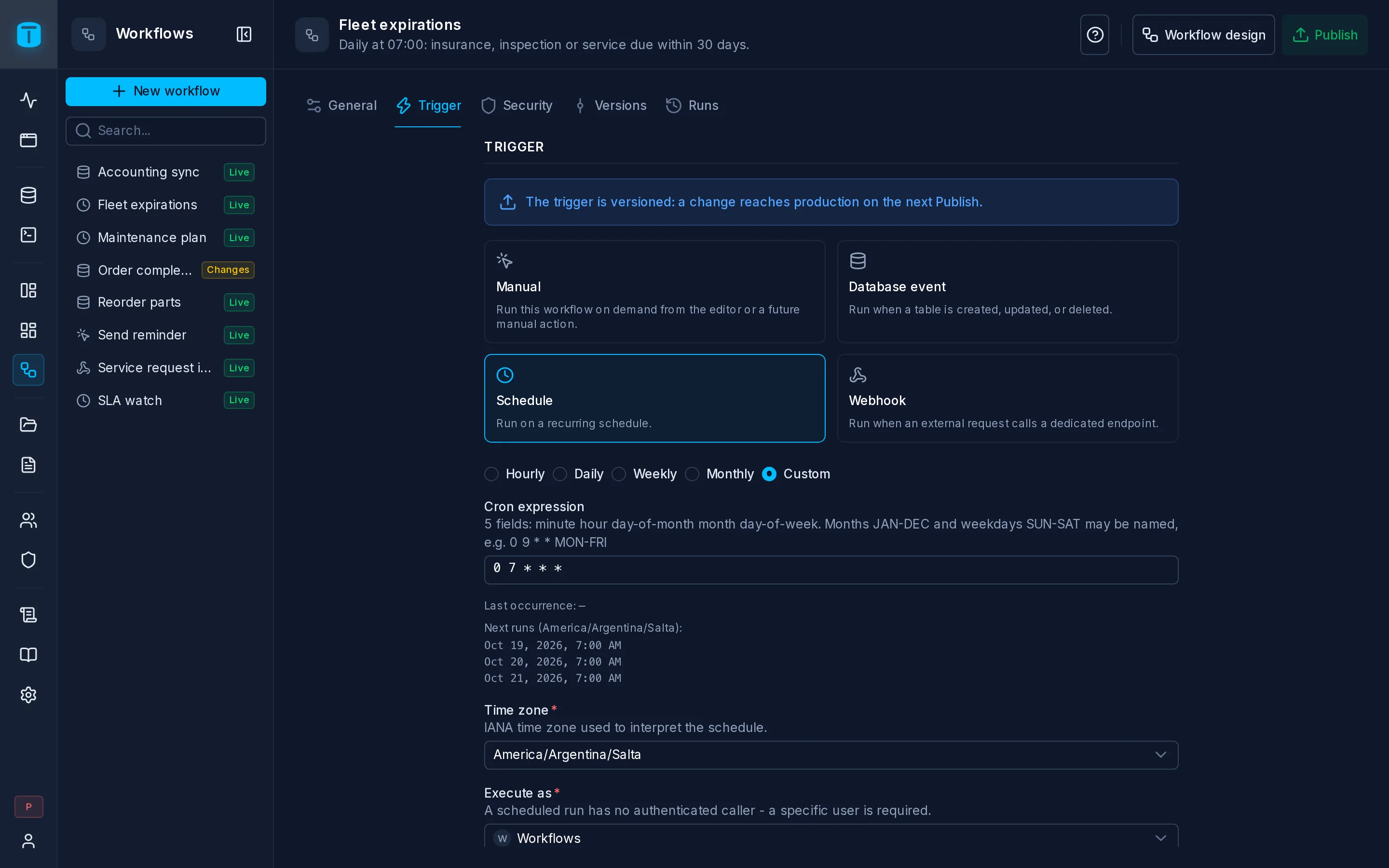
In the admin: Workflows › a Workflow › Settings › Trigger
A Schedule workflow runs at fixed times, written as a cron expression. Acme has three:
| Workflow | Runs | Expression |
|---|---|---|
| SLA watch | every 15 minutes | */15 * * * * |
| Fleet expirations | daily at 07:00 | 0 7 * * * |
| Maintenance plan | on the 1st of every month at 06:00 | 0 6 1 * * |
Configuration
| Field | |
|---|---|
| Frequency | Hourly, Daily, Weekly, Monthly or Custom. Each builds the expression for you |
| Time zone | Required. The IANA time zone the schedule is read in. A new schedule starts in yours: your preference in My account, else the instance's, else your browser's |
| Execute as | Required. A scheduled run has no caller, so a specific user is needed |
Each frequency asks for what it needs:
| Frequency | Fields | Example |
|---|---|---|
| Hourly | Minute of every hour | minute 30: 30 * * * * |
| Daily | Time | 07:00: 0 7 * * * |
| Weekly | Time, Days of week | 09:00 on weekdays: 0 9 * * MON-FRI |
| Monthly | Time, Months, Day of month | 03:00 on the 1st of January and July: 0 3 1 JAN,JUL * |
| Custom | Cron expression | any expression |
A saved schedule reopens as Custom, with its expression unchanged.
Below the fields, Next runs lists the next three occurrences in the chosen time zone, computed by the same code the scheduler uses. In Settings, Last occurrence shows the most recent one, or — once its record is gone.
The cron grammar
Five fields separated by spaces: minute, hour, day of month, month, day of week.
┌ minute        0-59
│ ┌ hour        0-23
│ │ ┌ day       1-31
│ │ │ ┌ month   1-12 or JAN-DEC
│ │ │ │ ┌ weekday 0-7 or SUN-SAT (0 and 7 are Sunday)
* * * * *
Each field takes *, a number or a name, lists (MON,WED,FRI), ranges (9-17) and steps (*/15, 9-17/2). When both day of month and day of week are restricted, either one matching is enough, as in traditional cron. The finest unit is the minute.
An expression that can never happen, such as 0 0 31 2 * (February 31st), is valid but shows no next runs. The editor marks an invalid expression under its field.
Publishing checks the schedule: an invalid expression, an unknown time zone, or an Execute as that is missing or no longer active refuses the publish, with one line per problem.
How it runs
- The schedule is read in its time zone, so
0 7 * * *inAmerica/Argentina/Saltaruns at 07:00 in Salta whatever the server's clock. - On a daylight-saving change, a local time that doesn't exist never runs, and one that happens twice runs twice.
- Each occurrence runs once, even across restarts, because PostgreSQL records it before the run starts.
- Missed occurrences are never replayed. If TotalBase is stopped at 07:00, the 07:00 run doesn't happen later.
- Runs don't overlap. While a scheduled run is still running, the next occurrence is skipped, not queued. The skip shows in Runs as a failed run naming the run still in progress, and doesn't count toward auto-disable.
- Execute as is checked at each occurrence. A user who is missing or inactive makes the occurrence fail, visibly, in Runs.
A run reads the schedule as {{start.data}}:
{ "scheduled_at": "2026-10-05T10:00:00.000Z", "started_at": "2026-10-05T10:00:03.112Z", "timezone": "America/Argentina/Salta" }
scheduled_at is the occurrence, started_at when its run started, both in UTC.
Running it now
A Schedule workflow can also be started on demand: Run › Production in the editor, POST /api/workflows/{slug}/run (with the invoke grant), or the Execute another workflow step. It runs exactly as its schedule would: as its Execute as user, with the schedule object as input and scheduled_at set to the moment you asked. Any input you send is ignored. In Runs, it shows who started it instead of Schedule.
Next steps
- Read records: SLA watch reads the orders due within two hours.
- Runs: each occurrence's run.