

Tables
In the admin: Database › a schema › Tables › New table · a table › Columns, Indexes, Constraints, Row display, Suggest presentation
Database creates and changes the structure of your tables: tables, columns, primary keys, UNIQUE, foreign keys, CHECK constraints and indexes. Everything it does is plain PostgreSQL DDL. You can do the same with the SQL Console or psql, and TotalBase picks it up either way.
TotalBase doesn't try to replace a full database tool. Views, functions, triggers, types and composite foreign keys are written in SQL, in the SQL Console.
create_table with the columns, foreign keys, CHECK constraints and exposure in one transaction, then set_column_presentation for labels and colors. See Recipes › A table with its rules.How changes are made
- You describe, TotalBase writes the SQL. The admin sends what you chose (a column, its type, its constraints) and the server builds the statement. The only free-form parts are a column's
DEFAULT, aCHECKexpression and a partial index'sWHERE. These are checked so they can't contain a second statement or a command. - All or nothing. A change that takes several statements runs them in one transaction: a table with its foreign keys, a column with its presentation, or a whole batch of edits.
- Preview first. Before saving, the table editor shows you the exact statements it will run.
- PostgreSQL decides. Adding
UNIQUEto a column that already has duplicates fails with PostgreSQL's error, and so does addingNOT NULLwithout a default to a table that has rows. TotalBase reports it and leaves the table as it was. - Audited. Every change is recorded in the audit log with the statements that ran.
Create a table
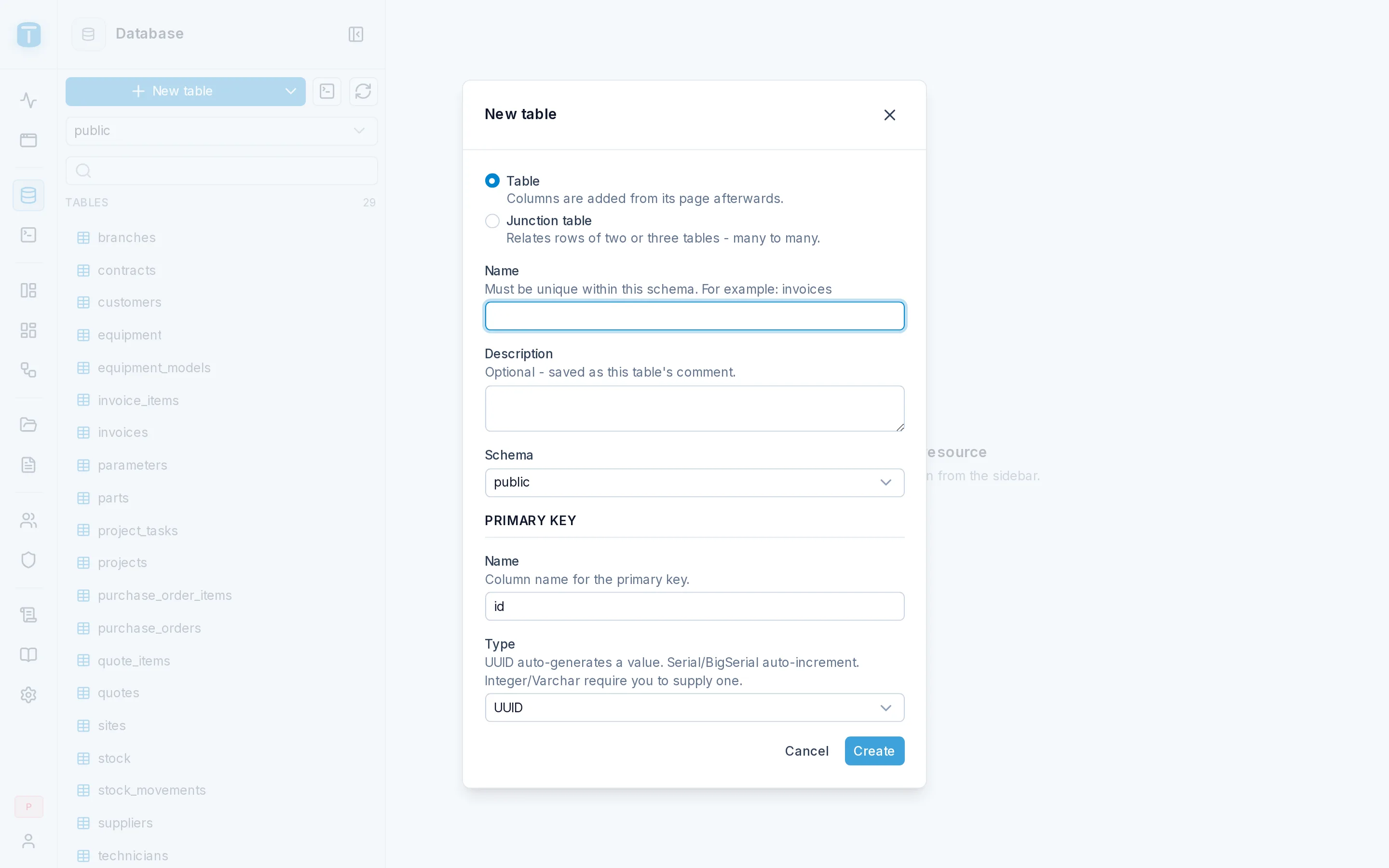
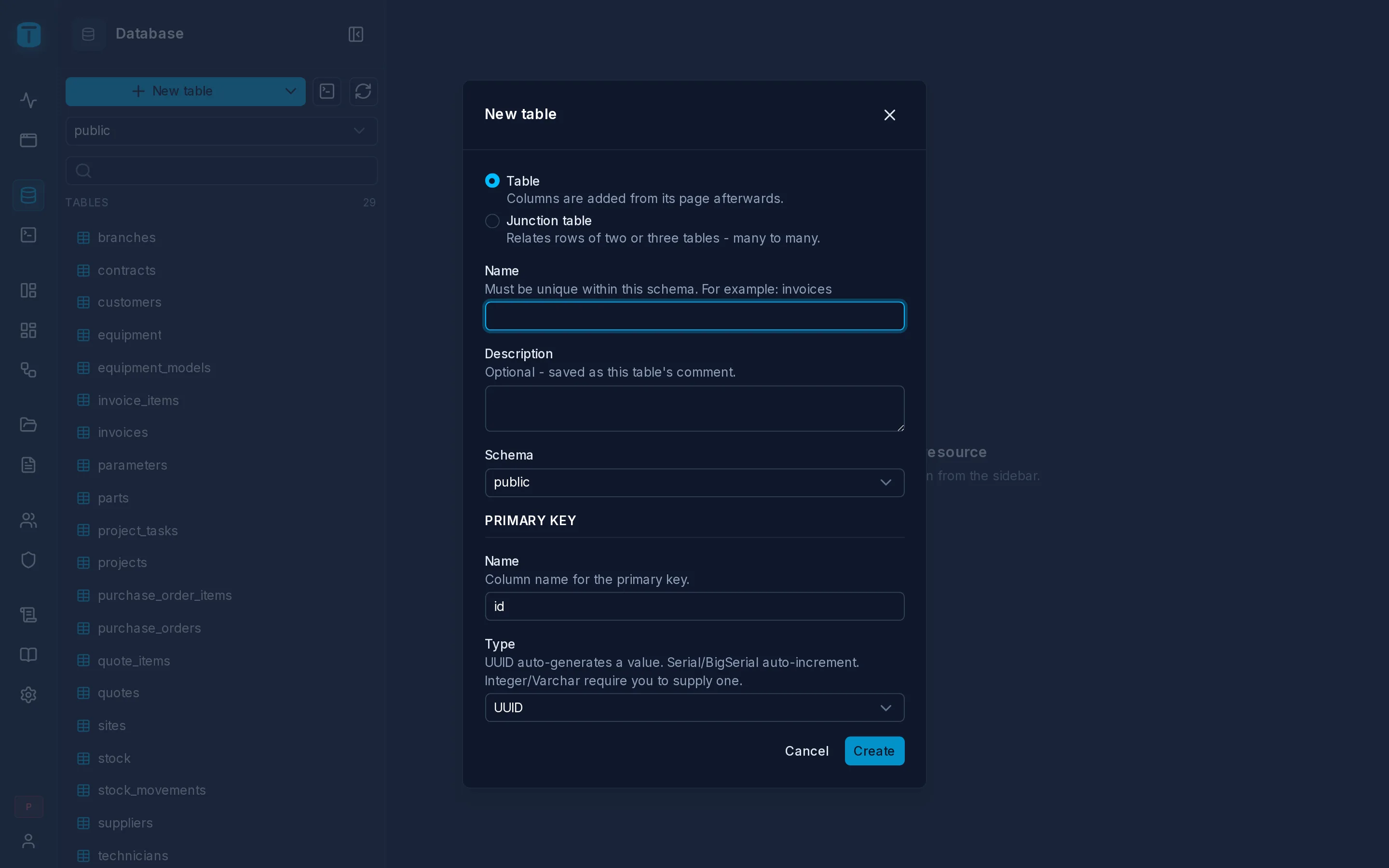
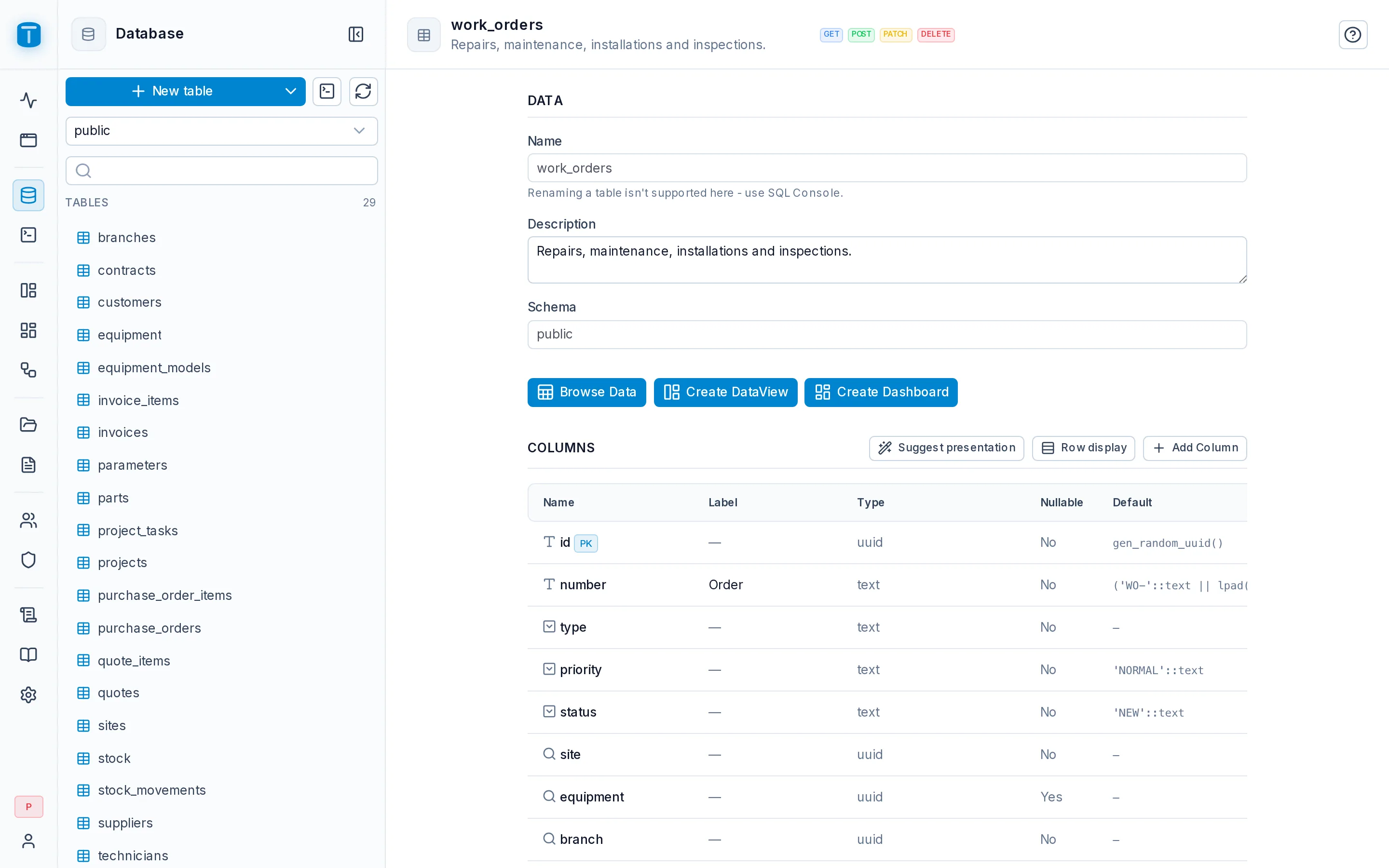
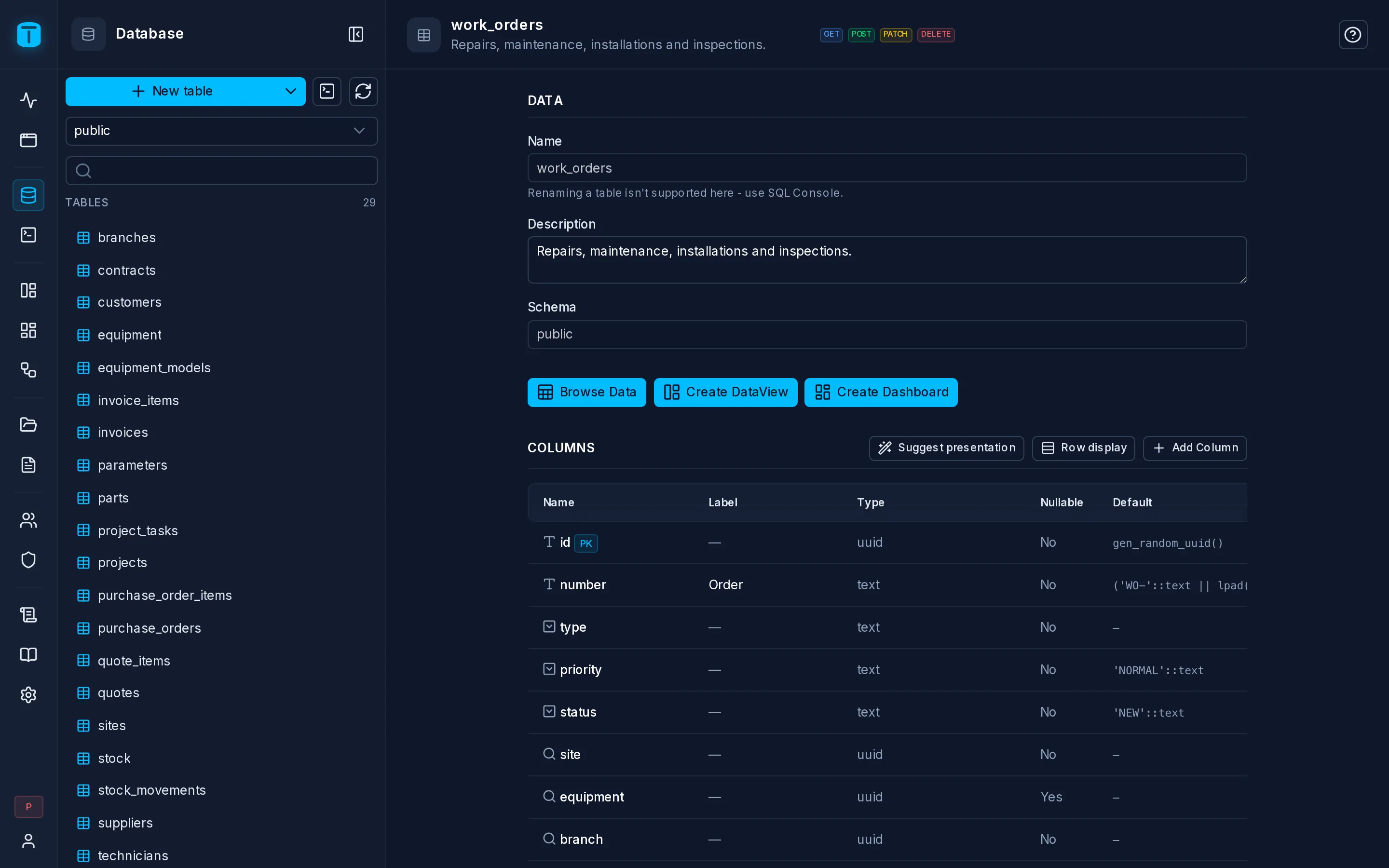
In Database, choose the schema and click New table. A table needs a name and a primary key. Add the rest of its columns on its page.
The primary key is id, a uuid that PostgreSQL generates (gen_random_uuid()) by default. You can choose Serial, BigSerial, Integer or Varchar instead. The Data API, DataViews and forms address rows by a single-column key, so give every table one.
A new table is a hidden resource. Expose it and grant permissions before anyone else can use it. See Resources.
Add a column
Add column, on a table's Columns tab, starts from what the column is rather than from a PostgreSQL type. Choose a control, then configure it:
| You choose | PostgreSQL gets |
|---|---|
text with a CHECK on the email shape | |
| Number with − and + (min 0, max 10) | integer with CHECK (col BETWEEN 0 AND 10) |
| Choice: Low, Normal, High, Urgent | text with CHECK (priority IN ('LOW','NORMAL','HIGH','URGENT')), plus each value's label and color |
Relation to sites | the key's type with a FOREIGN KEY |
| Photo, File, Signature | uuid with a foreign key to TotalBase's files table |
| Rating (1-5) | smallint with CHECK (col BETWEEN 1 AND 5) |
| Password | text, hashed on every write and never returned |
UID, generated from name | text UNIQUE, filled by a trigger with a URL-safe version of the name |
The rules go into the database as CHECK constraints and foreign keys, so they apply to every writer, not just the admin. The control you chose is remembered as the column's presentation, which every form and grid uses from then on.
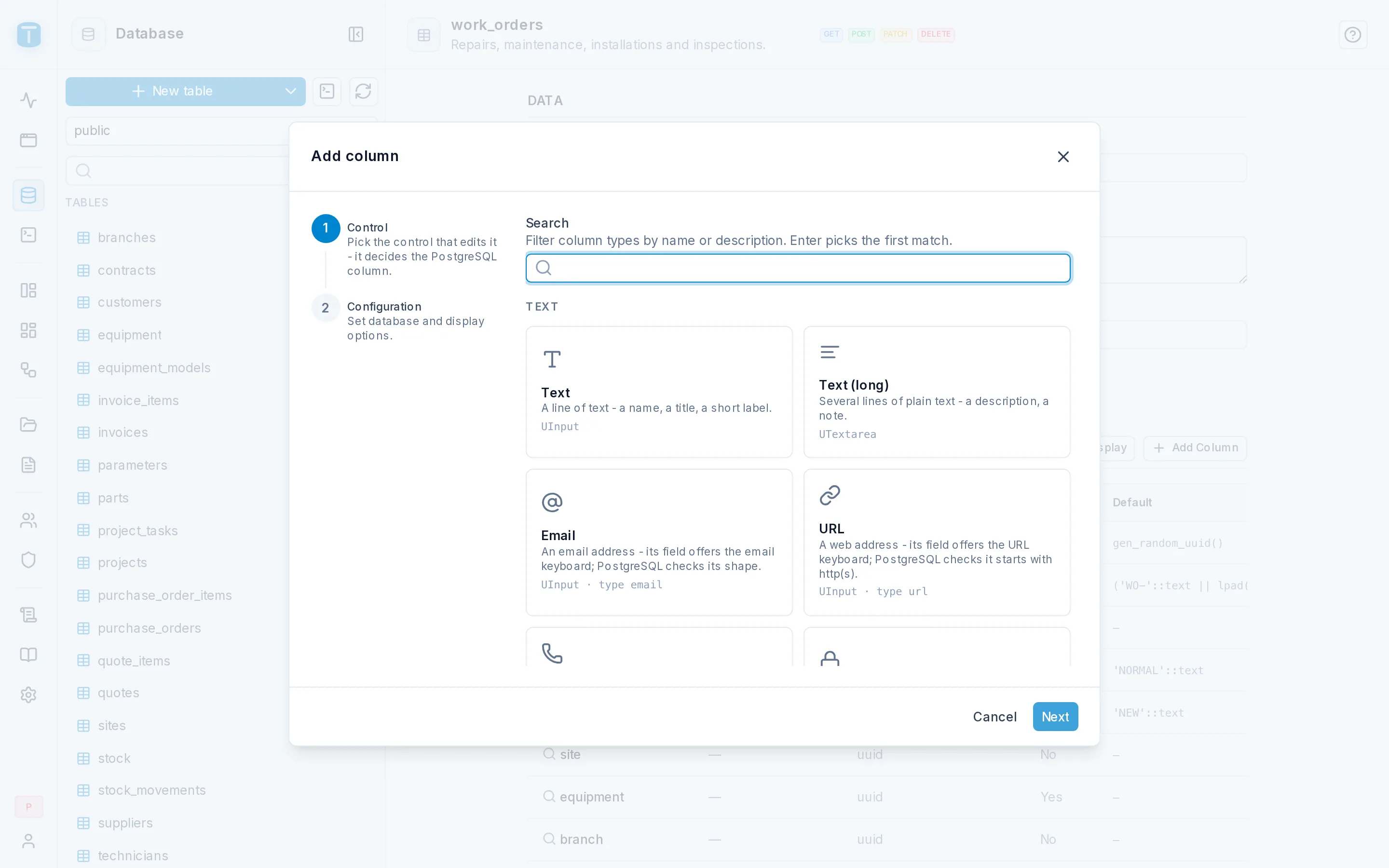
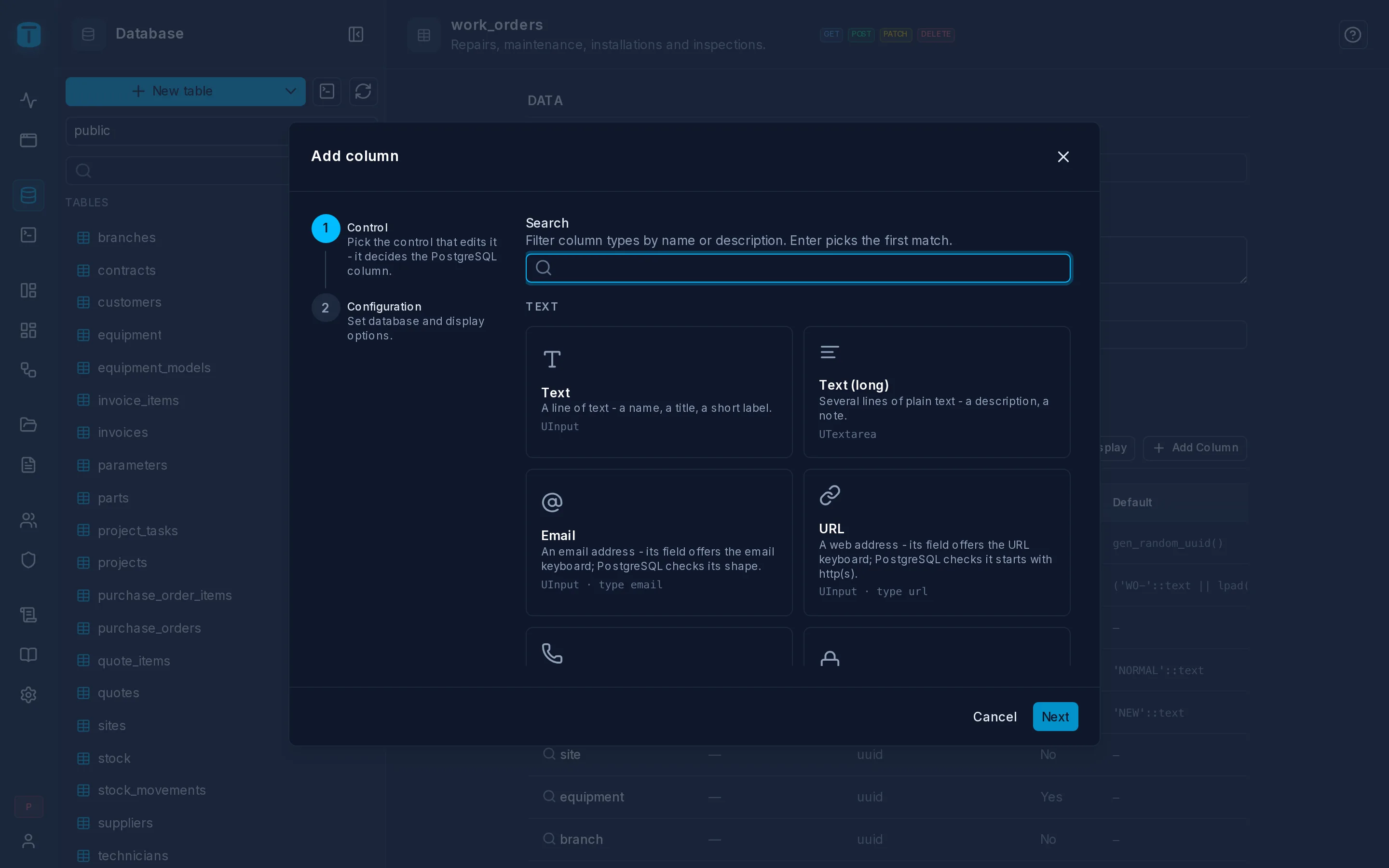
Columns you add outside TotalBase get a control picked from their type and constraints. A foreign key to files becomes a file upload, a CHECK ... IN (...) list becomes a select, and so on. You can change it on the Columns tab.
Constraints
CHECK
A CHECK constraint is a rule every row must satisfy. In the table's Constraints tab, build one from conditions or type the expression:
ends_on > starts_on                     -- contracts
discount_pct BETWEEN 0 AND 100          -- quote_items
quantity >= 0                           -- stock
TotalBase wraps the expression in ALTER TABLE ... ADD CONSTRAINT. It never accepts a complete statement.
Give each constraint a message. It is stored as the constraint's PostgreSQL comment, and when a write breaks the rule, the API returns that message instead of PostgreSQL's generic text:
{ "errors": [{ "source": "POSTGRESQL", "code": "CHECK_VIOLATION",
               "message": "A contract must end after it starts." }] }
UNIQUE and foreign key constraints take a message the same way.
CHECK applies to everyone. When a rule should only apply to some roles (for example, Sales may give at most 20% discount but a Manager may give more), use a payload check instead.UNIQUE and primary keys
Add UNIQUE on one or more columns, such as parts.sku, or (part, warehouse) on stock. Replacing a primary key drops the old one and adds the new one in one transaction. If PostgreSQL refuses the new key (because of nulls or duplicates), the old key stays.
Relations
A relation in TotalBase is a PostgreSQL foreign key, nothing more. There's no relation metadata to configure. If work_orders.site references sites.id, then from a work order you can reach its site, and from the site its customer.
Foreign keys
A foreign key points a column at another table's primary key or unique column, with its ON DELETE and ON UPDATE actions. Create one with Add column › Relation, which adds the column and its key together, or add it to an existing column from the table's Constraints. If existing rows point at rows that don't exist, PostgreSQL refuses it (409 FOREIGN_KEY_VIOLATION).
A foreign key from a table to itself (a customer's parent) can also get a cycle guard, a trigger that stops a row from being placed under itself or one of its descendants.
Dotted paths
The foreign key column's name is the path. On its own it's the raw value. Followed by a dot, it reaches into the related row:
site                    the raw foreign key value (a uuid)
site.name               the site's name
site.customer.name      the site's customer's name
Paths work anywhere a column does: in fields, where, search, order_by, group_by and aggregates.
curl -s -G http://localhost:3050/api/public/table/work_orders \
  -H "Authorization: Bearer $TOKEN" \
  --data-urlencode 'fields=number,status,site.name,site.customer.name' \
  --data-urlencode 'where[site.customer.name][_ilike]=%Mercado%' \
  --data-urlencode 'order_by=site.name'
{ "data": [
  { "number": "WO-000412", "status": "ASSIGNED",
    "site.name": "Depósito Central", "site.customer.name": "Mercado del Norte S.A." }
] }
Rename the output with aliases: fields[site.customer.name]=Customer.
Each step is a LEFT JOIN on the foreign key, so a work order without a technician still appears, with technician.name as null. Paths can go three steps deep by default (api.max_relation_depth).
What a path may reach
- The target must be exposed for reading. A foreign key into a table that is hidden, or doesn't have
GET, returns400 INVALID_RELATION. - The path must be granted. Permissions decide each path on the resource being read. Dispatchers who read
work_ordersseesite.customer.nameonly if that path is in theirwork_ordersgrant. A grant oncustomersdoesn't give it. See Permissions. - The target's own row filter doesn't apply. A dispatcher reading their branch's work orders sees each order's customer name, even if they couldn't list
customersdirectly. What they can see is limited to the granted columns, on rows reachable from orders they may read.
One direction only
A path follows a foreign key from the table that holds it toward the table it points at: from an order to its site, never from a site to its orders. To read a site's orders, read work_orders filtered by site:
GET /api/public/table/work_orders?where[site][_eq]=<site id>
In DataViews, a record form shows the reverse direction as a panel: a site's form with a panel of its work orders. See Widgets.
Many-to-many: junction tables
New table › Junction table creates a many-to-many relation as an ordinary table. Acme links projects to the technicians who work on them. Pick the two tables and TotalBase creates:
CREATE TABLE public.projects_technicians (
  id         uuid PRIMARY KEY DEFAULT gen_random_uuid(),
  project    uuid NOT NULL REFERENCES public.projects (id) ON DELETE CASCADE,
  technician uuid NOT NULL REFERENCES public.technicians (id) ON DELETE CASCADE,
  UNIQUE (project, technician)
);
The UNIQUE constraint means a technician joins a project only once, and PostgreSQL enforces it.
To read it, read the junction table and follow both paths:
GET /api/public/table/projects_technicians?fields=project.name,technician.user.name
How a related row is shown
Wherever a foreign key appears on screen (a grid column, a select in a form, a kanban's lane), TotalBase shows the related row instead of its key. How is the table's Row display, a button on its Columns tab:
- Show: one column, such as a site's
name. By default, a column calledname,labelortitle, else the first text column. - Template: several columns at once, such as
{{plate}} ({{make}} {{model}})for a vehicle. It sorts by the first one.
You set it once per table, and every DataView column pointing at the table follows it. A template only names the table's own columns.
Creating related rows together
A POST can create a row together with its children, such as a quote with its items, in one transaction. See Nested writes.
Column presentation
How a column reads (its label, its format, its colors, the control that edits it) is set once, on the table, and every grid, form and DataView that shows the column uses it. Click a column's title on the table's Columns tab to open its panel. It has three tabs, and a preview of the table's first rows as a grid will show them.
The presentation is about how values look. What values are valid stays PostgreSQL's: NOT NULL, CHECK, UNIQUE.
Properties
| Group | Options |
|---|---|
| General | Label (its title everywhere; empty, the column's name humanized: due_at → Due At), Short label (a list's header where room is short: Qty.), Description |
| In forms | Control (what every form edits it with; Automatic follows the column's type and constraints and says why), Help (under the input), Placeholder (an example value), an icon at the input's start or end, such as a unit |
| Display | a number or date format (#,##0.00, CURRENCY:USD, dd/MM/yyyy), True as / False as for a boolean, Link (a web address, an email or a phone), Empty text (— by default) |
| Options | for a column with a CHECK list, each value's label, color and icon: a status badge in a grid, a kanban's lane, a select's item |
Acme's work_orders.status shows IN_PROGRESS as In progress, in blue, and COMPLETED as Completed, in green.
Styles
How the value always looks in a grid, a table widget or a card (never in a form's input): alignment, size, bold, italic, monospaced, underline, strikethrough, a text color and a background tint. Colors come from the theme's palette, so dark mode keeps working.
A whole number set as monospaced is shown as a code, without a thousands separator: 3000, not 3.000.
Conditions
A condition changes how the column looks when something holds: an order past its due date in red, a stock line at zero dimmed, an invoice paid in part in orange. Each one has:
| Field | |
|---|---|
| Name | Unique in the column |
| When | A filter in the query language, built with the filter builder or written as JSON. It can compare with another column of the row ($ROW.total), the user ($USER.id), dates ($CURRENT_DATE, $PERIOD) and related columns |
| Apply to | This cell or The whole row |
| Style | the same options as Styles, plus an icon before the value, As a badge and Dimmed |
Acme's overdue rule, on work_orders.due_at, applied to the whole row:
{ "_and": [
  { "due_at": { "_lt": "$CURRENT_TIMESTAMP" } },
  { "status": { "_nin": "COMPLETED,CANCELLED" } }
] }
Conditions are checked in order, and the first that holds wins, a cell's over a row's. PostgreSQL evaluates them: a list sends each condition with its read and paints what PostgreSQL says each row meets, so the rule means exactly what the same filter means in the API. A list can evaluate up to 32 conditions at once. Drag them to reorder, turn one off without deleting it, or duplicate it.
In a Cards or Kanban view, a row condition marks the card with a colored edge, or dims it.
Suggest presentation
Suggest presentation, on the Columns tab, proposes a presentation from each column's type and constraints, never from its name, so it works the same in any language:
- a unique whole number or the primary key → monospaced, as a code;
- a column that may be null →
—when empty; - a
CHECKpattern → an example value as placeholder, or an email or web link; - a
CHECKlist → a label for each value (IN_PROGRESS→ In Progress); - a
COMMENT ON COLUMN→ its description; - a table without a row display → its first unique, required text column.
Each suggestion shows why. What a column lacks comes ticked; a change to a value it already has comes unticked, so nothing you set is overwritten unless you tick it. For a database you've just connected, Suggest presentation for every table fills in what's missing everywhere at once.
Views inherit it
A view's column that comes straight from a table's column (SELECT c.name ...) inherits that column's presentation. PostgreSQL records where each view column comes from, so a replaced view or a renamed column needs nothing. A computed column (total - paid AS balance) has none of its own until you give it one.
Published DataViews keep theirs
A published DataView keeps the presentation it was published with, so changing a label here doesn't change a screen people are using by itself. When you save, the panel lists the published DataViews the change reaches, each with Publish now. The panel also says how many DataViews show the column: Changes in 3 DataViews. See Publishing.
Indexes
The table editor creates indexes on one or more columns, each ascending or descending, with the method (btree, hash, gist, gin, spgist, brin), UNIQUE, a partial WHERE and CONCURRENTLY. Acme indexes vehicle_positions (vehicle, recorded_at DESC), which is what the "latest position per vehicle" view reads.
Expression indexes, operator classes and INCLUDE columns are written in the SQL Console.
Tables TotalBase's role doesn't own
PostgreSQL only lets a table's owner change its structure. If TotalBase's database role doesn't own a table, its page says so, names the owner, and disables structural changes. Exposure, permissions and column presentation stay editable, because they are TotalBase's own settings, not DDL.
Next steps
- Filtering: filtering by relation paths.
- Views and Functions.
- Creating a DataView › From a table, in one step: Create DataView, on a table's page.
- DataView Settings › Data: a DataView's columns.