

Users
Sessions
Every user's sign-ins, and revoking them.
In the admin: Users › Sessions · a user › Sessions
A session is one sign-in on one device: a browser on a desk, the App on a technician's phone. Users › Sessions lists every user's sessions; a user's Sessions tab lists only theirs, and each person sees their own in My account.
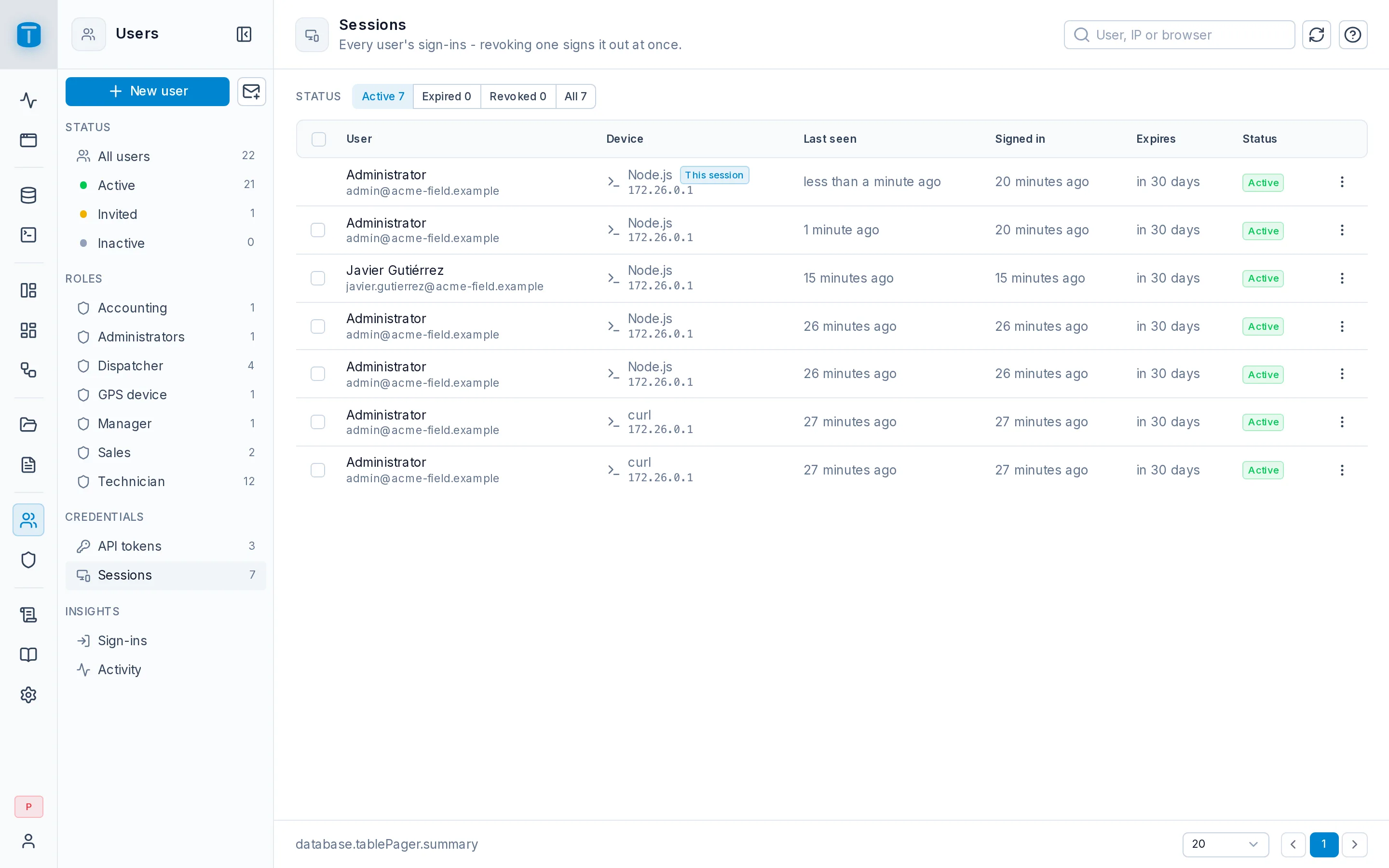
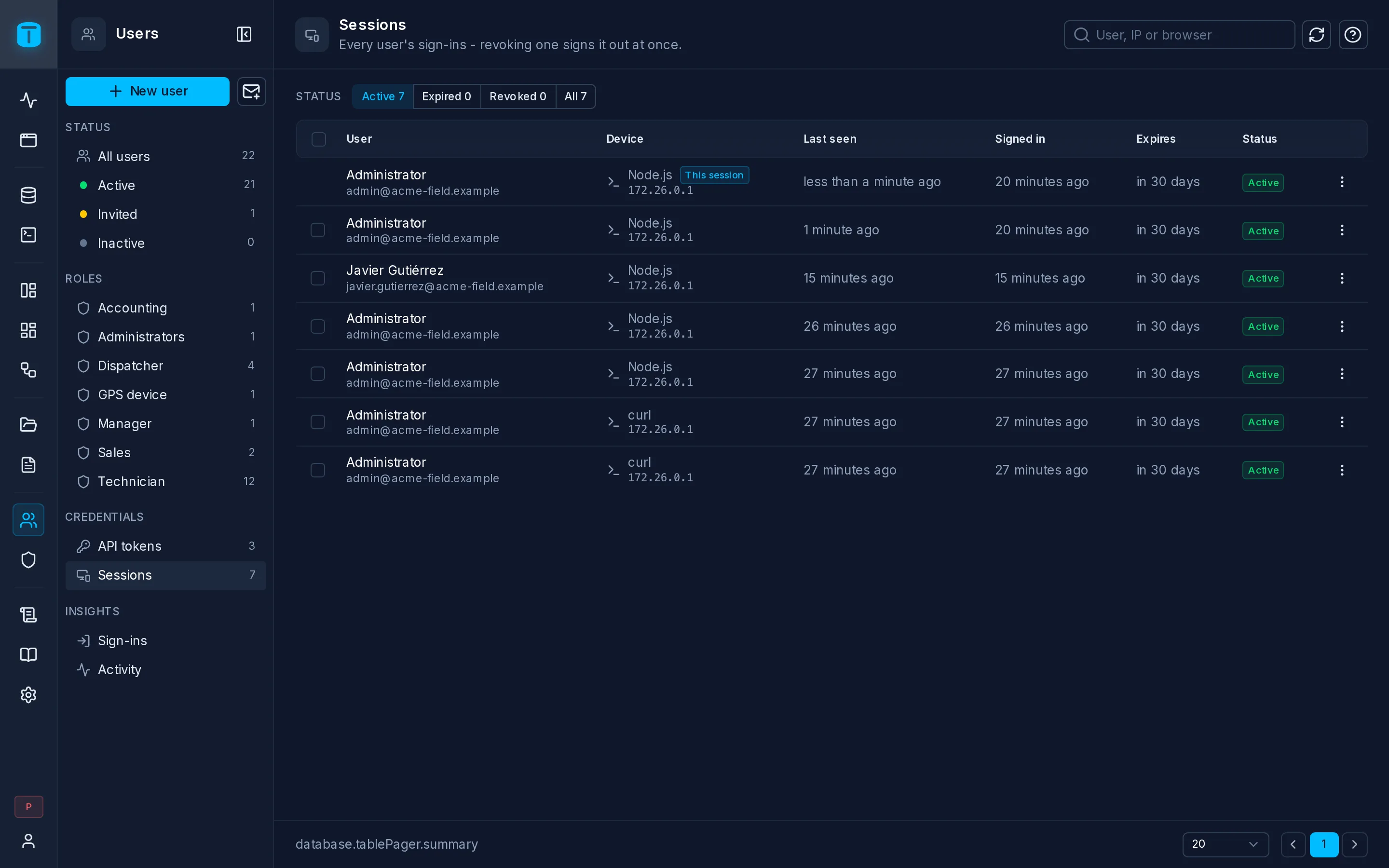
| Column | |
|---|---|
| User | |
| Device | the browser and system, and the IP address |
| Last seen | the last request made with it |
| Signed in, Expires | |
| Status | Active, Expired or Revoked |
Filter by Active, Expired, Revoked or All, and search by user, IP or browser.
Revoking
Revoke, on a row or on several selected, signs that session out at once: its next request is refused. A user's ⋮ › Revoke all sessions ends all of theirs. Deactivating a user ends their sessions too.
Revoking a session doesn't touch the user's API tokens: those are revoked on their own.
Limits
From Settings › Access › Authentication:
- Session lifetime: 720 hours (30 days) by default.
- Maximum sessions per user: 20 devices at once.
- Keep ended sessions: revoked and expired sessions stay listed for 30 days, then are deleted.