

Introduction
TotalBase turns a PostgreSQL database into a complete business application: screens, dashboards, automation, an API, users and permissions. You can build it by hand in the admin, or describe the application to an AI agent and let it build it.
Describe it, and an agent builds it
TotalBase is made to be administered by AI agents. Connect Claude Code (or any MCP client) to your instance and write what you need:
Build a field service application: customers with their sites, work orders
with priority and status, technicians who only see their own orders, a kanban
for dispatchers, a phone form to close an order, and a dashboard of open and
overdue orders. Load sample data and publish it for the right roles.
The agent creates the tables and their rules in PostgreSQL, the roles and permissions, the screens and the dashboard, loads the data and publishes it. Minutes later your users open a working application: the demo in these pages is 354 calls, which run in under a minute.
What the agent builds is a real application, not code you now have to maintain. Its tables are ordinary PostgreSQL tables, its screens are DataViews you can open and change by hand, and every action it took is in the audit log. It works under the same permissions and rules as any user, and nothing reaches your users until it's published.
Quickstart with AI shows the whole process, from connecting the agent to the result.
What you get
Point TotalBase at a database, new or existing, and it gives you:
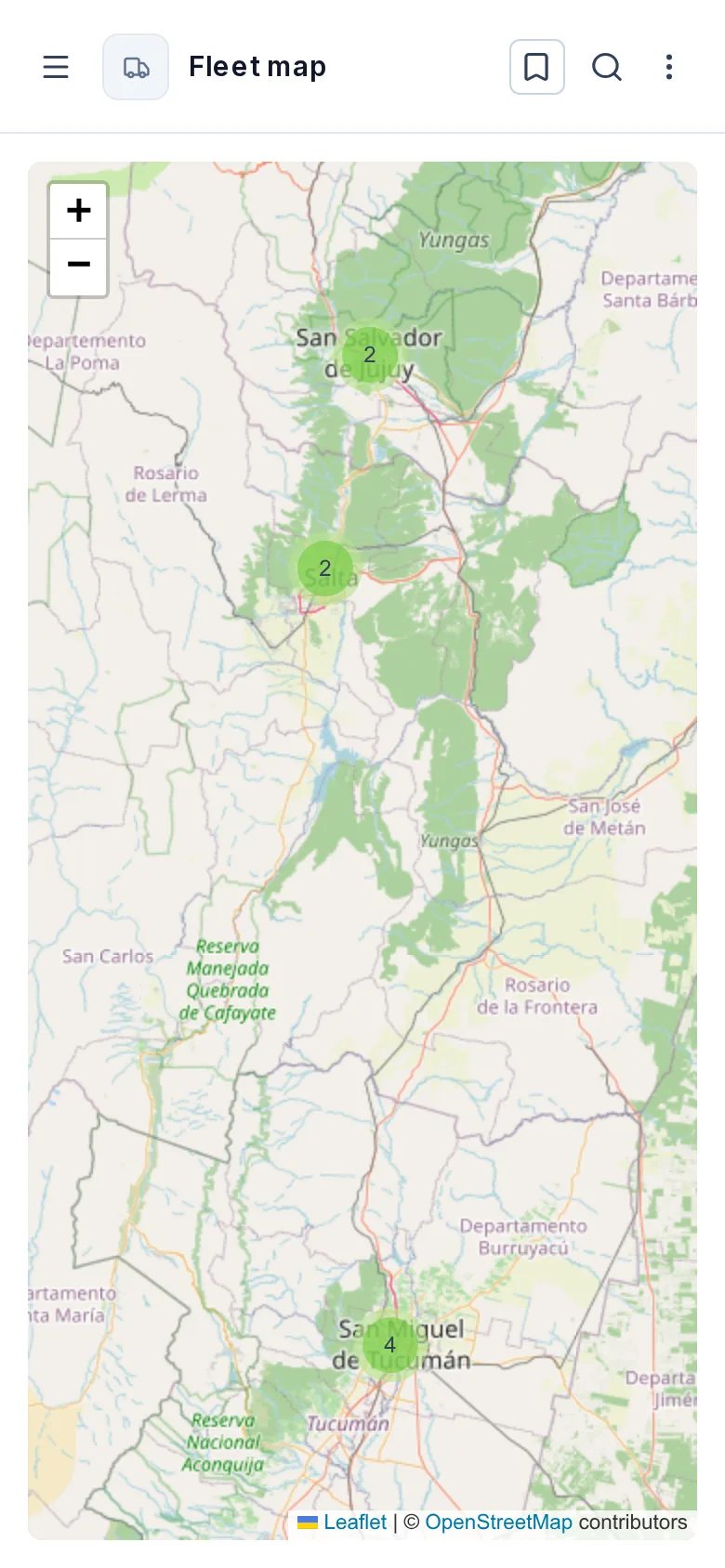
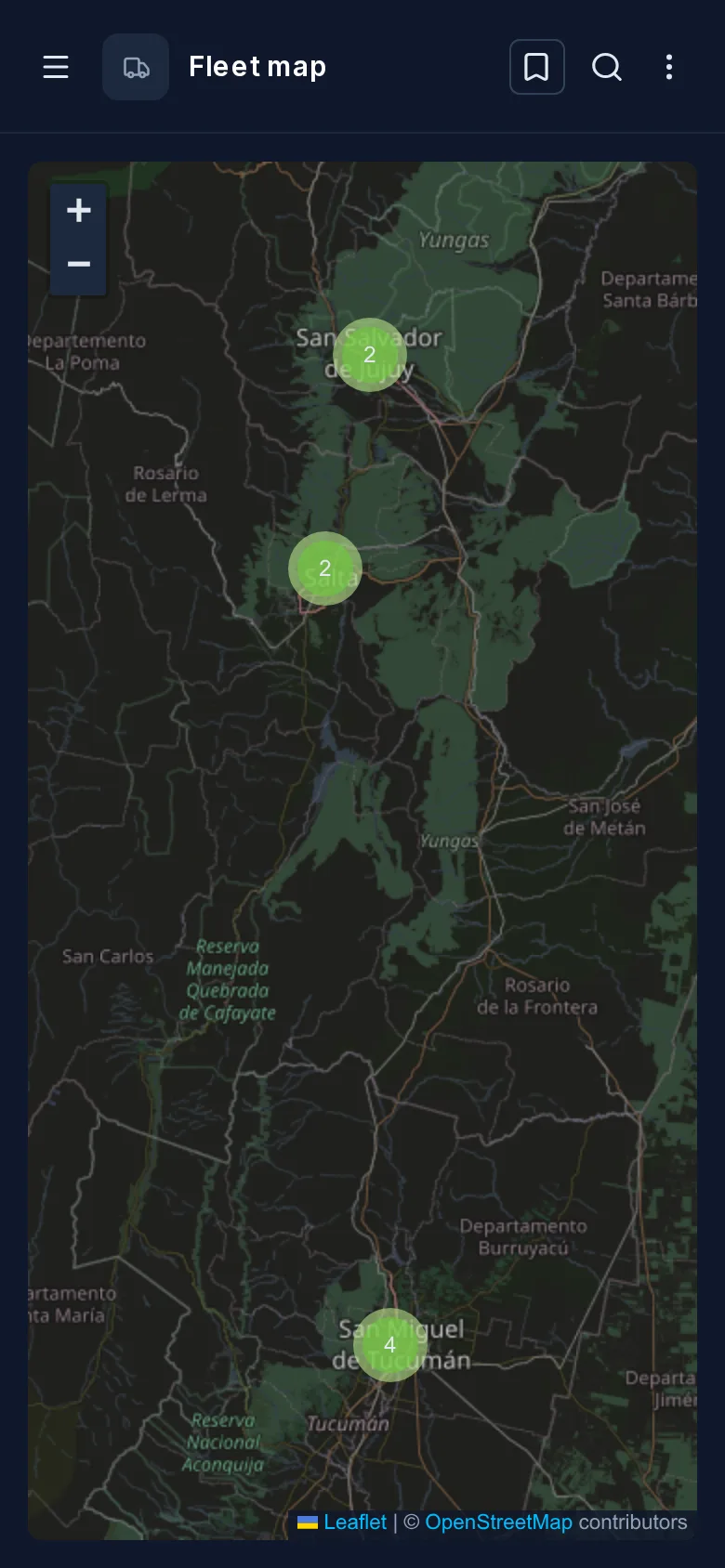
- DataViews: screens over your data (grids, forms, kanban boards, calendars, Gantt charts, maps, custom pages) that end users open in the App, on a desktop or a phone;
- Dashboards: reports built from SQL queries, which you can also embed in another site;
- Workflows: automation started by a data change, a schedule, a webhook or a person;
- users, roles and permissions, down to individual rows and fields;
- a REST Data API over the tables, views and functions you choose to expose, with generated OpenAPI;
- an audit log of every write, and an MCP server for AI agents.
TotalBase doesn't replace or hide PostgreSQL. Your tables stay ordinary PostgreSQL tables, and anything you change with psql or a migration tool shows up in TotalBase too.
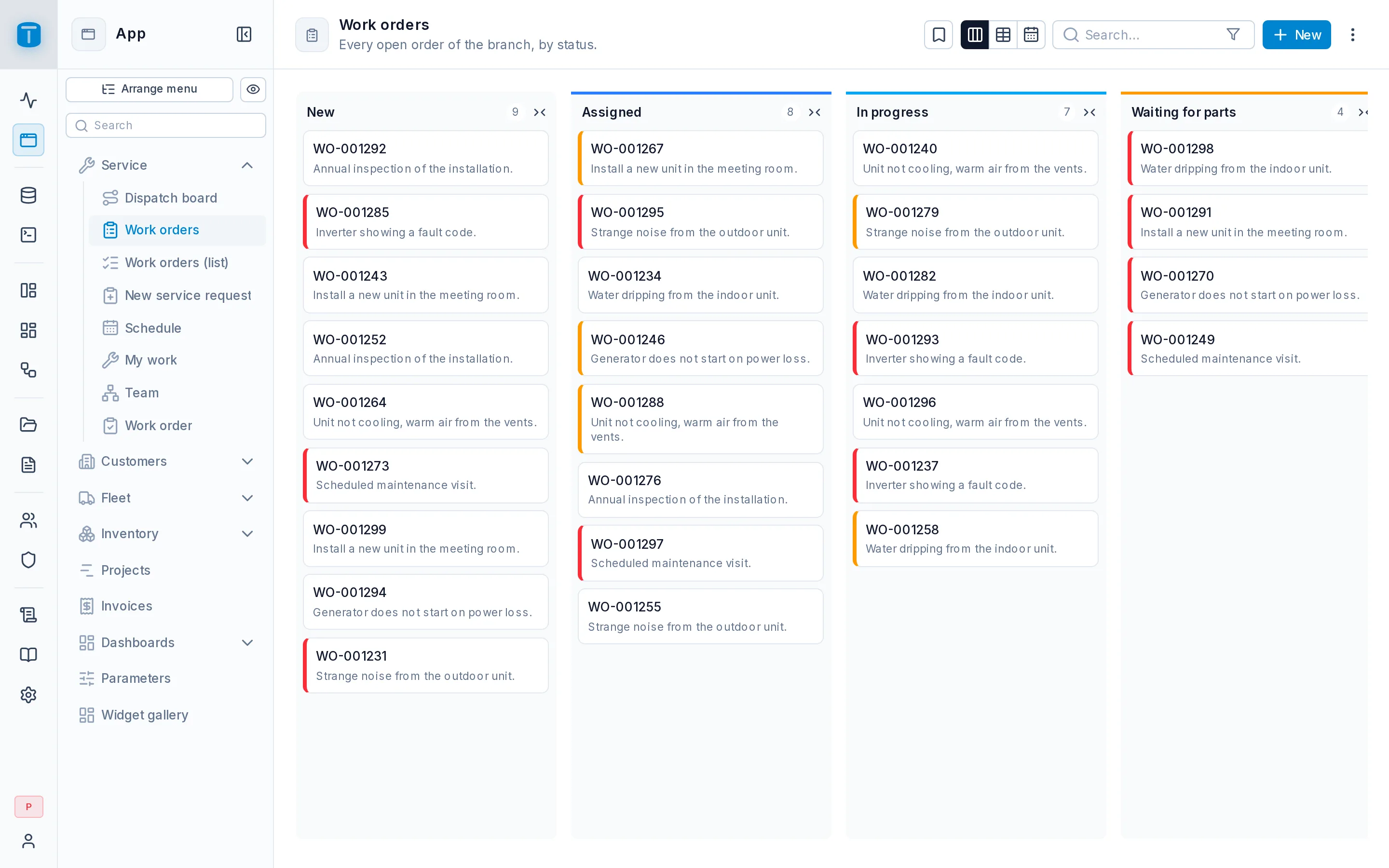
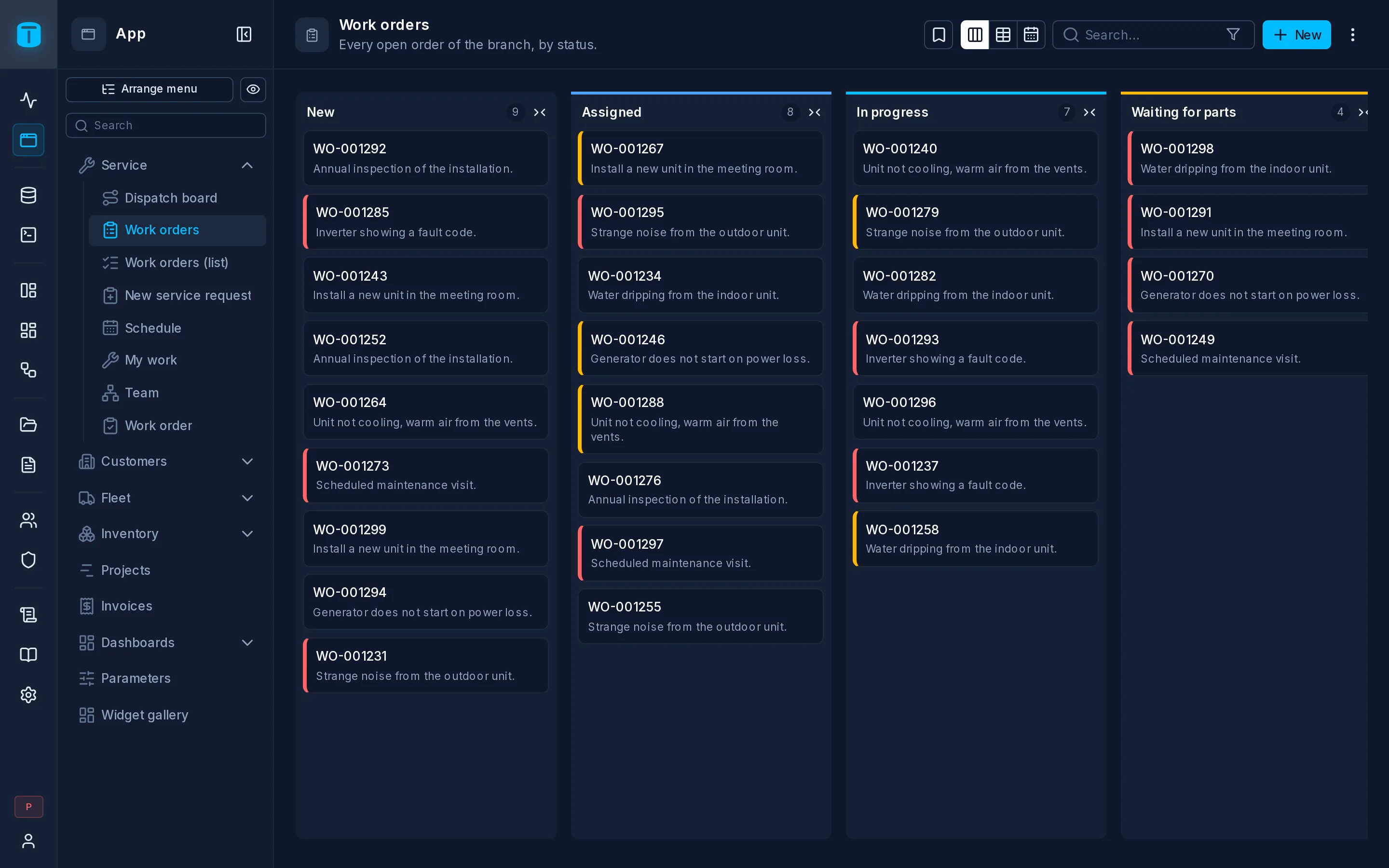
Kanban
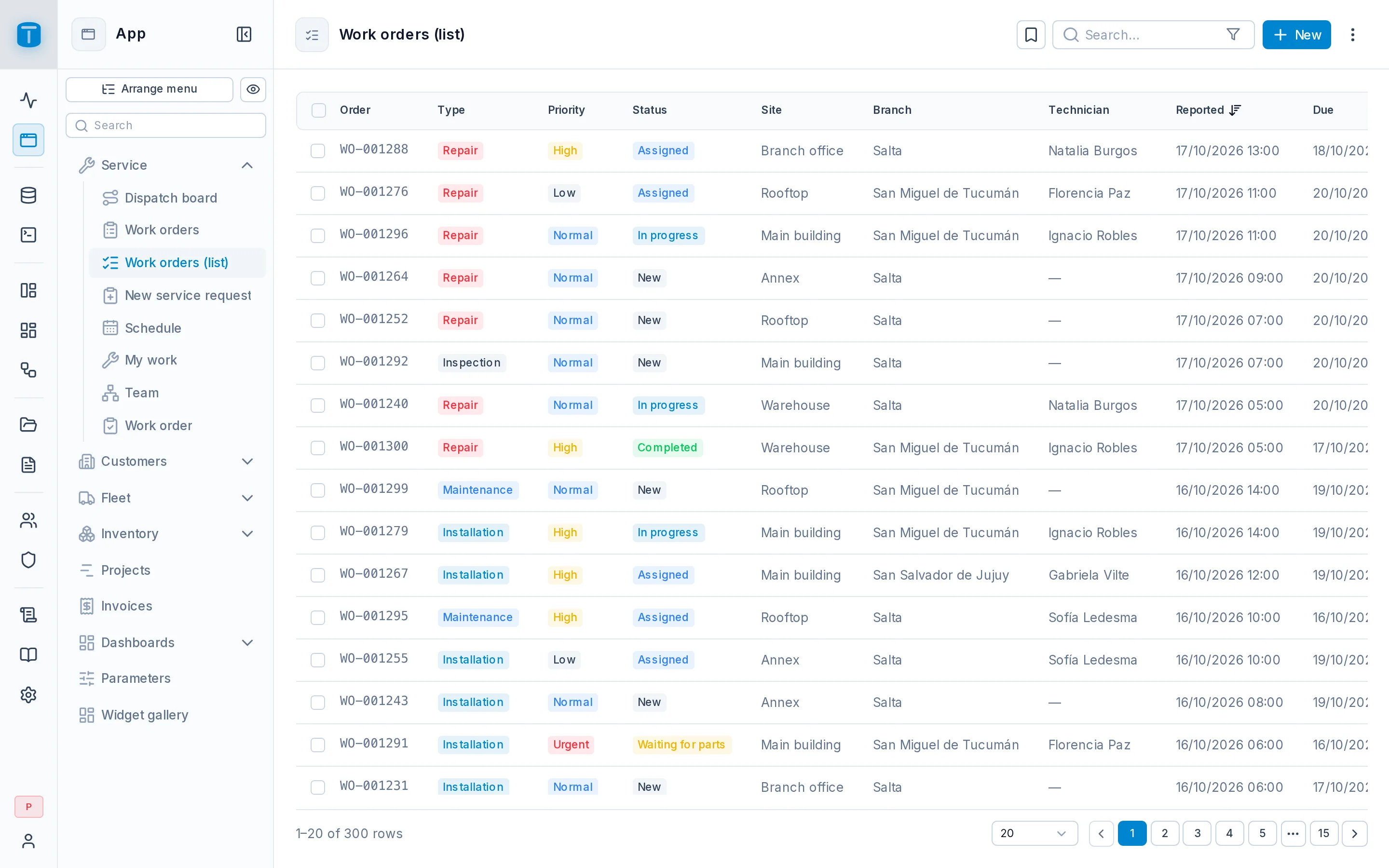
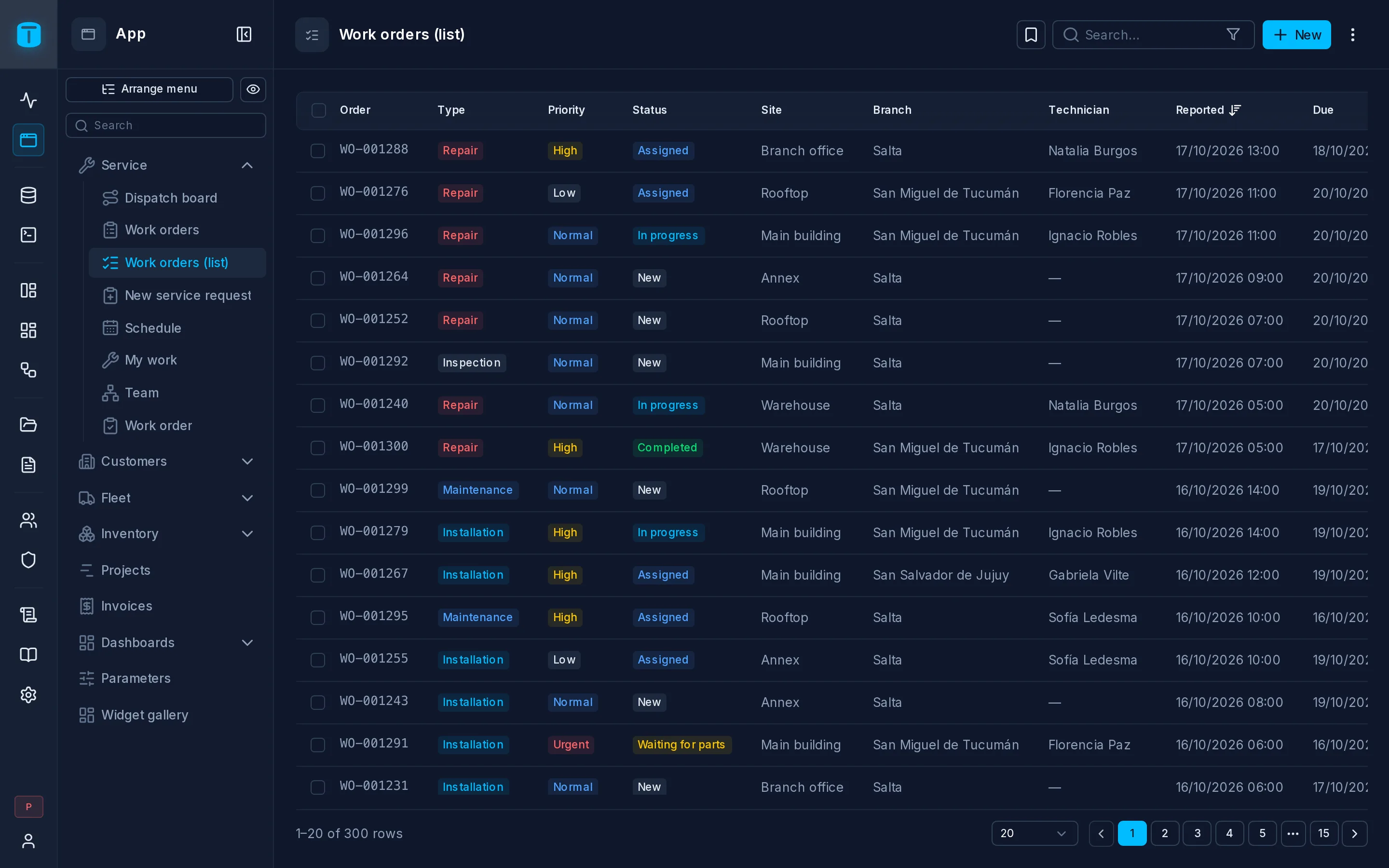
Table
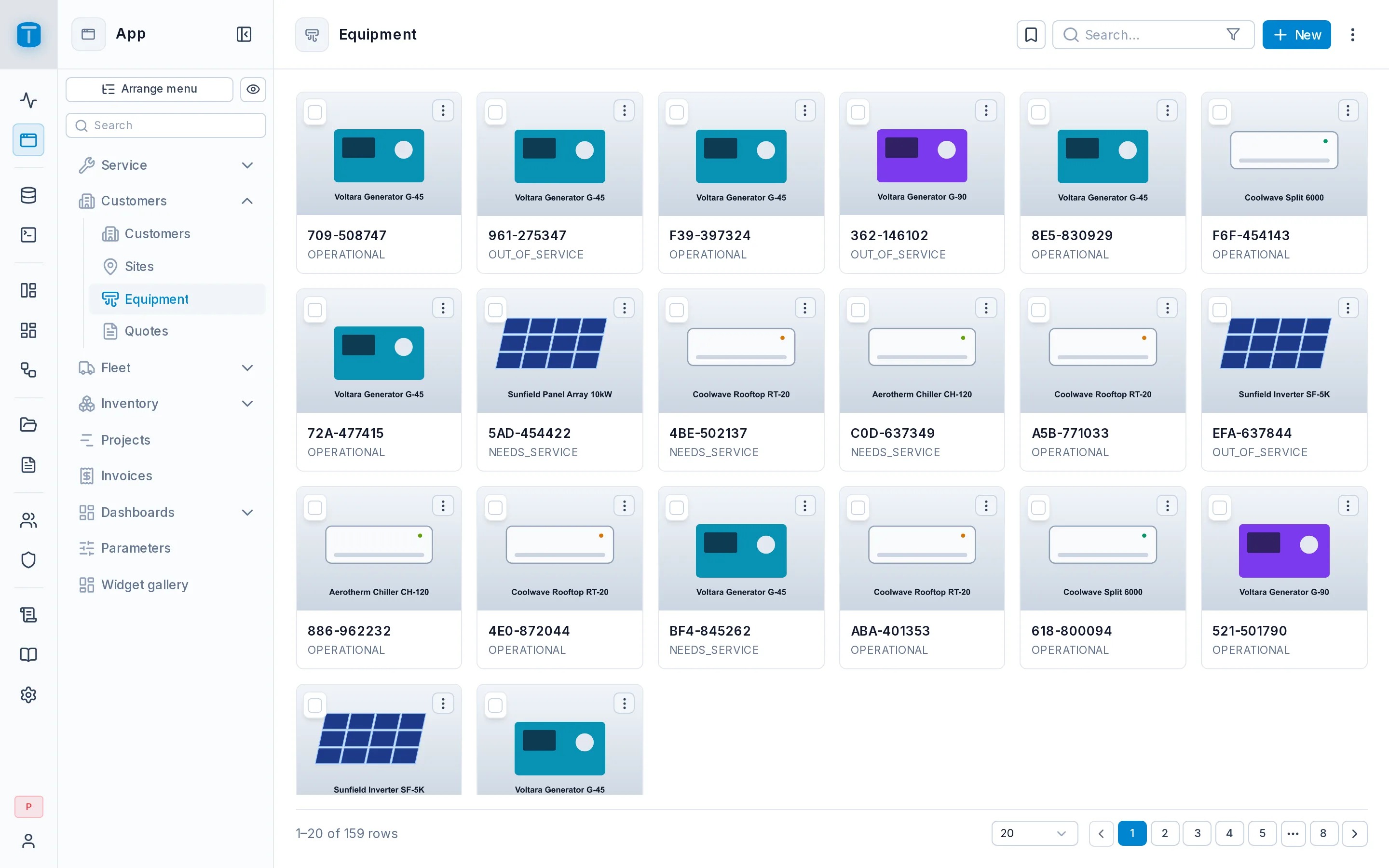
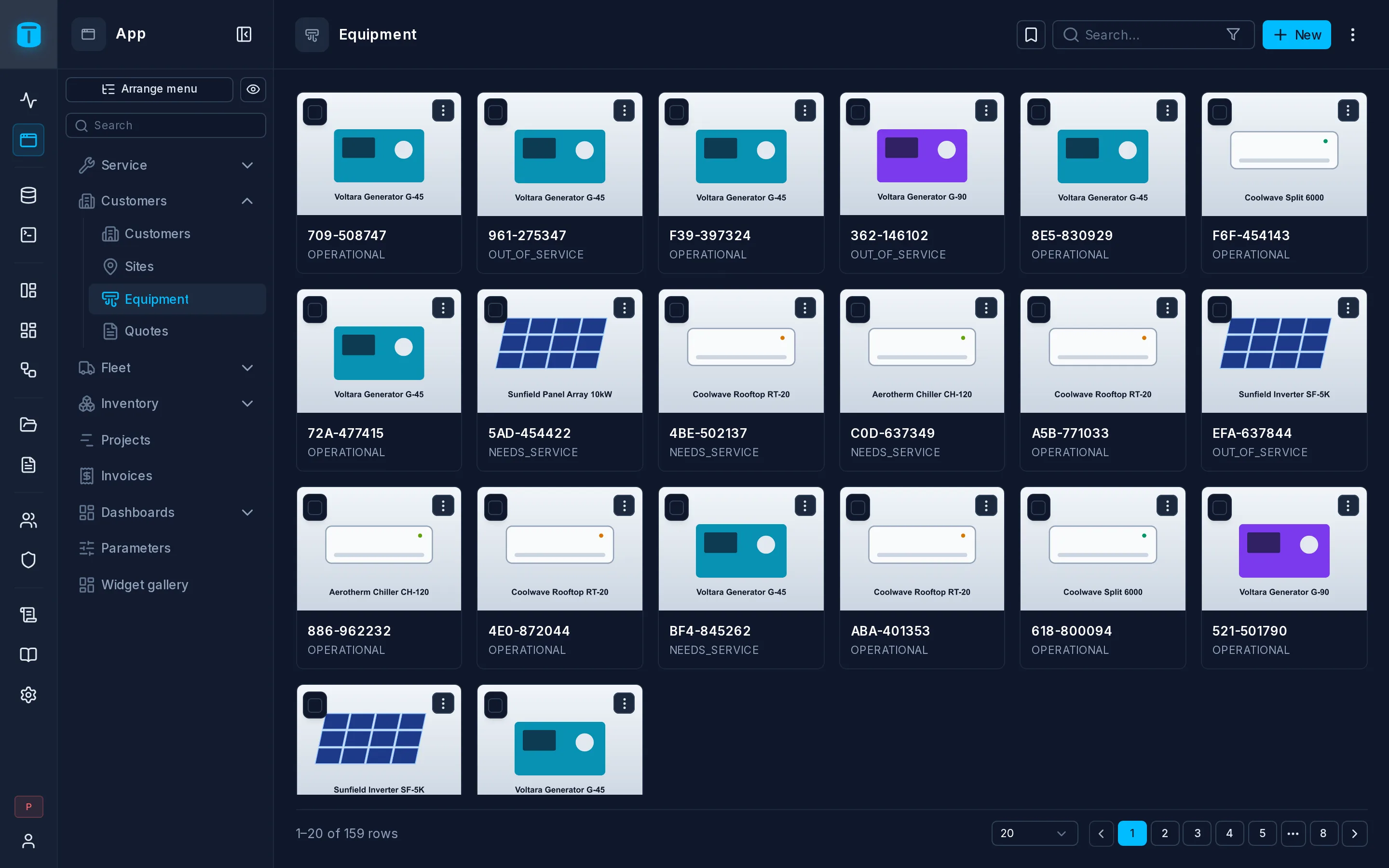
Cards
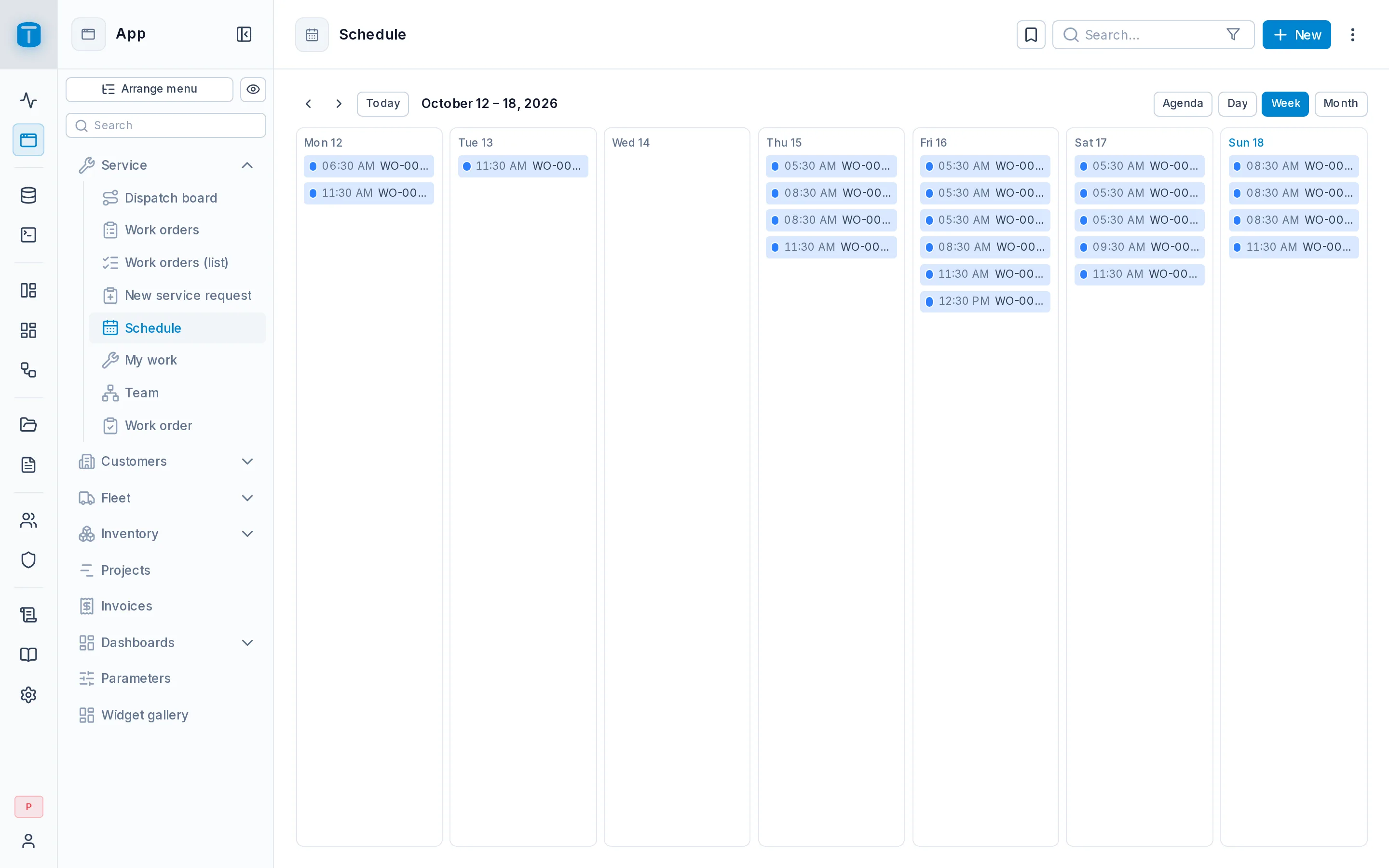
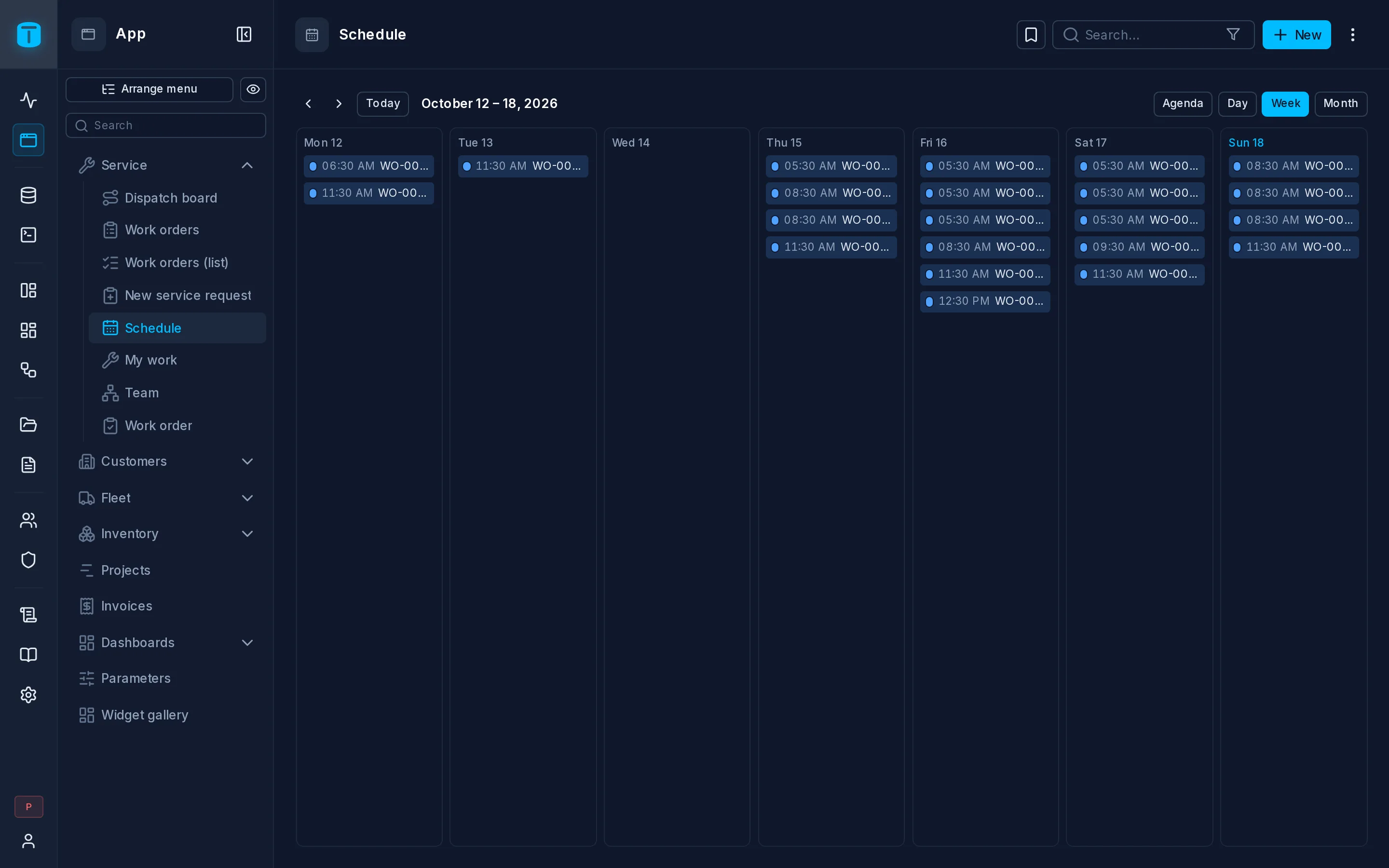
Calendar
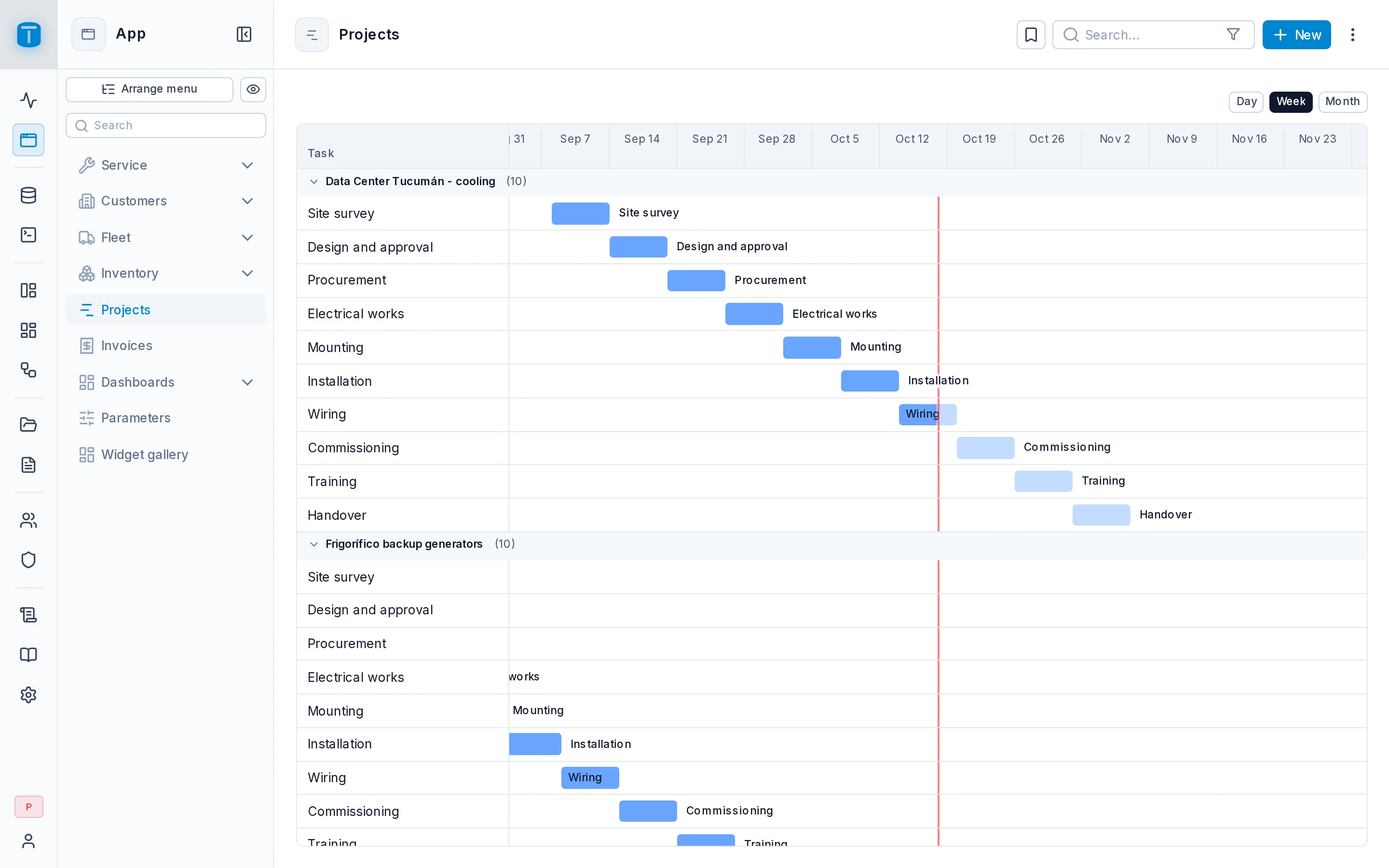
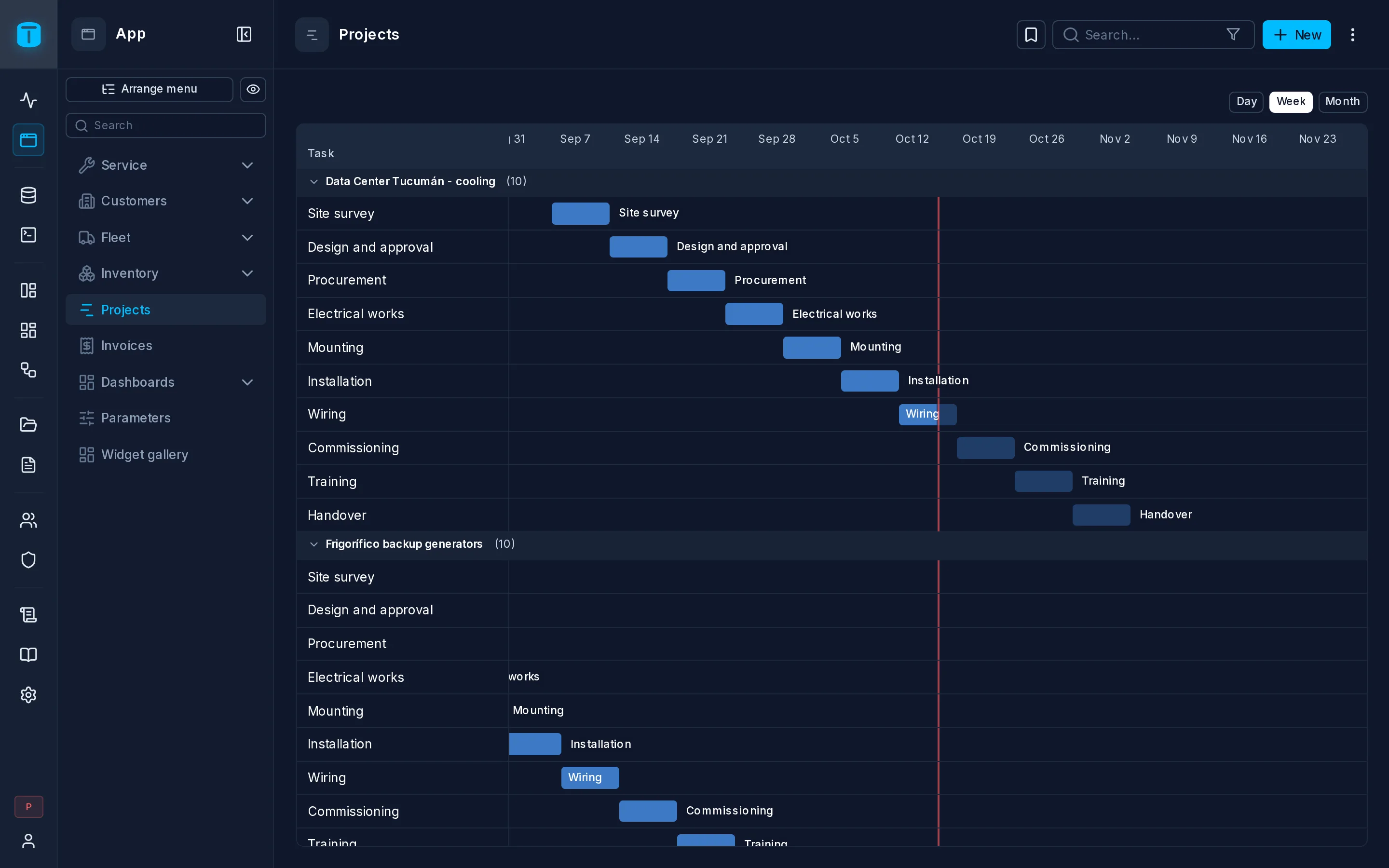
Gantt
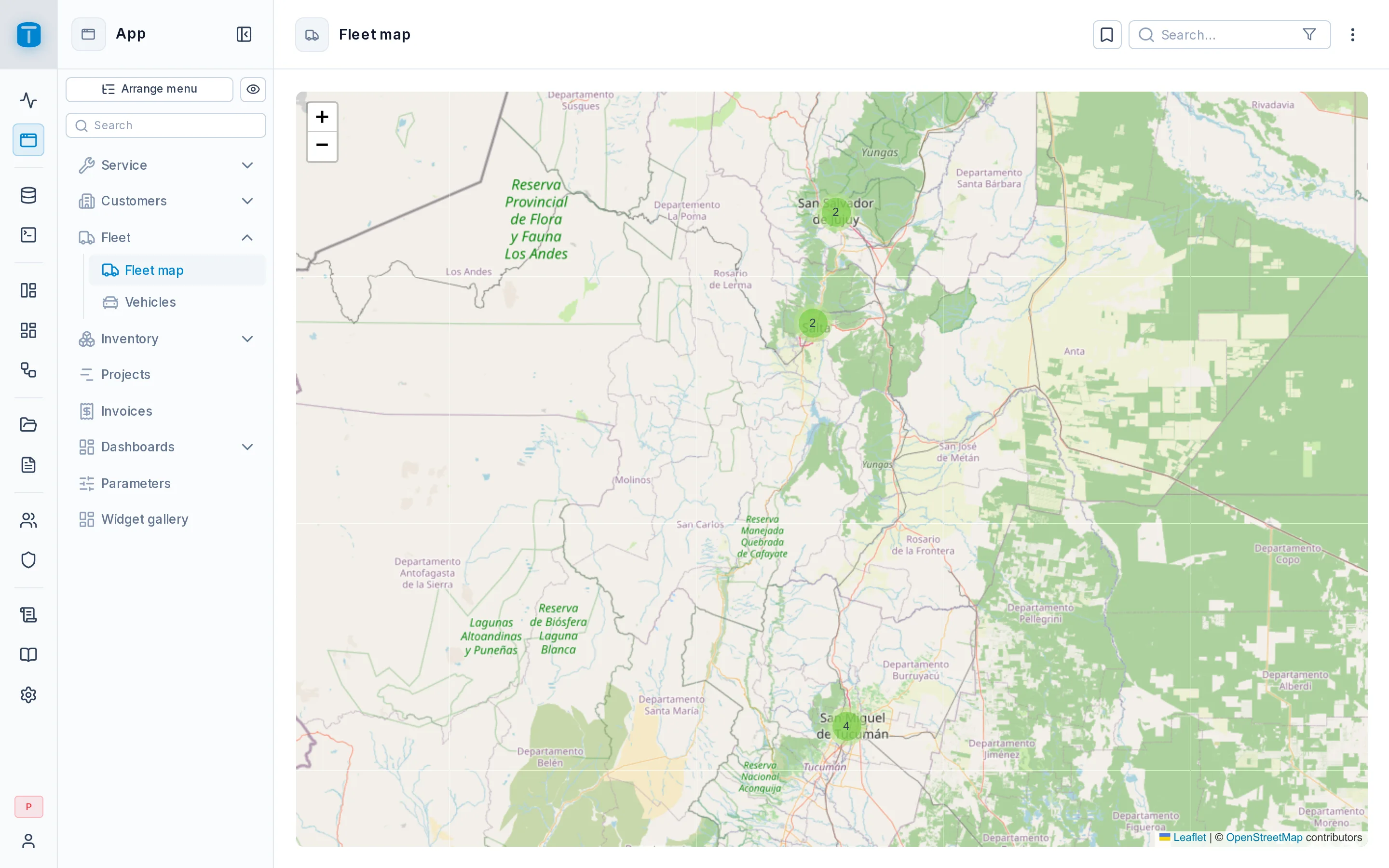
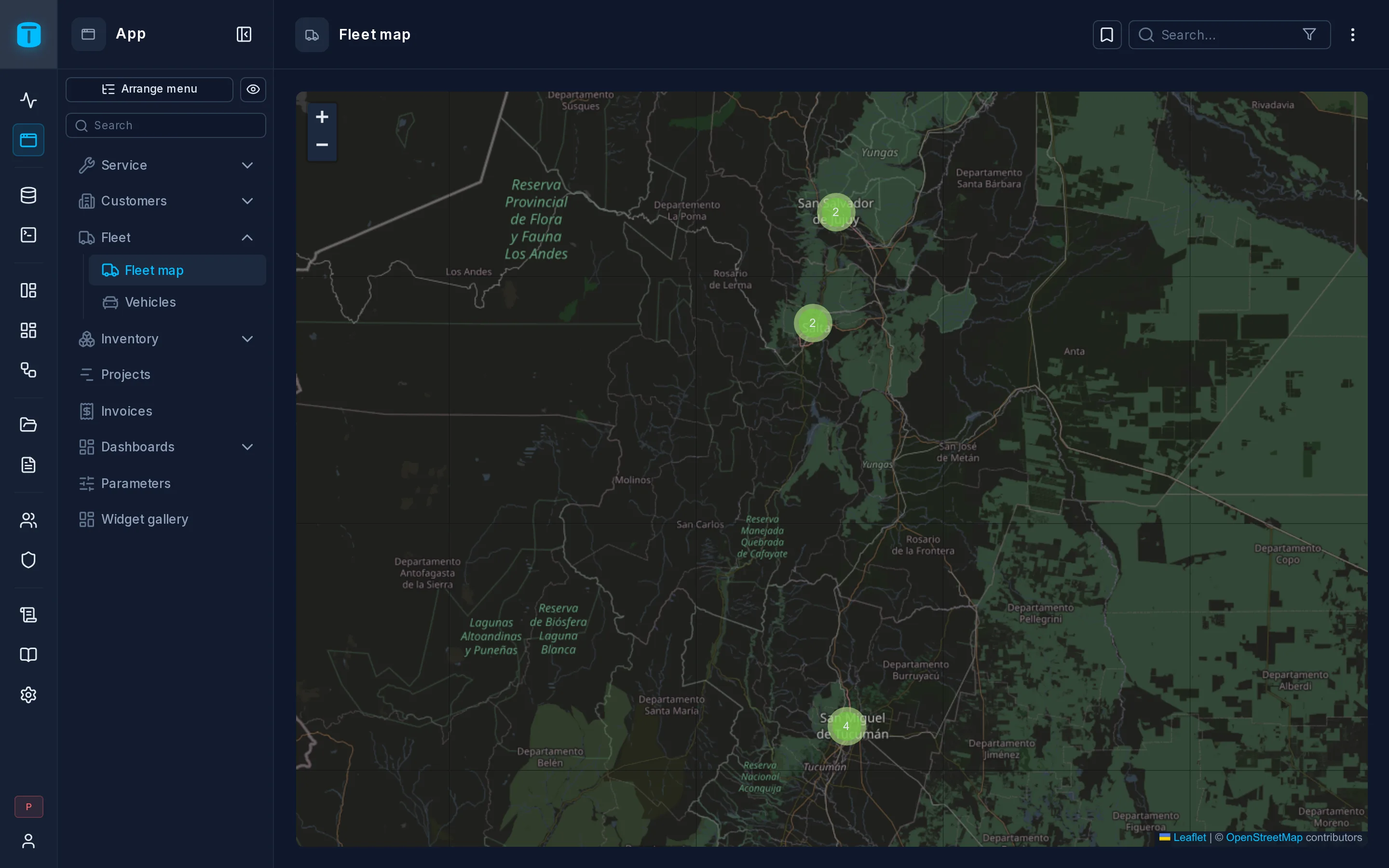
Map
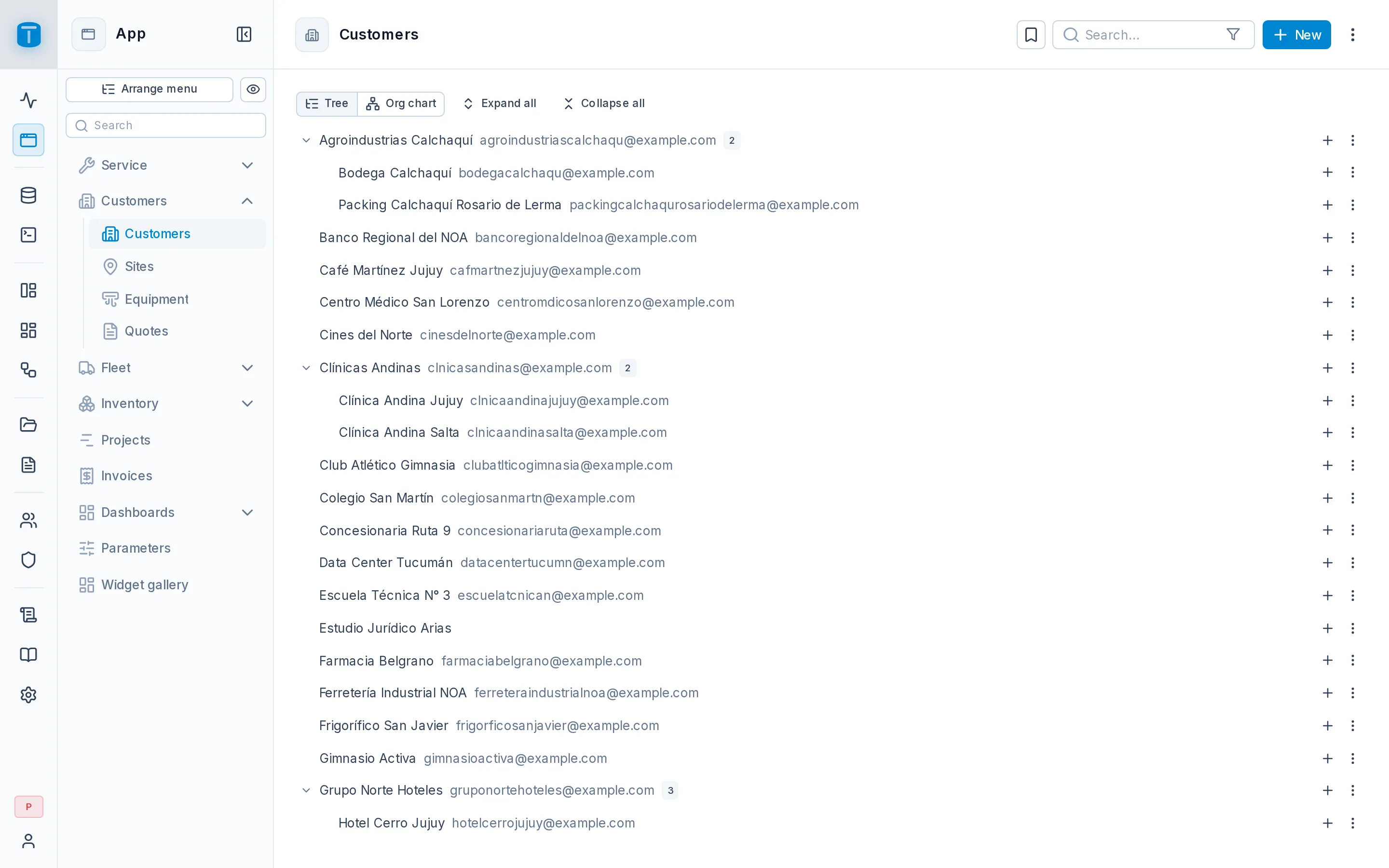
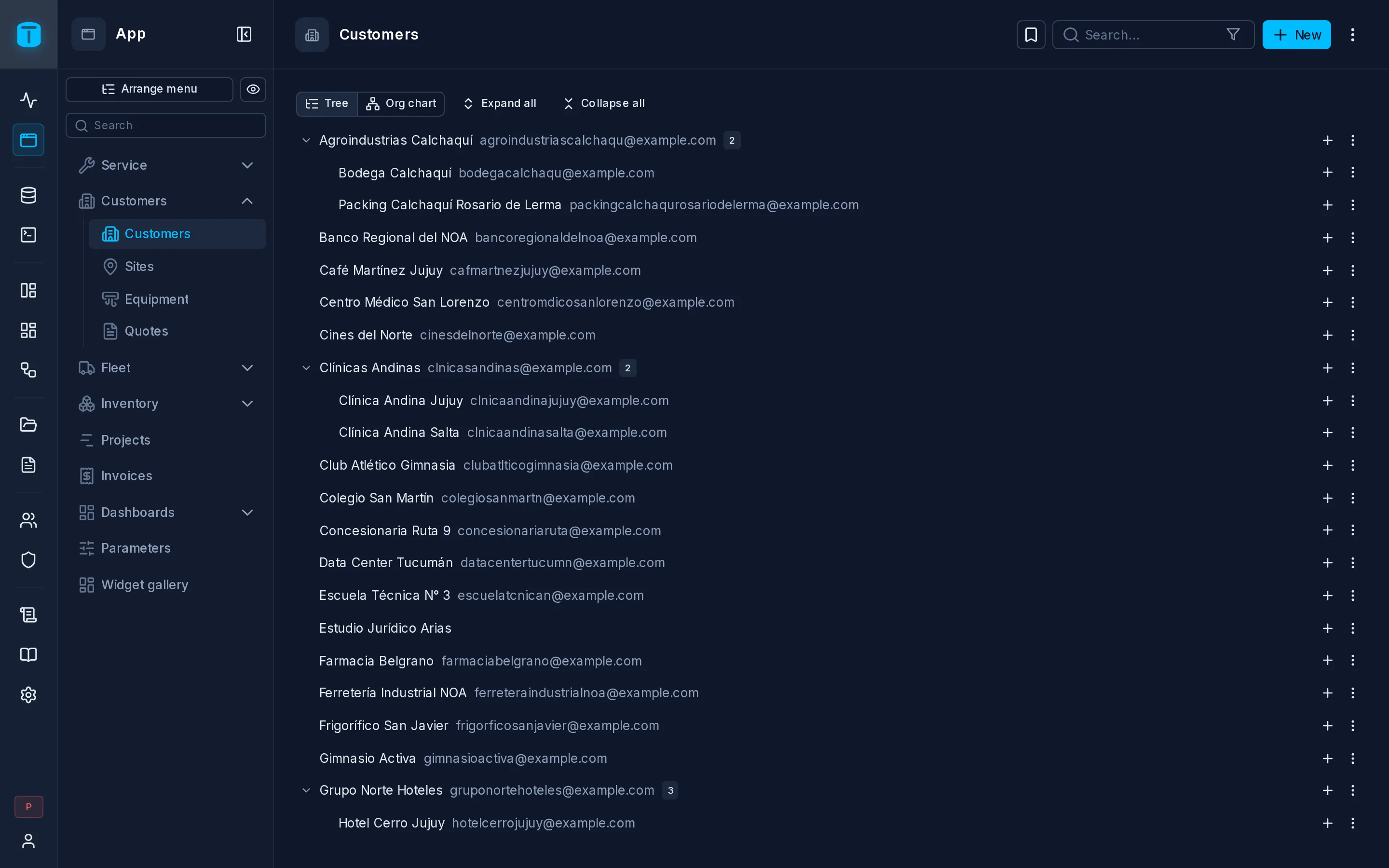
Tree
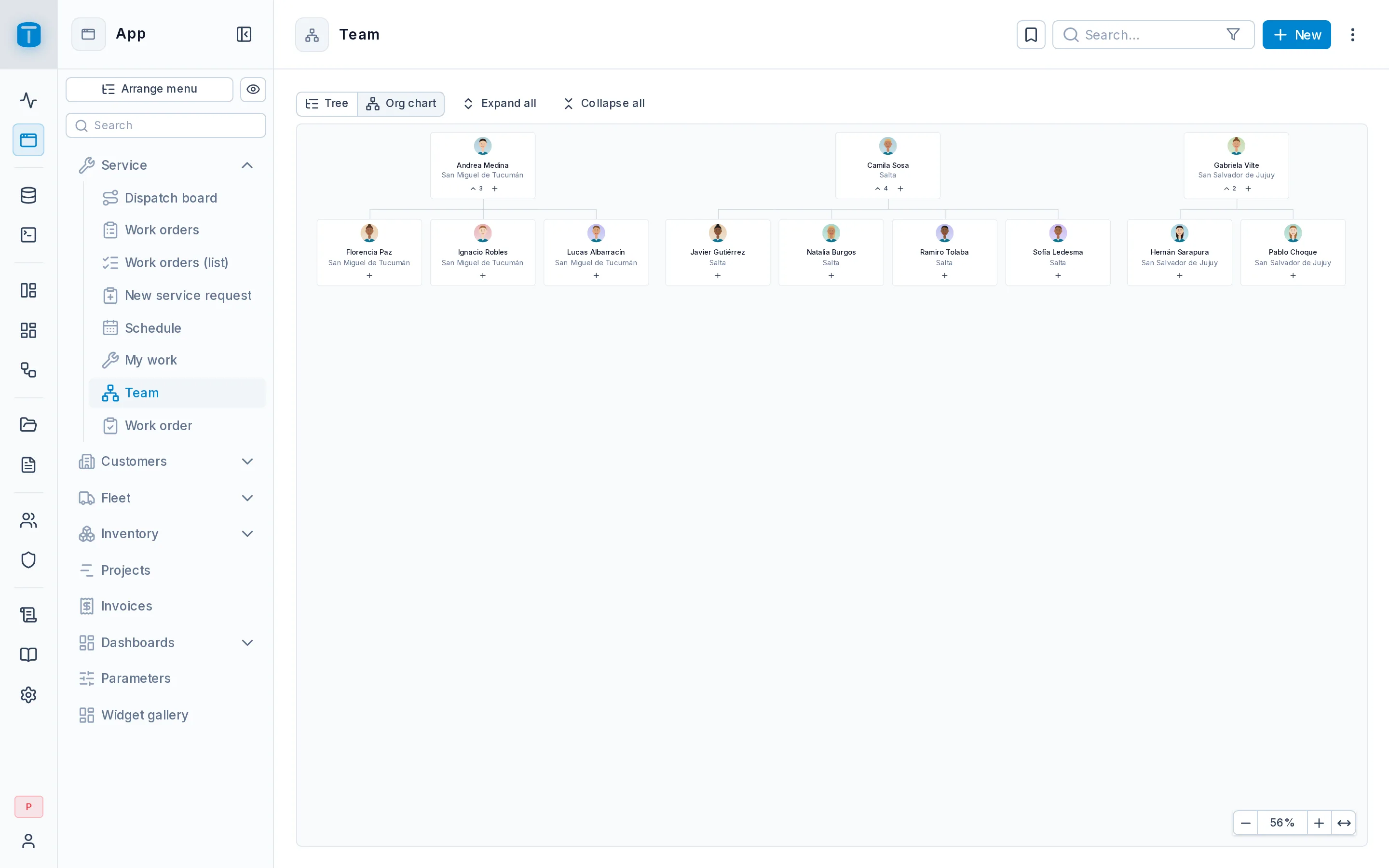
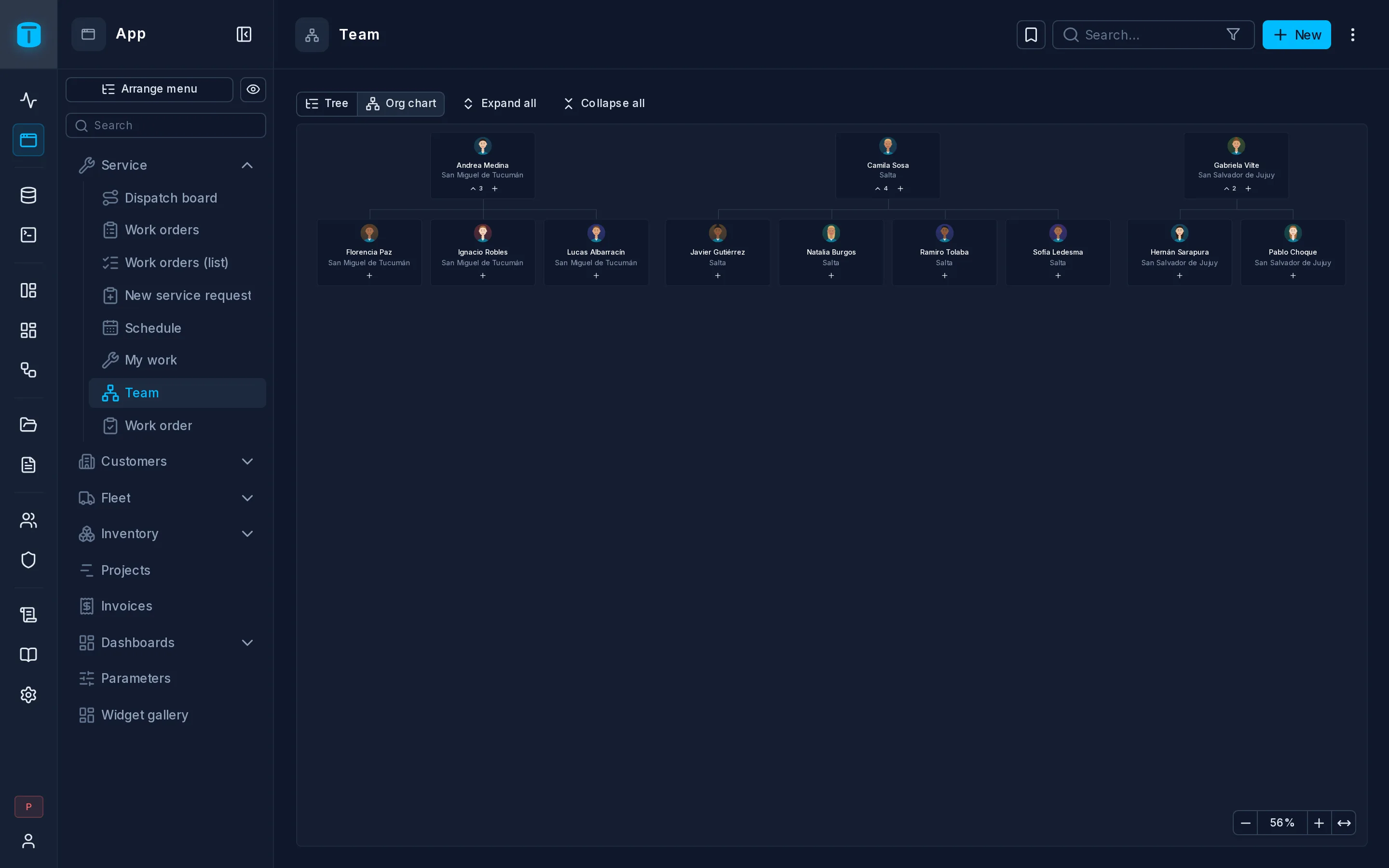
Org chart
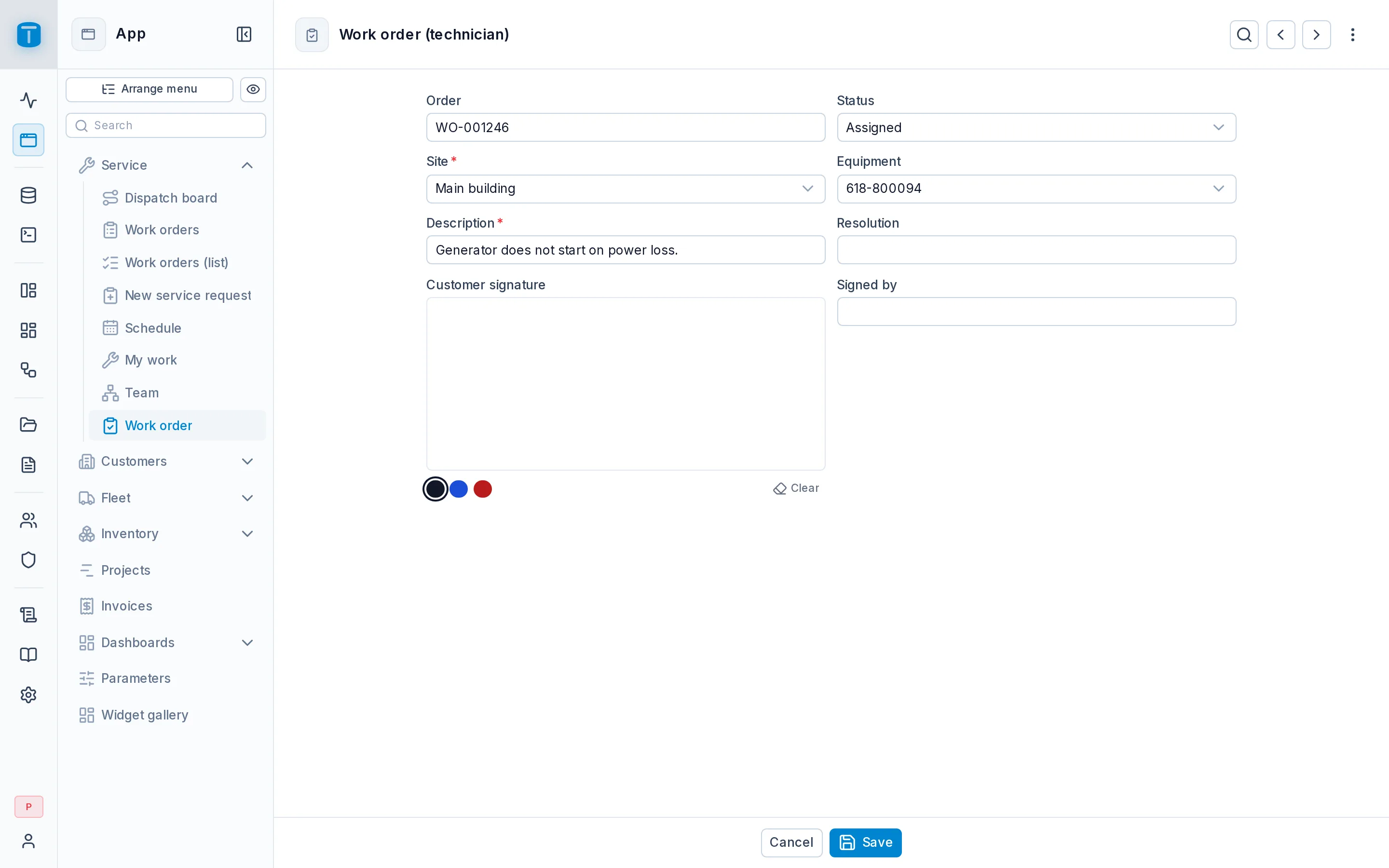
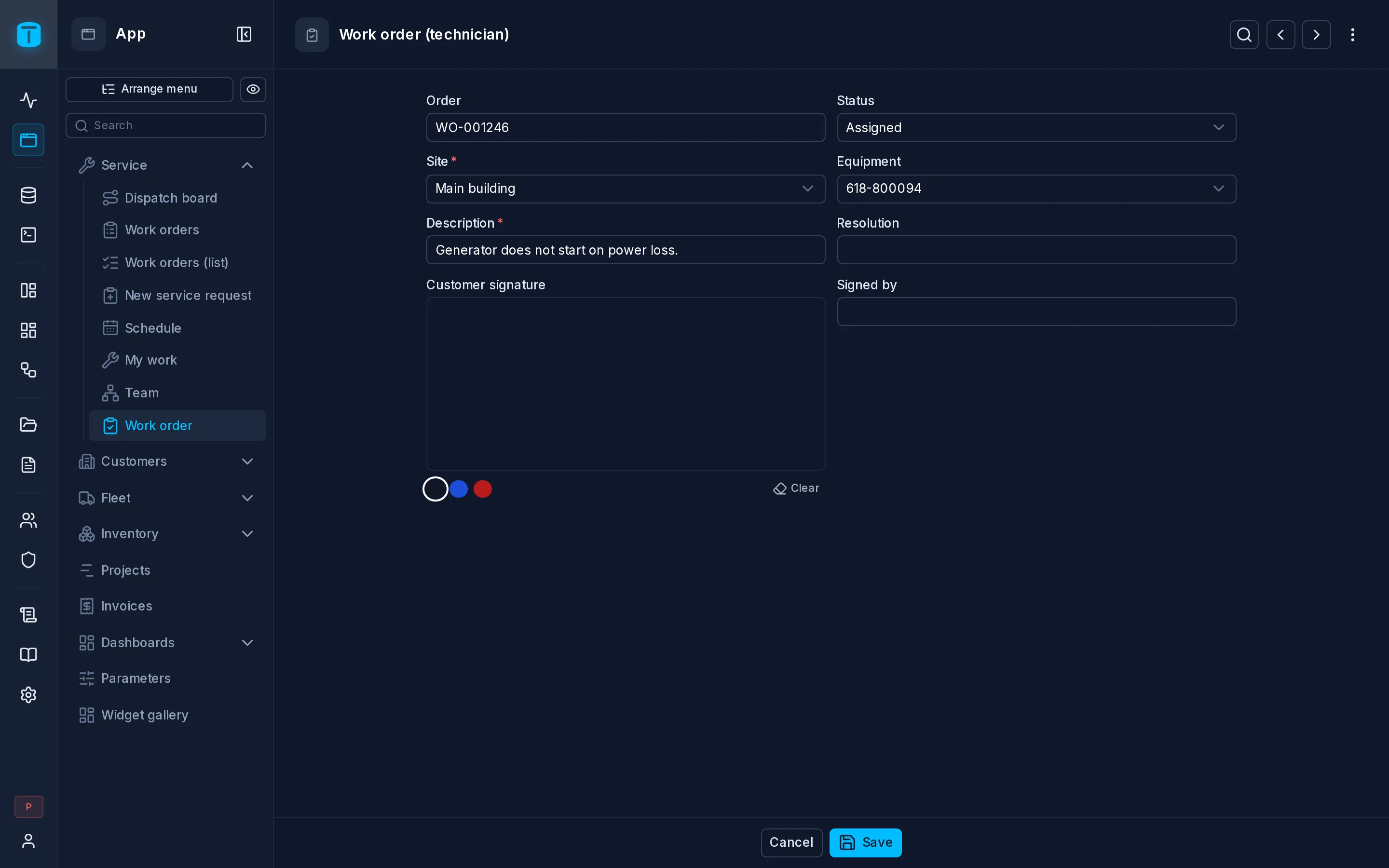
Form
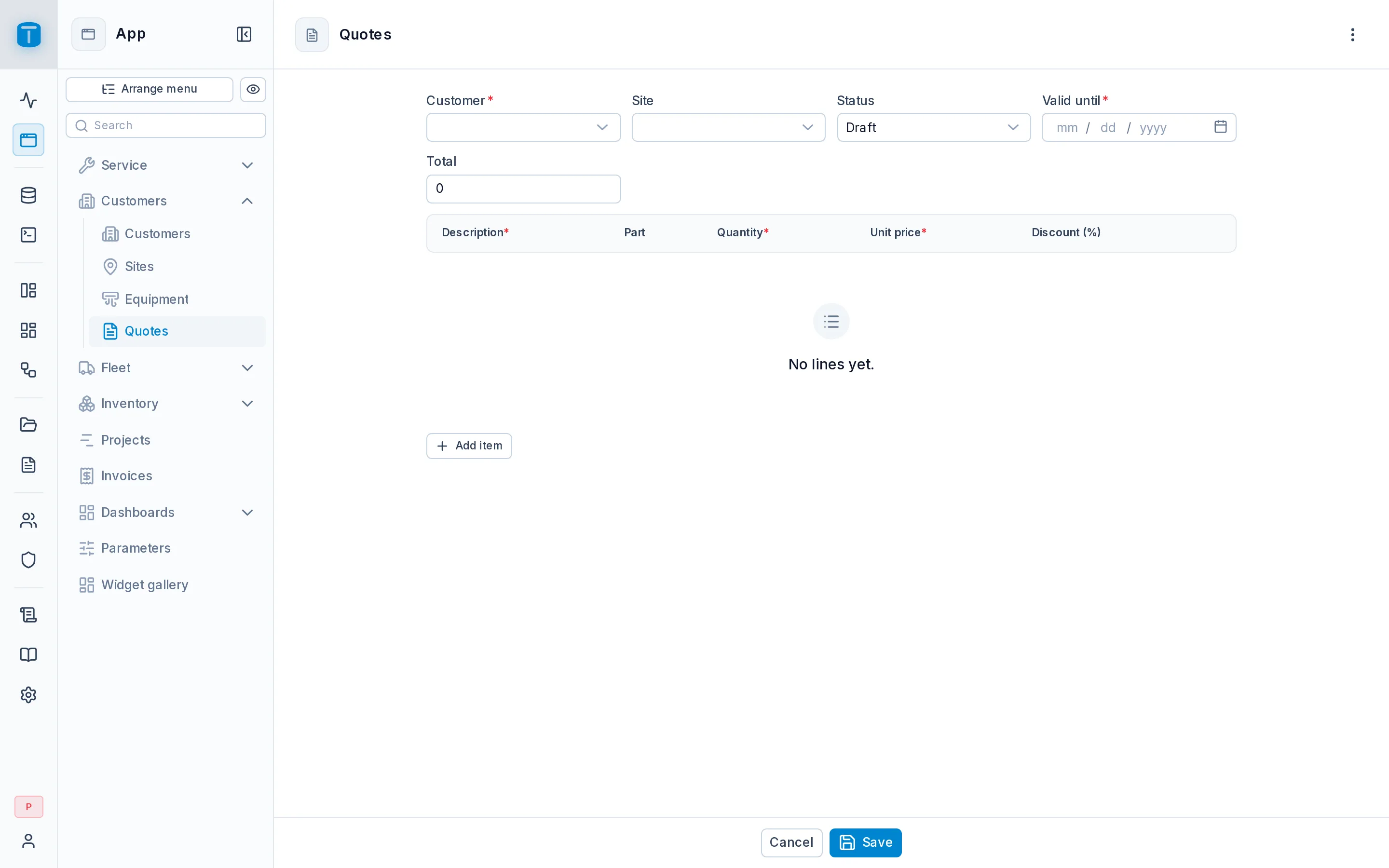
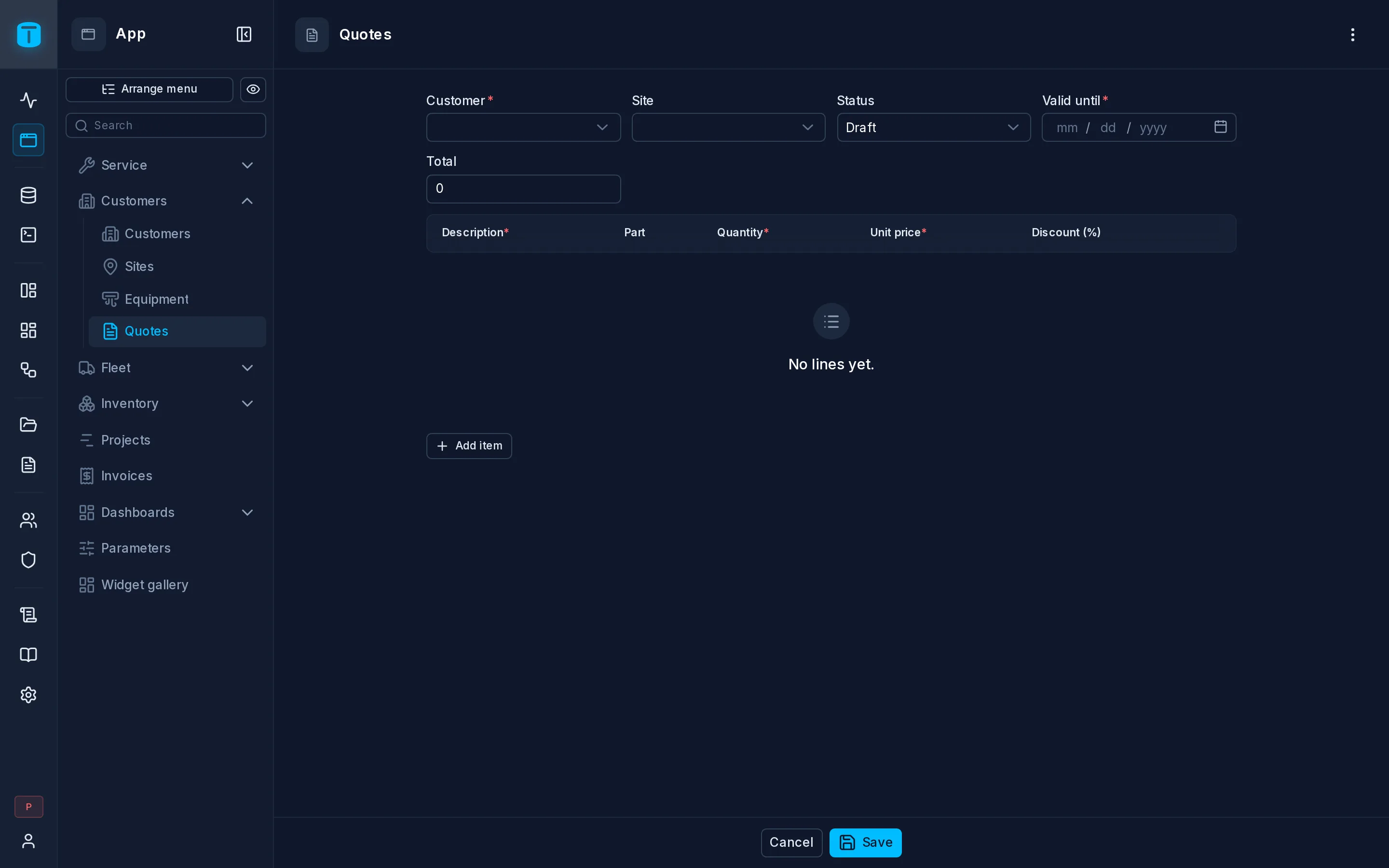
Master-detail
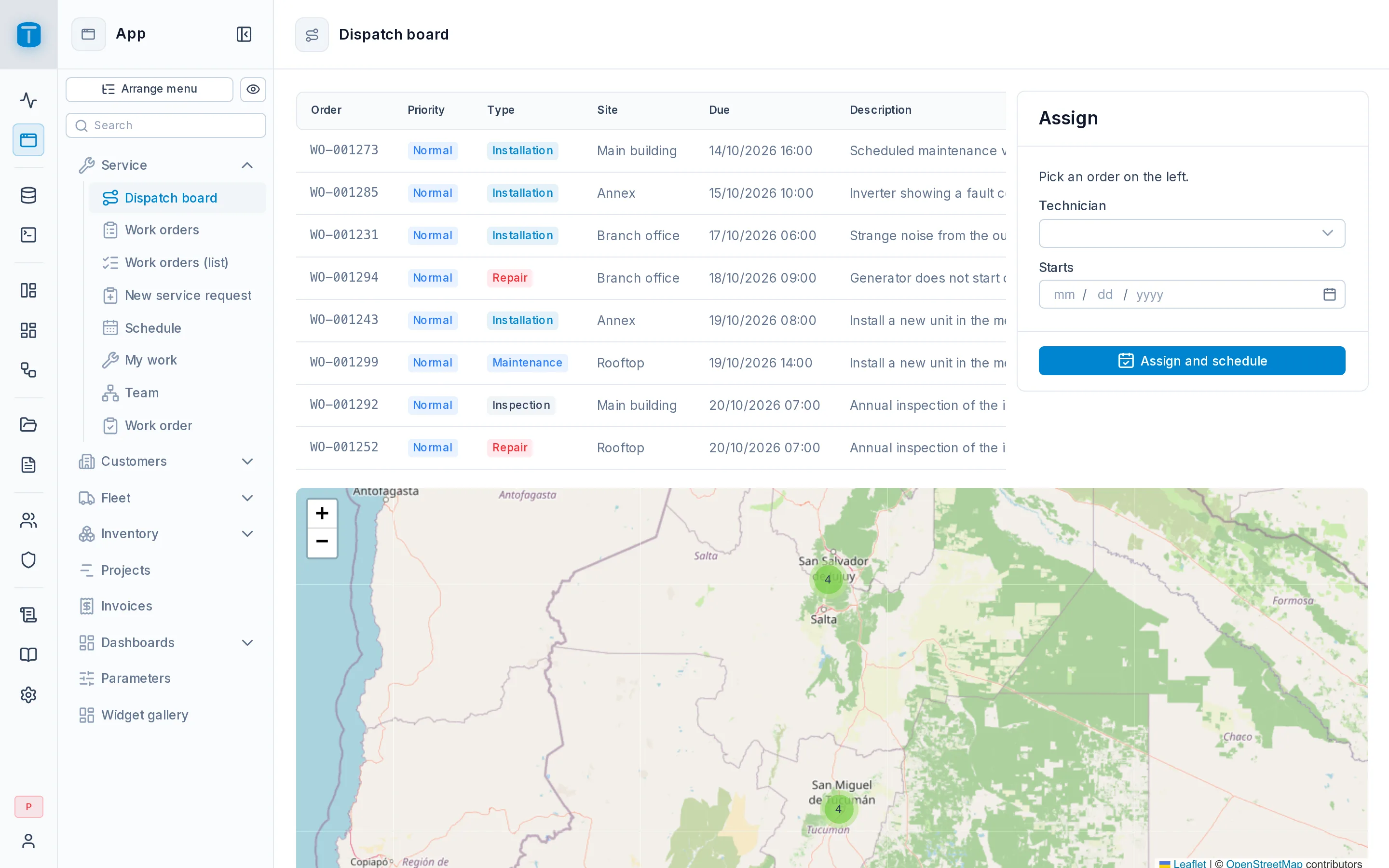
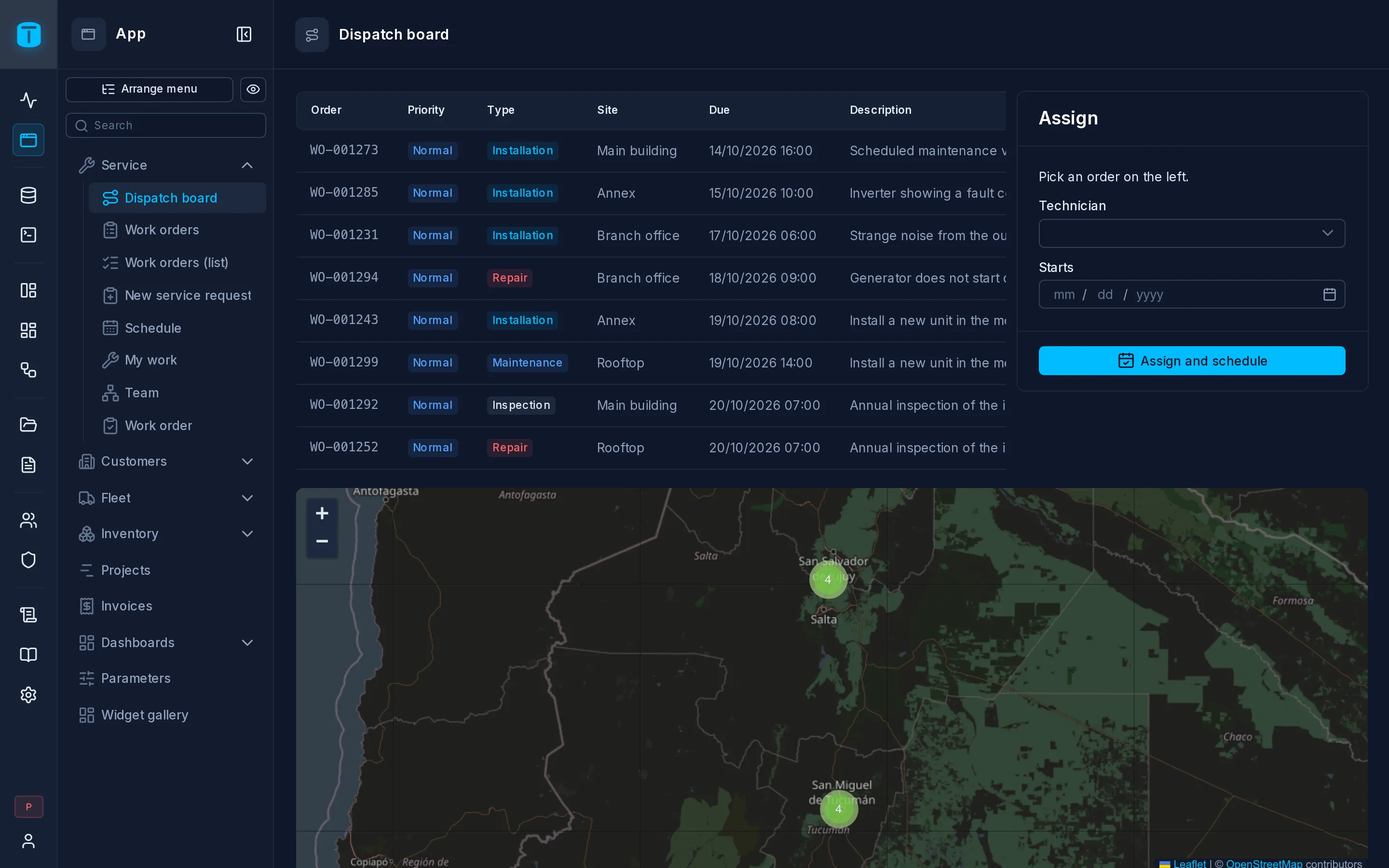
Custom page
Made for every screen
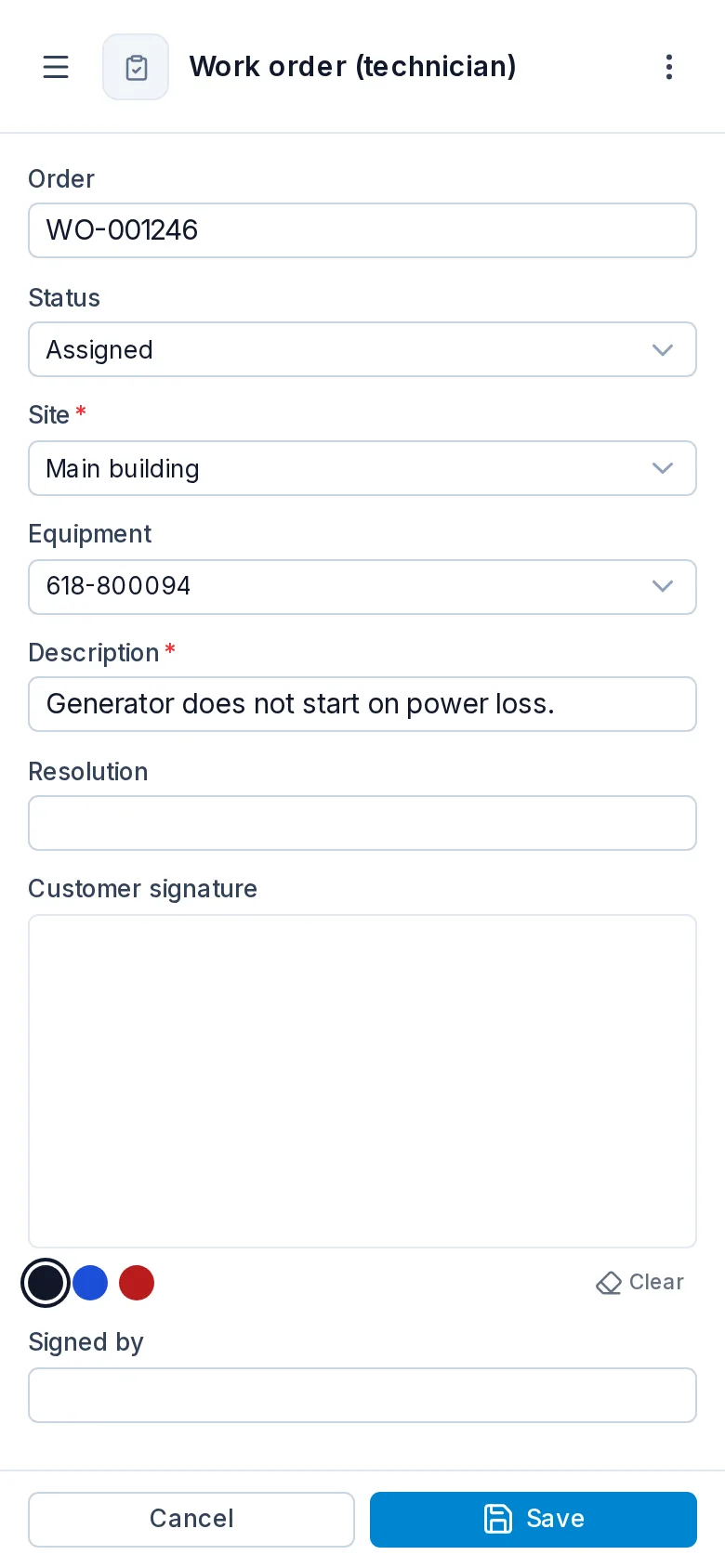
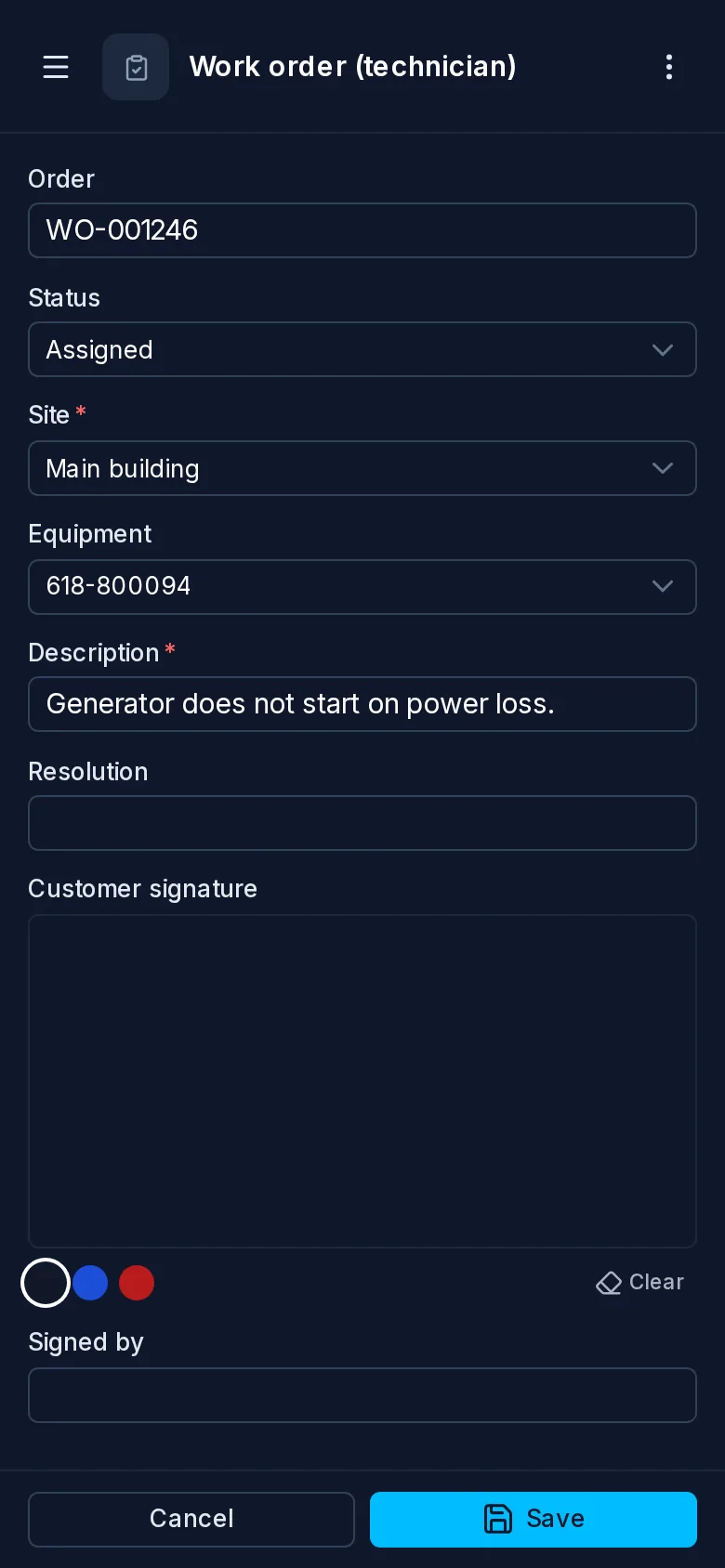
TotalBase is built to be fully responsive. The App, the admin and every DataView and dashboard work on a phone, a tablet and a desktop, with nothing to configure and no separate mobile app to build. On a phone the menu folds into a header, a page's secondary actions go into one menu, forms and dashboards stack into one column, a calendar opens as an agenda, and a technician can take a photo or collect a signature right in a form.
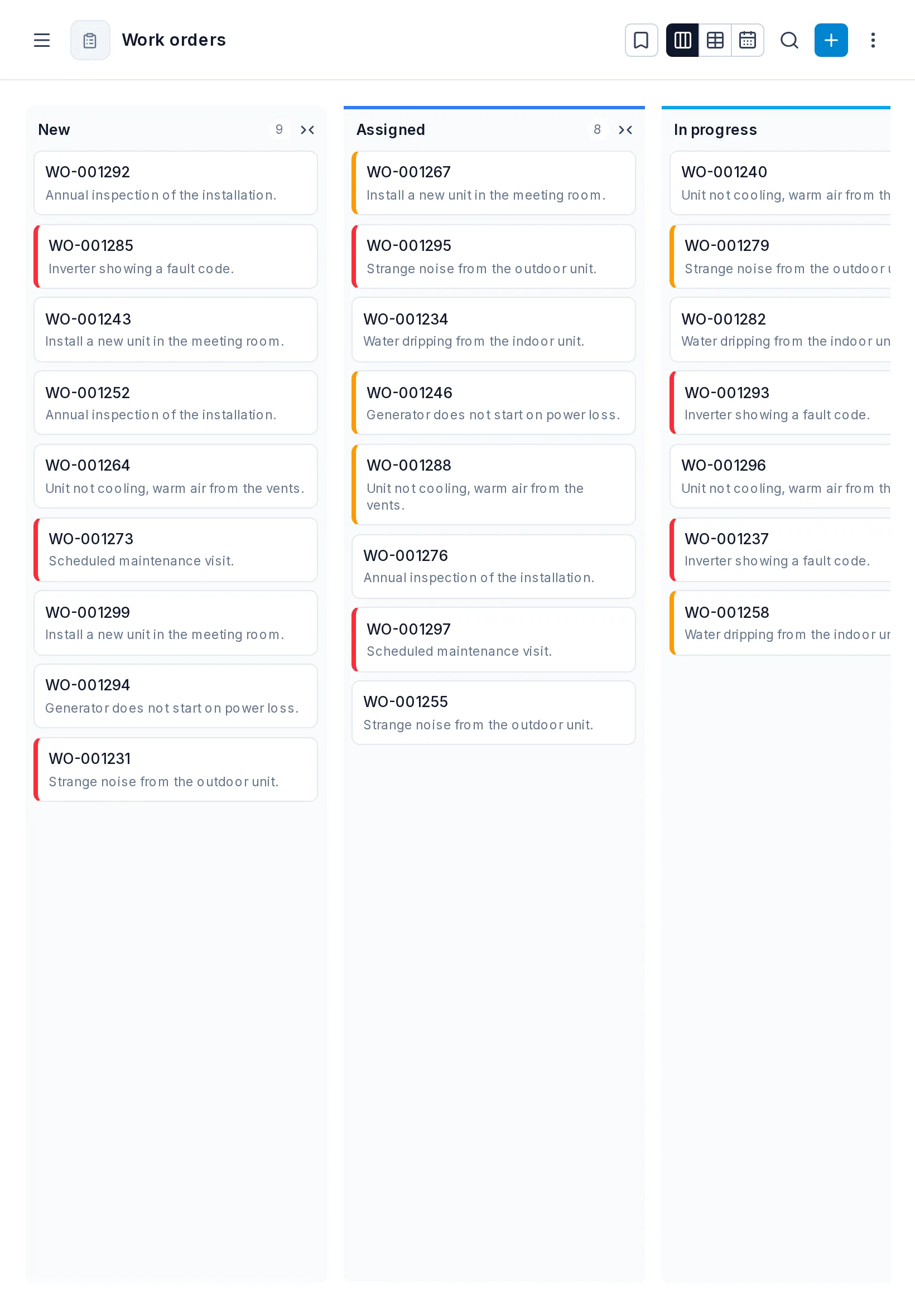
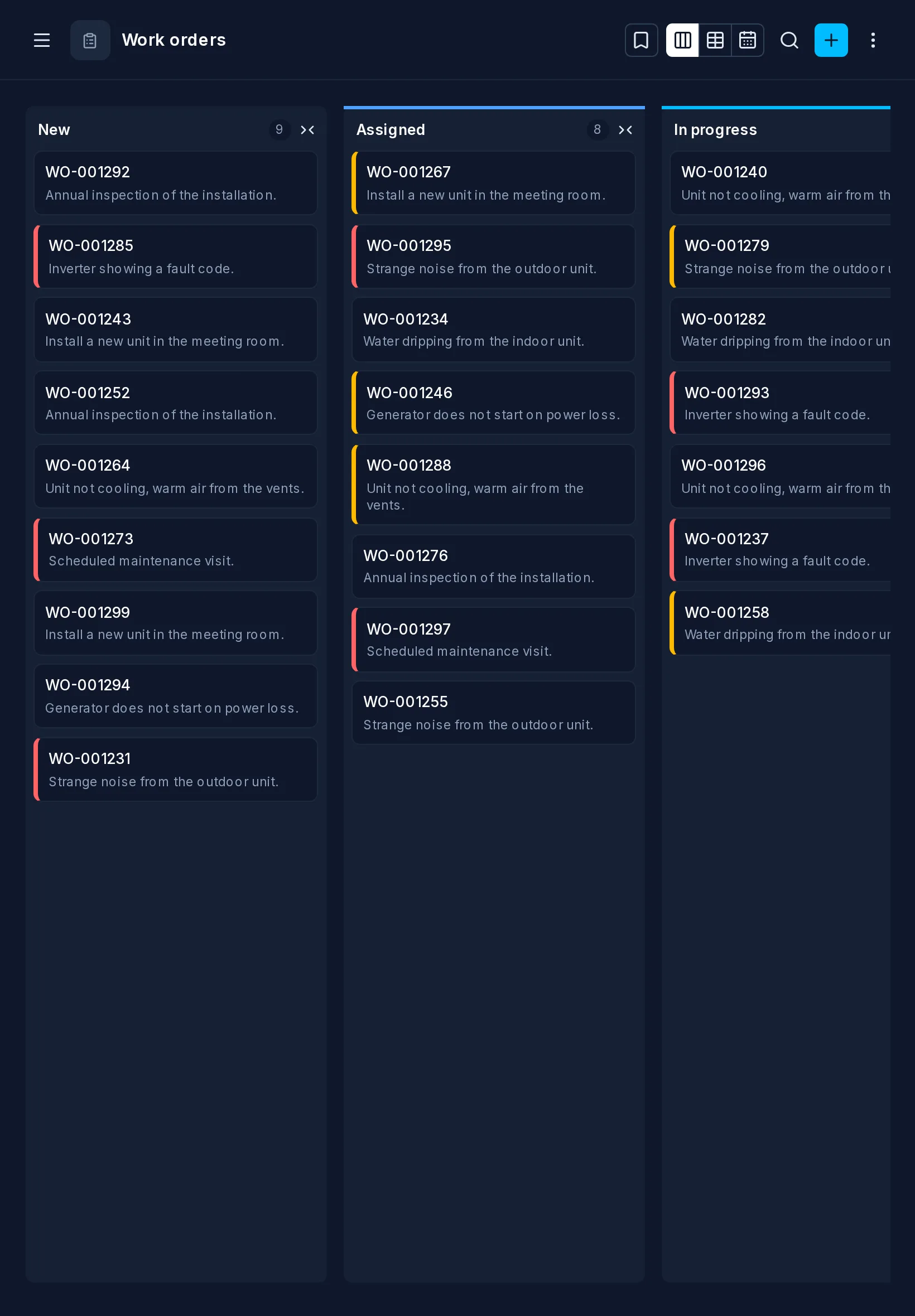
Kanban
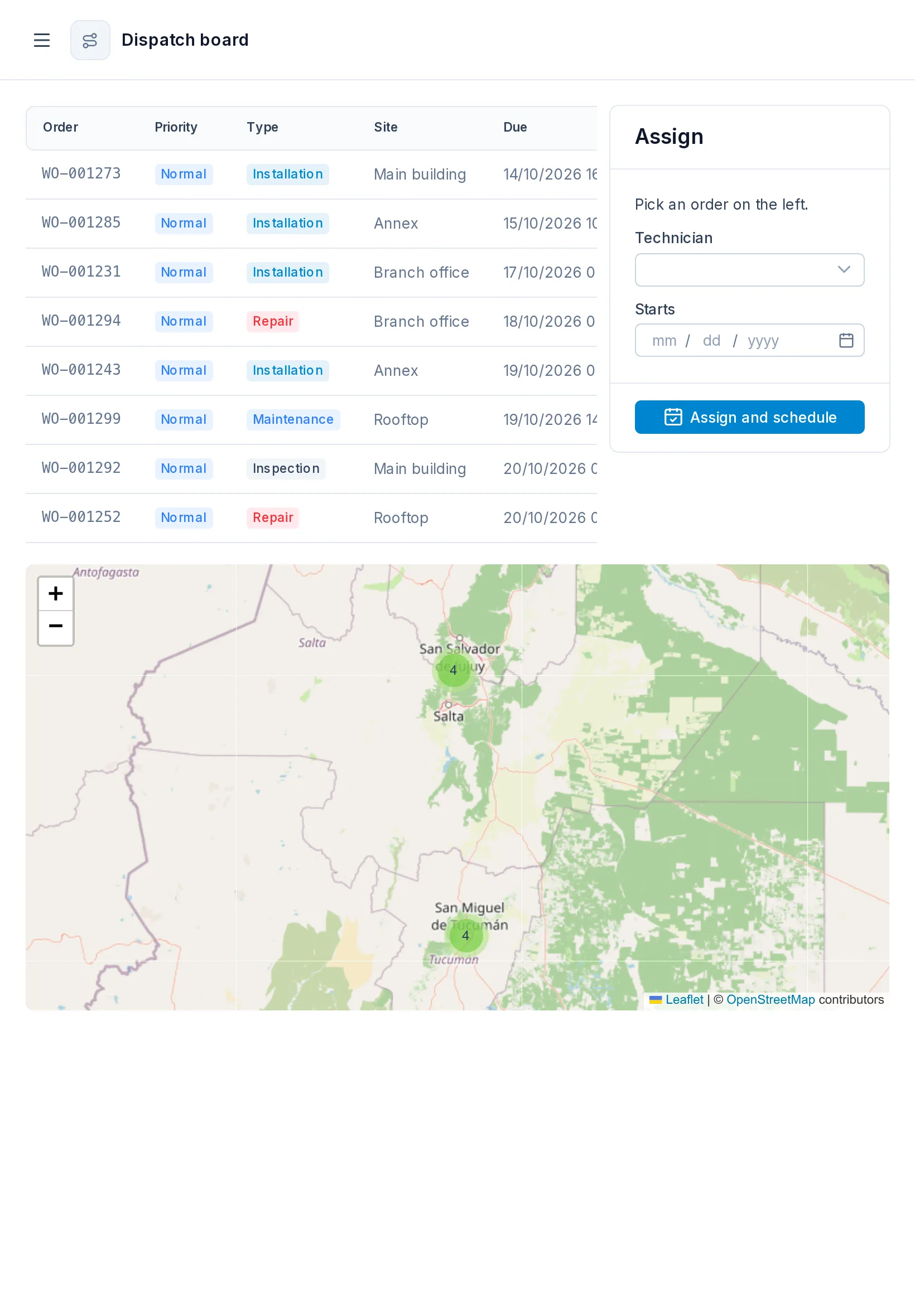
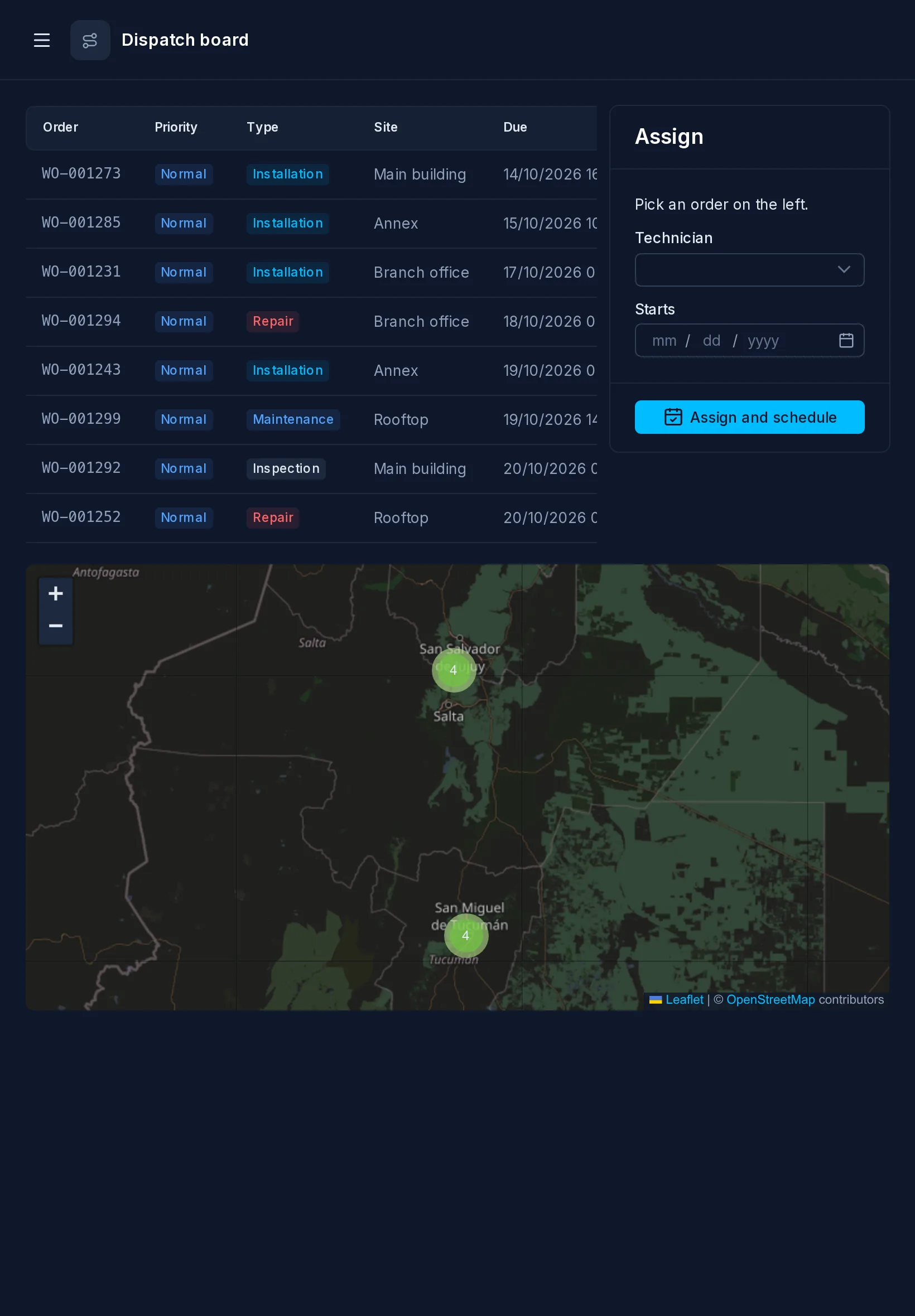
Dispatch board
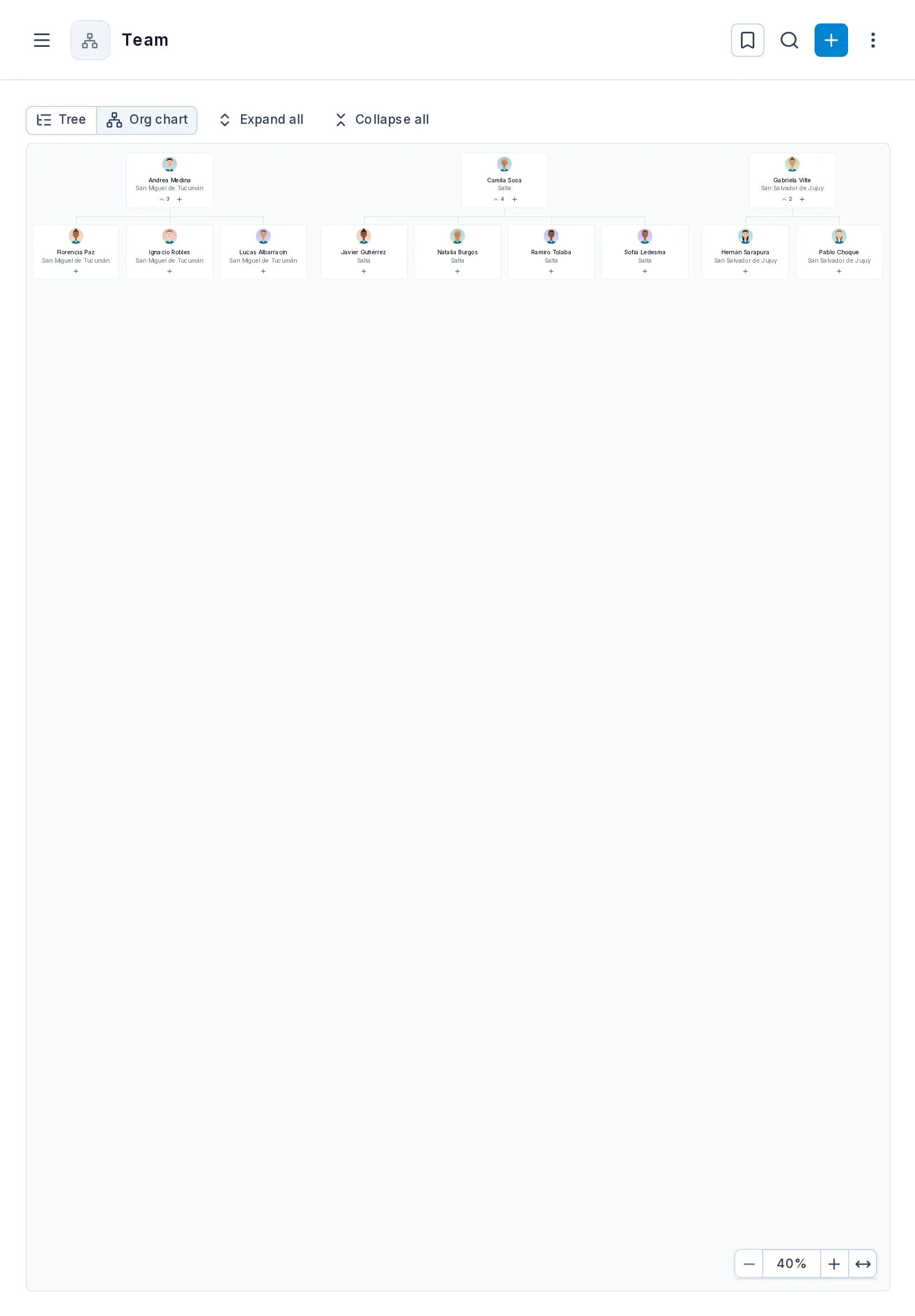
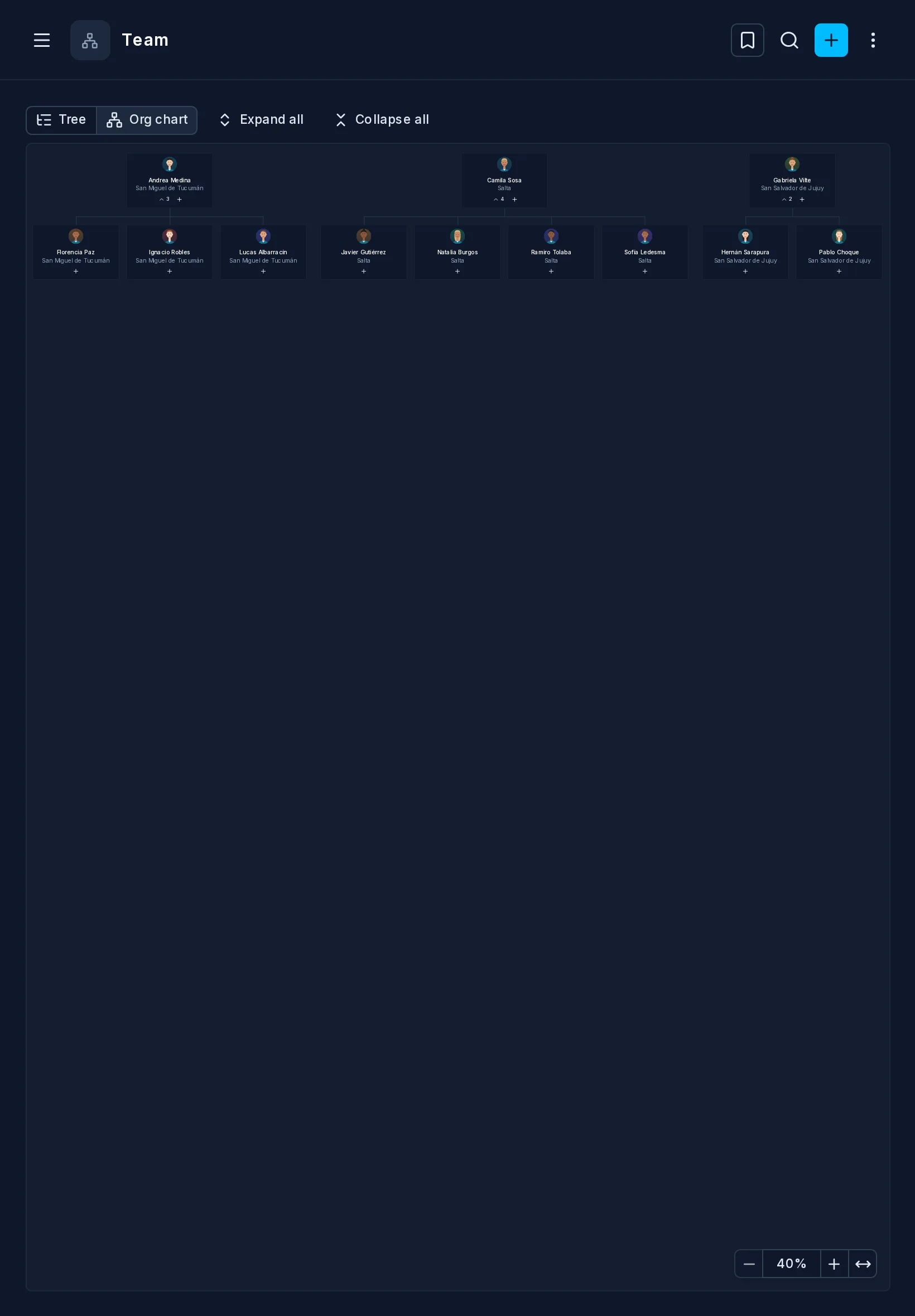
Org chart
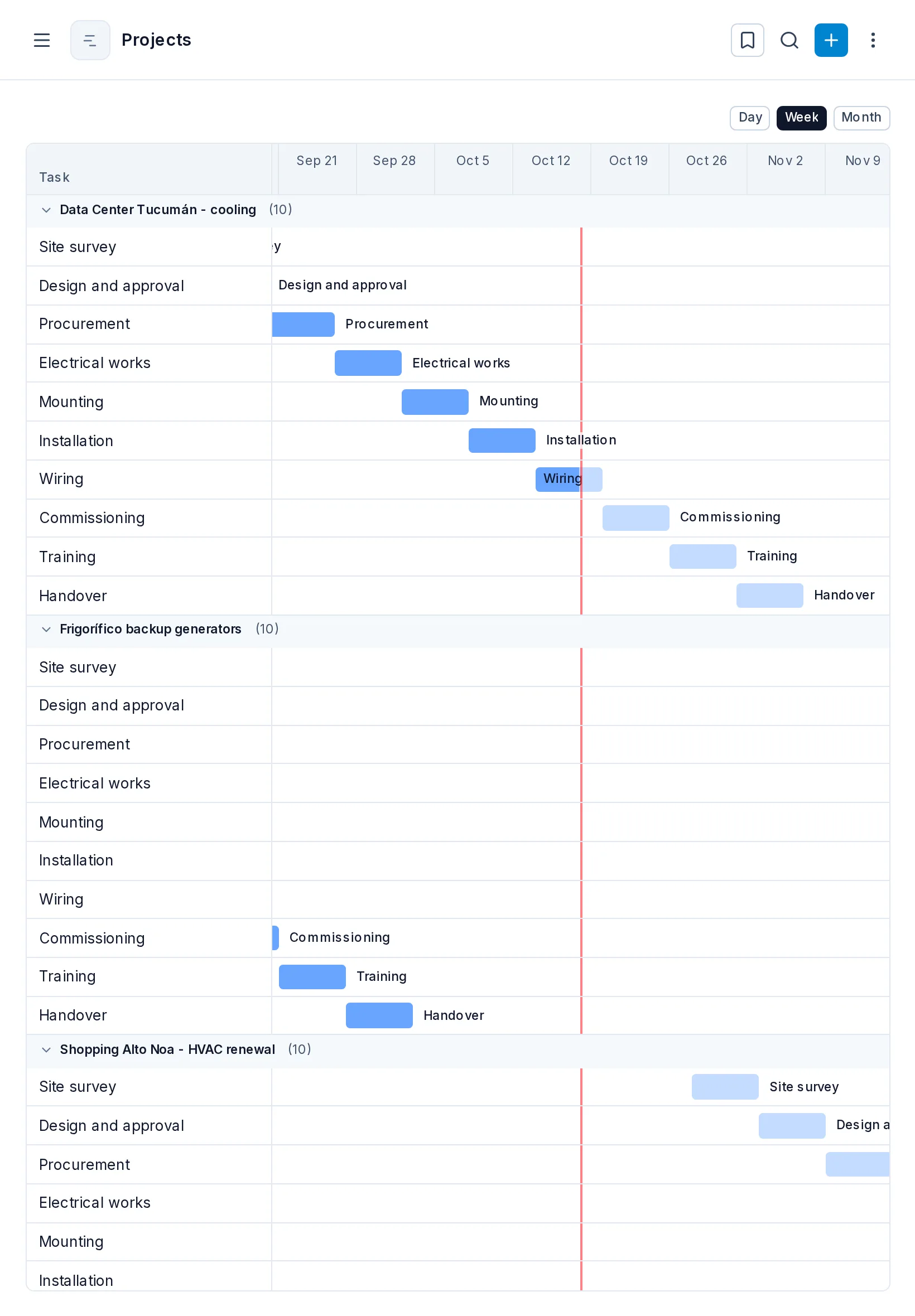
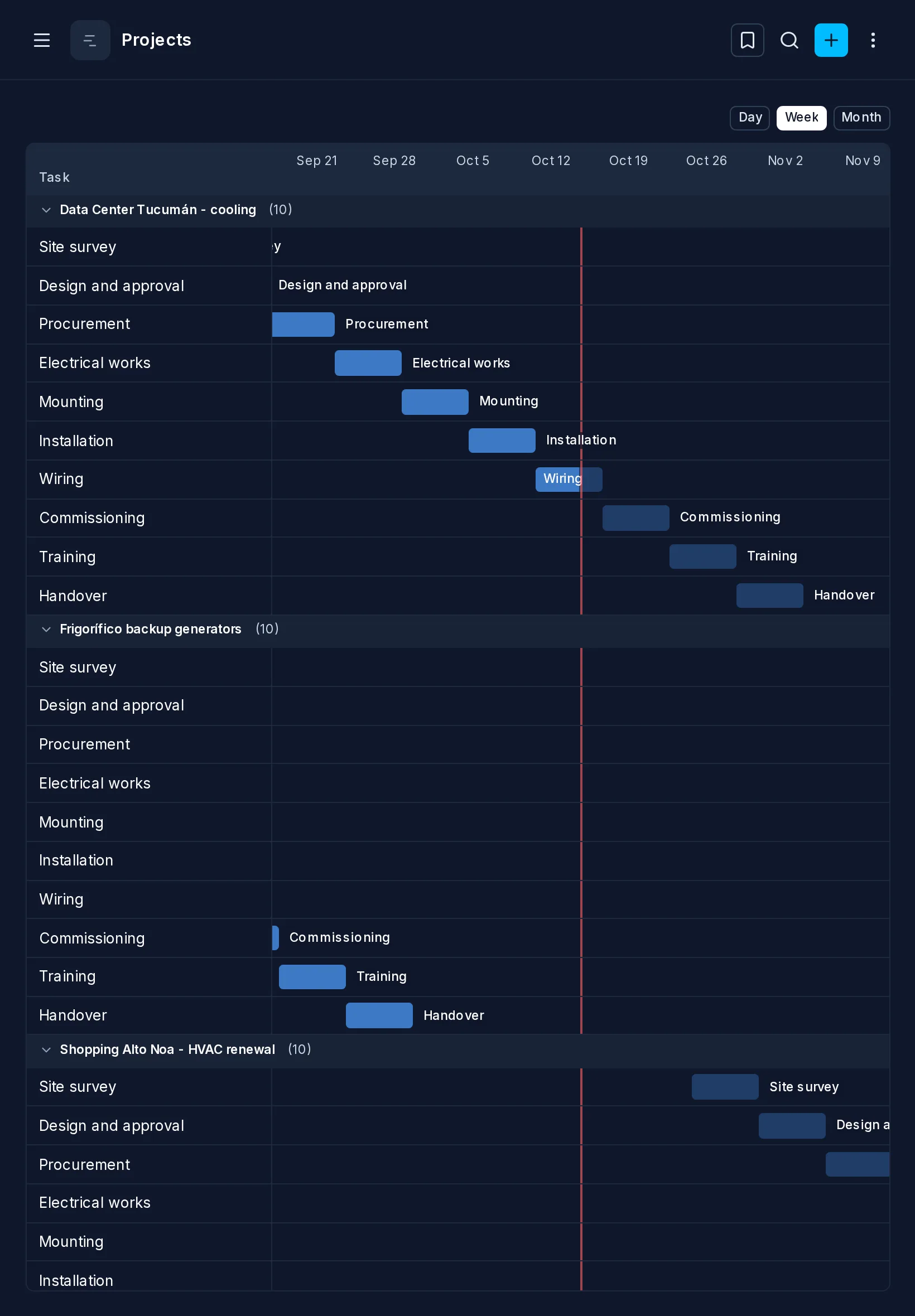
Gantt
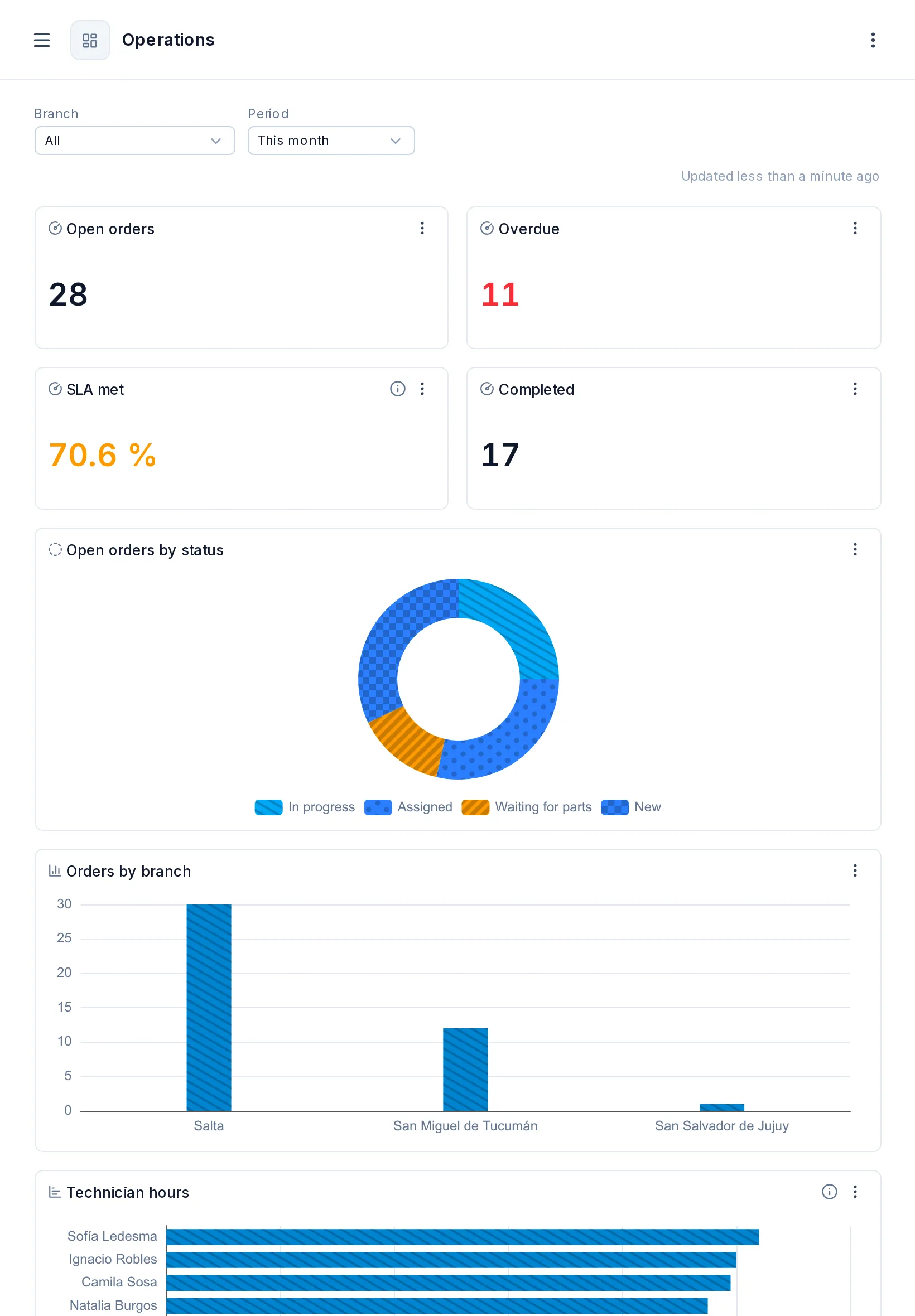
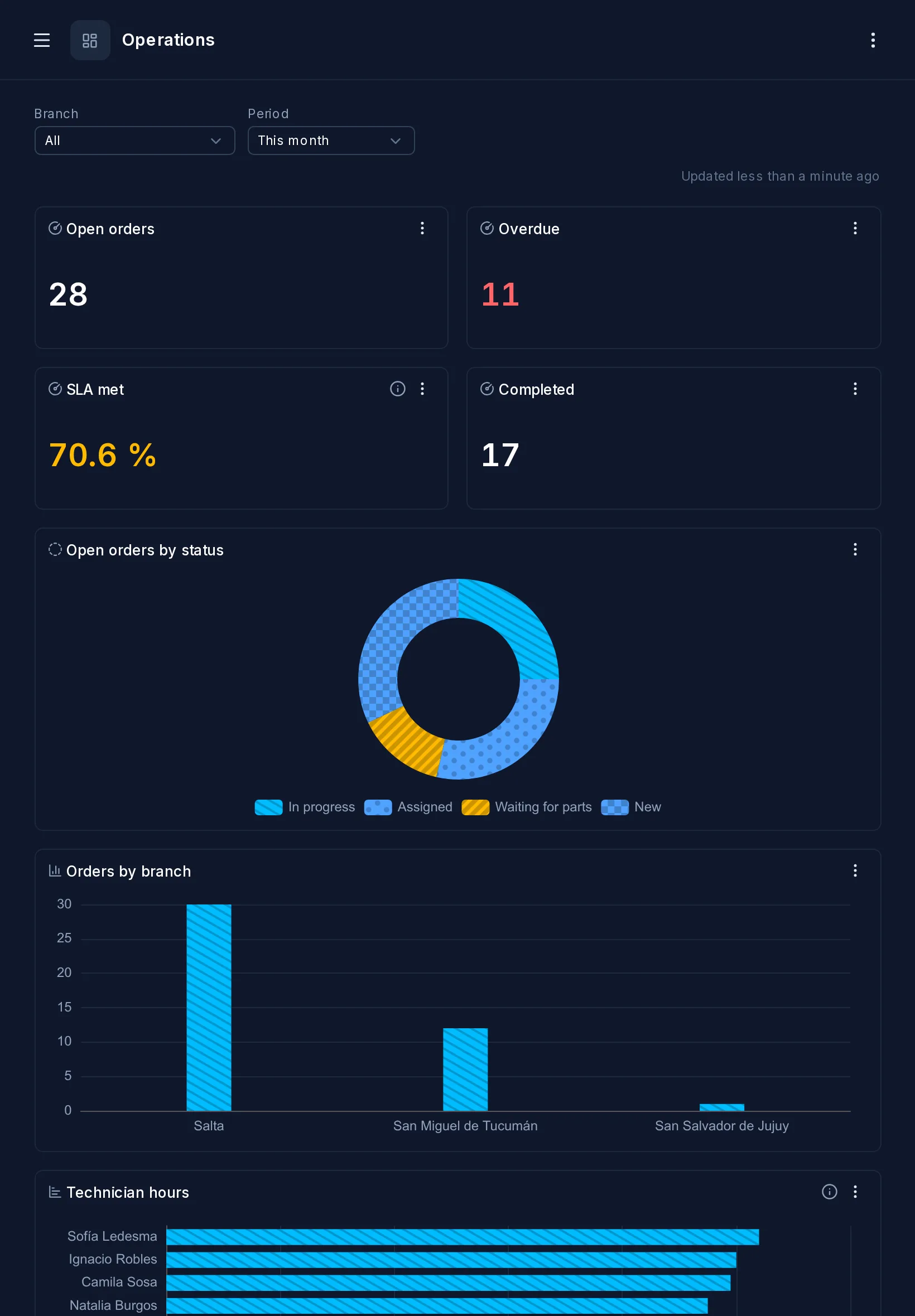
Dashboard
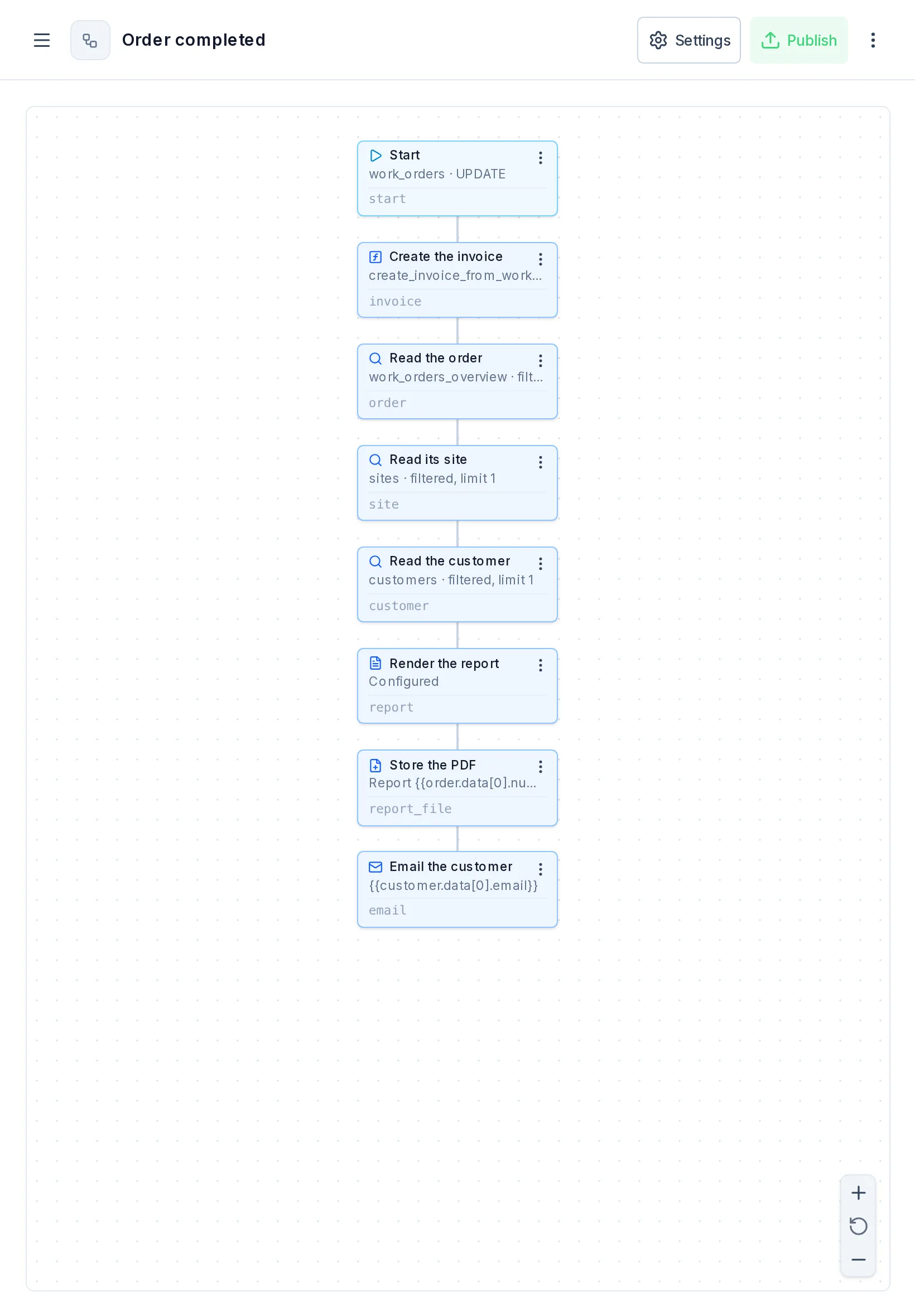
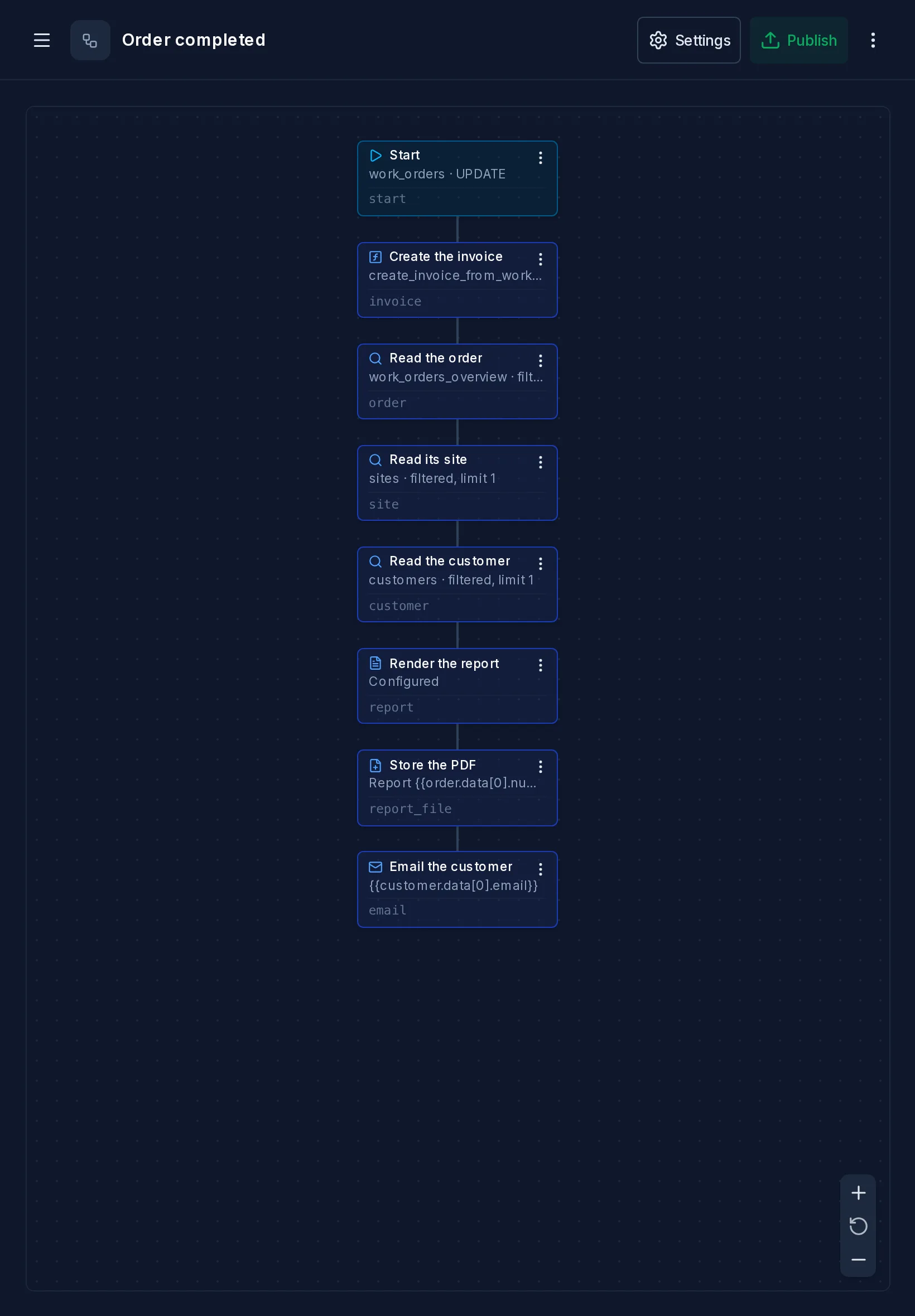
Workflow editor
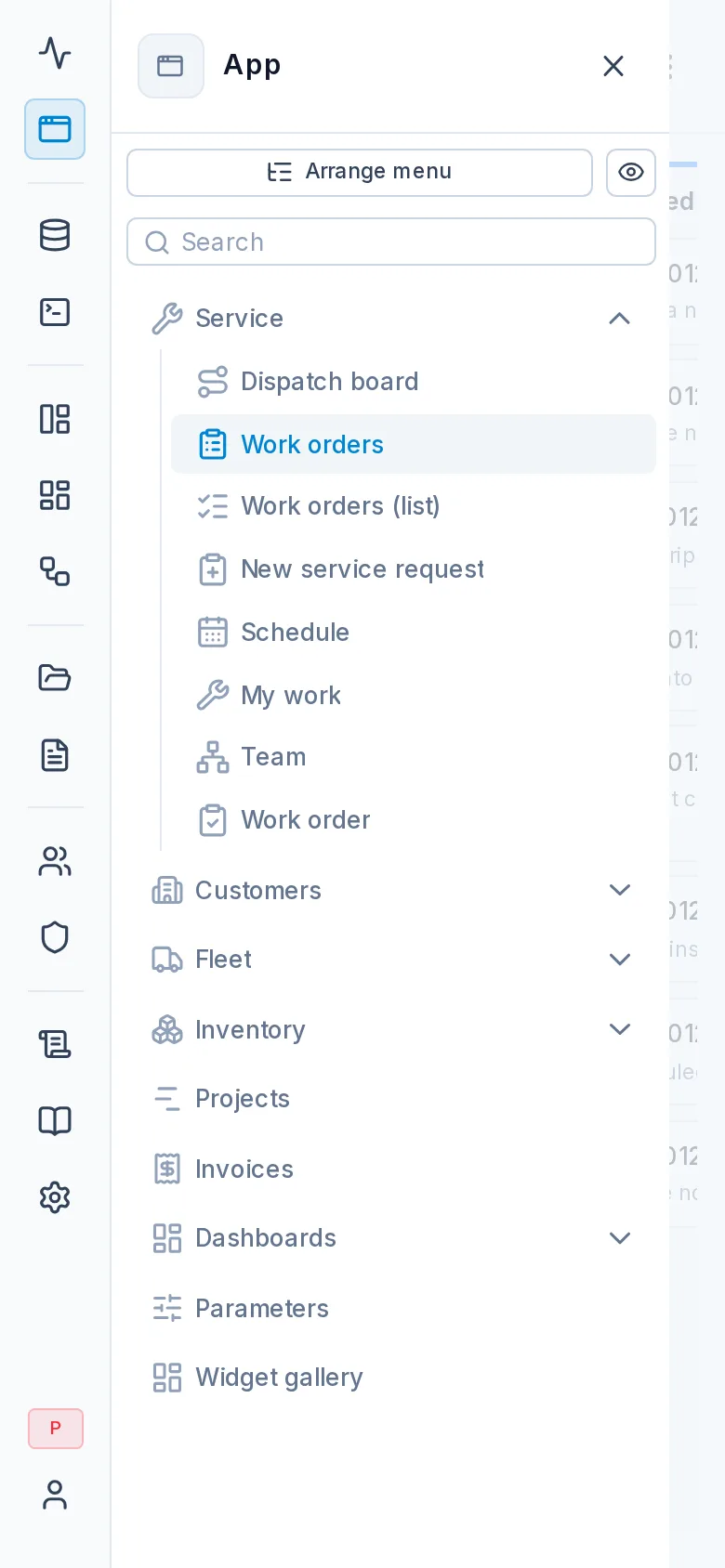
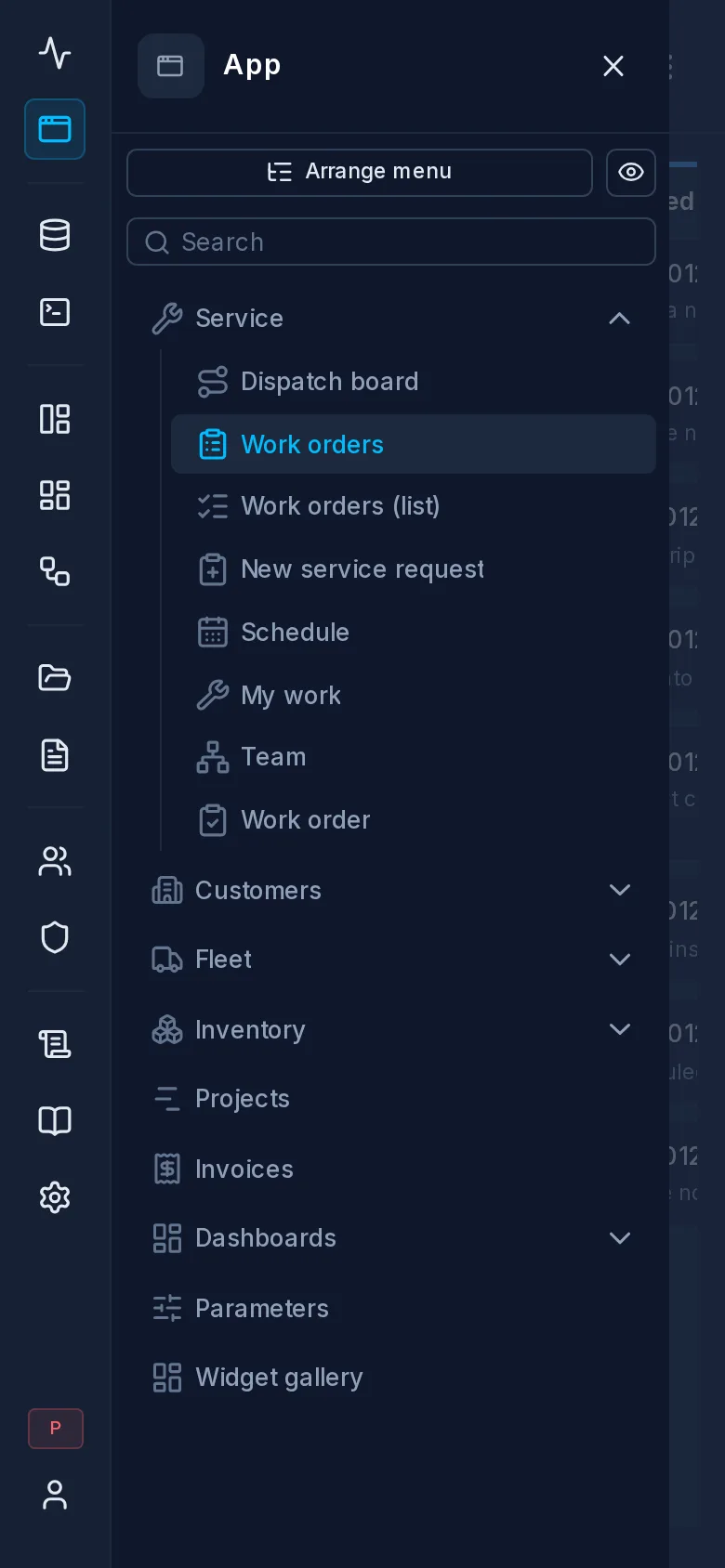
The menu
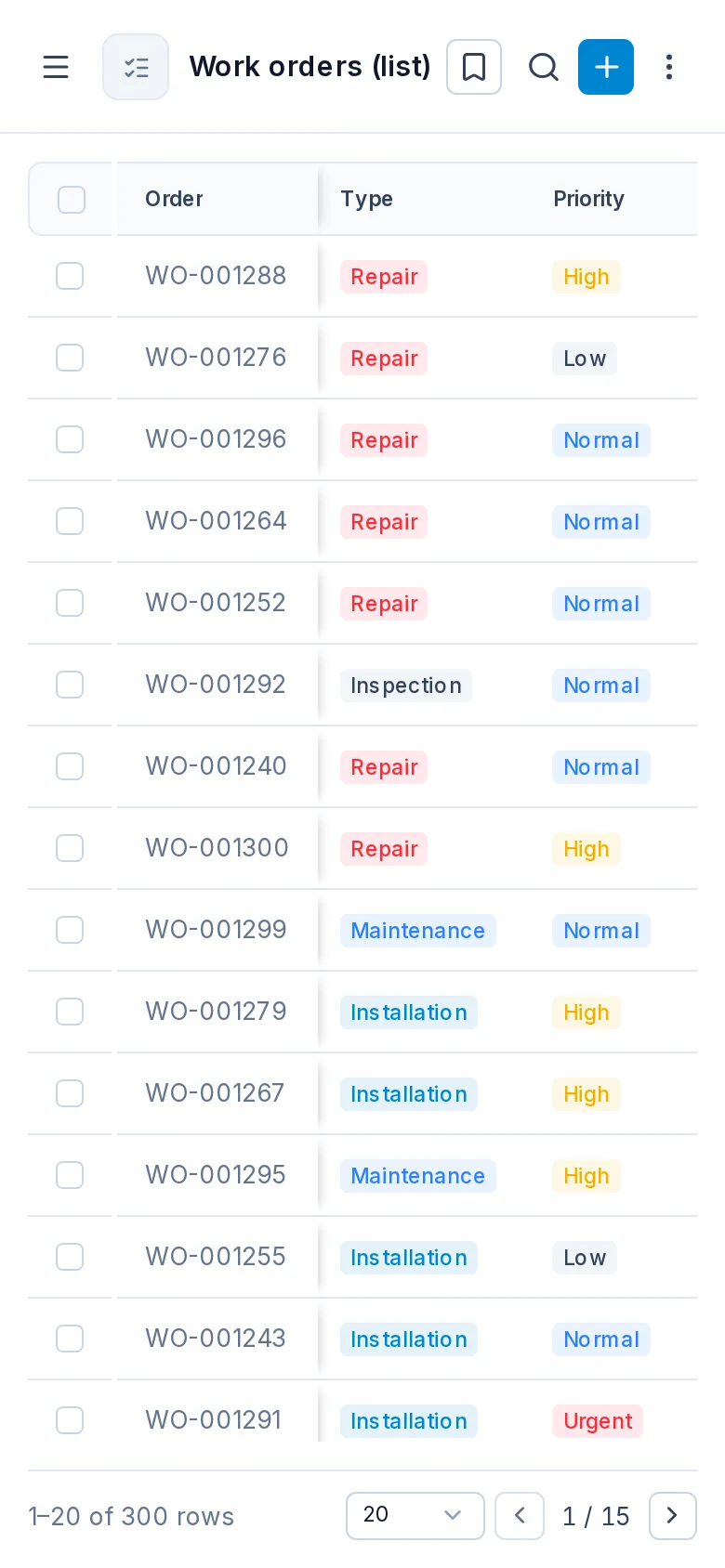
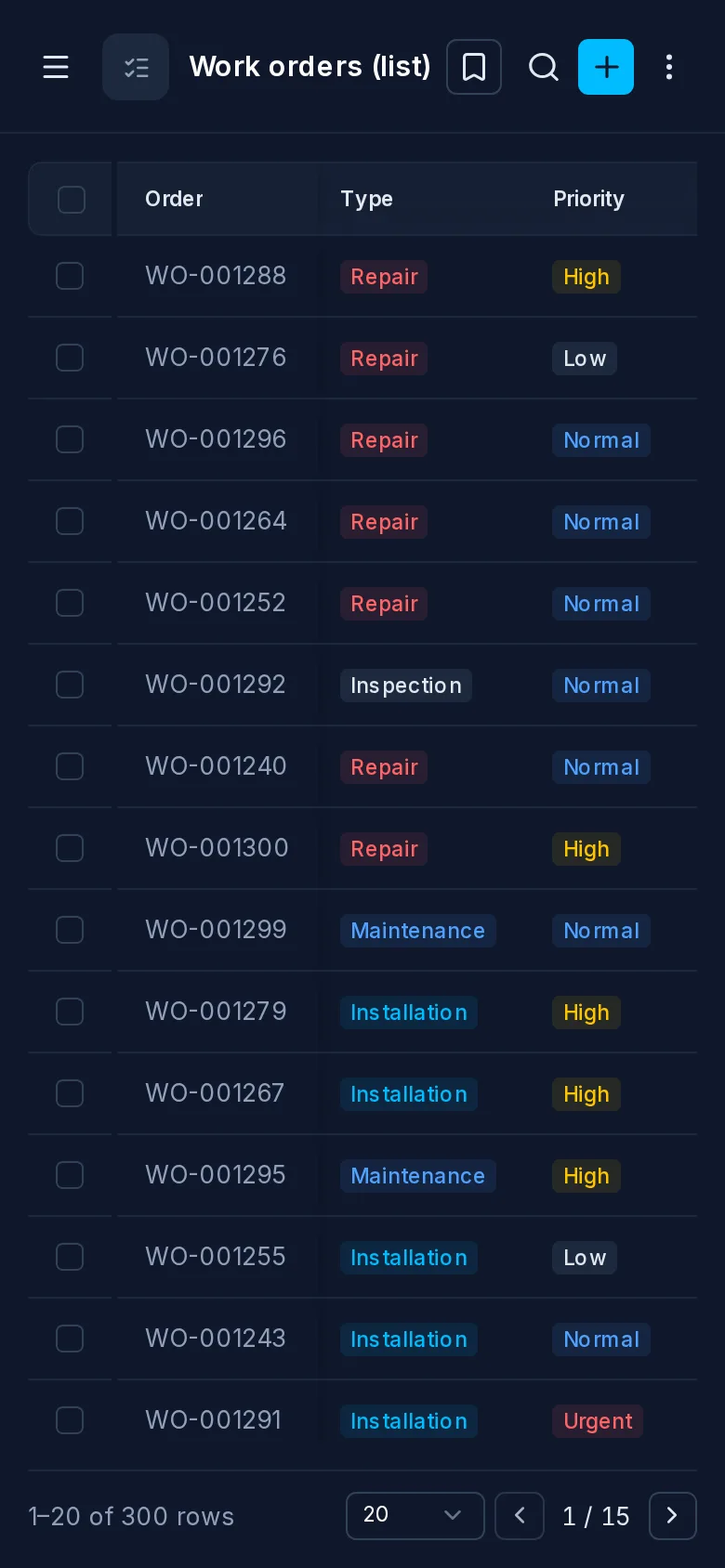
A table
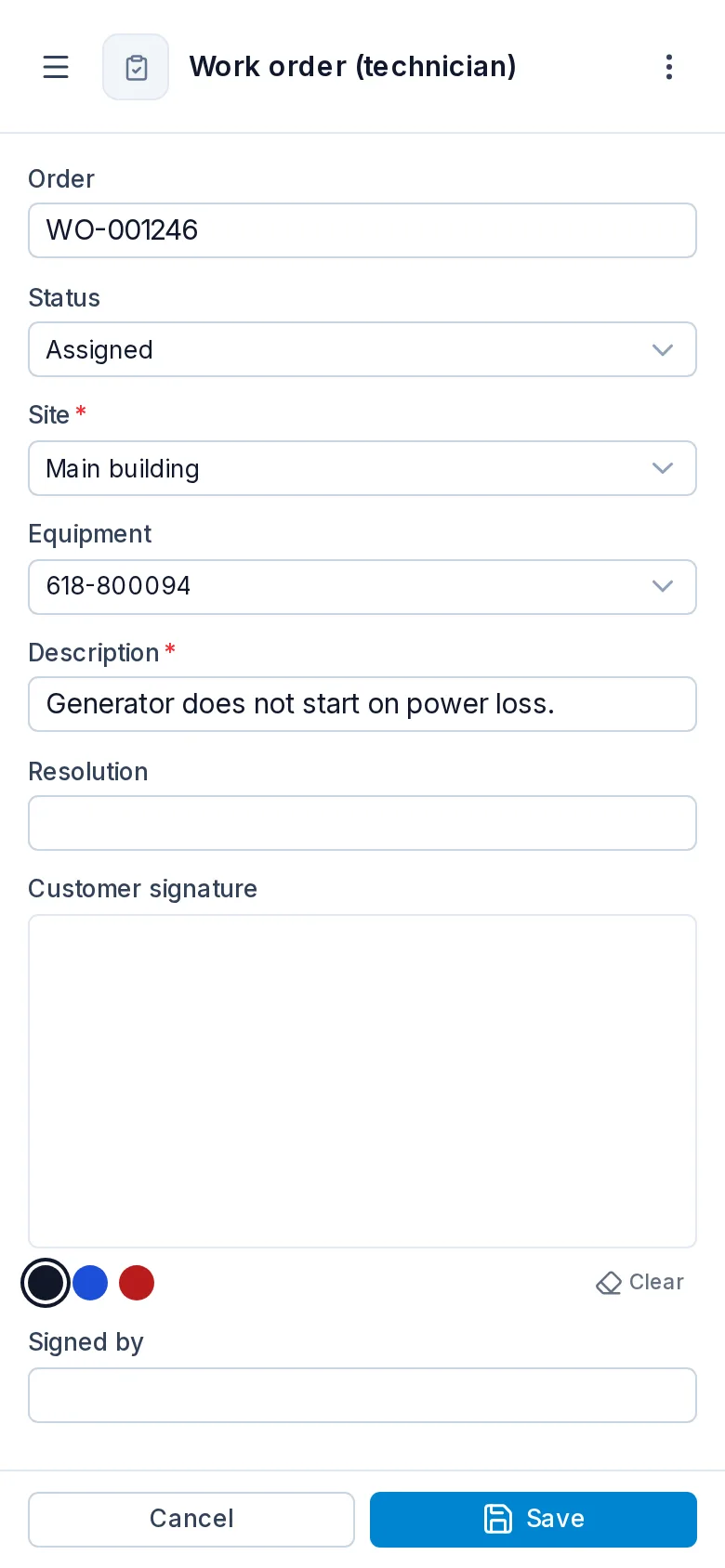
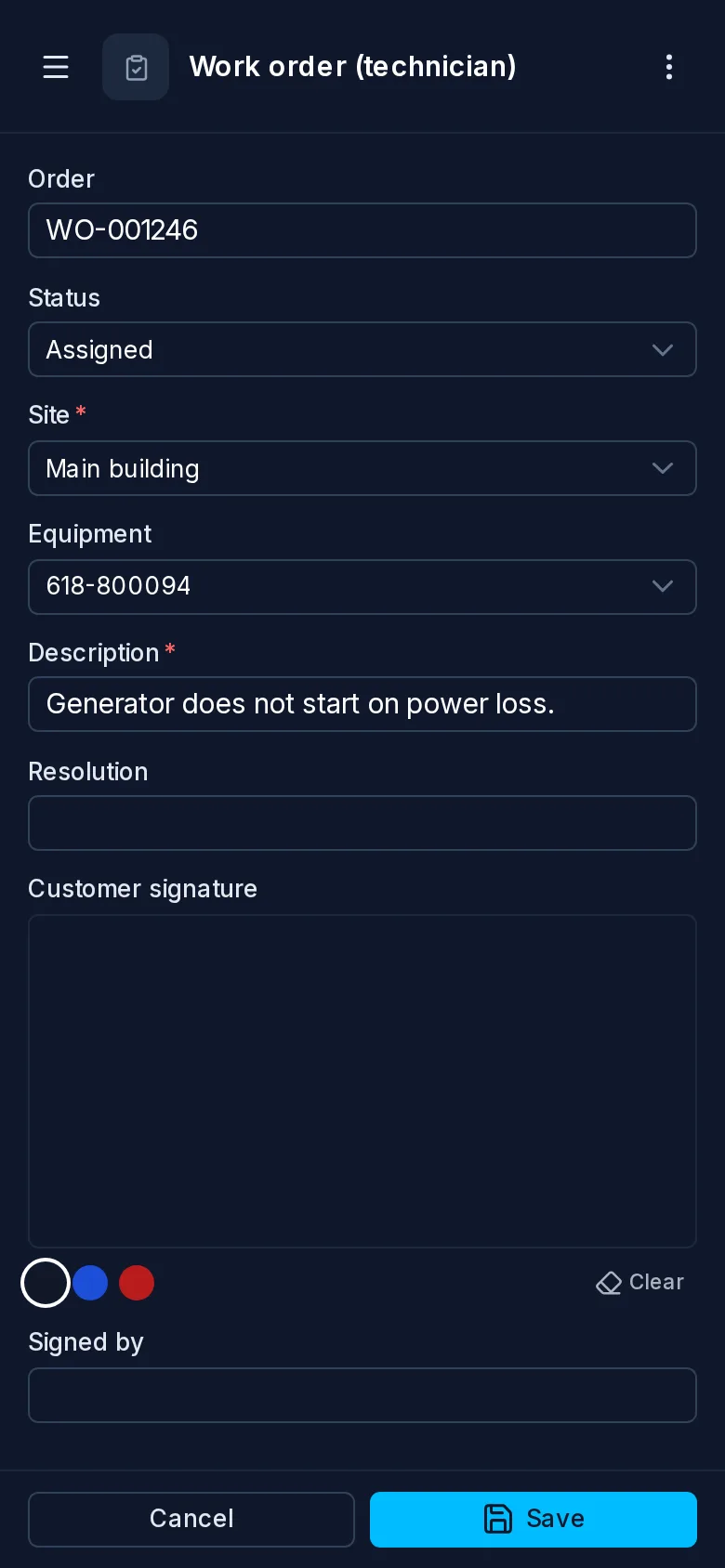
A work order
The customer's signature
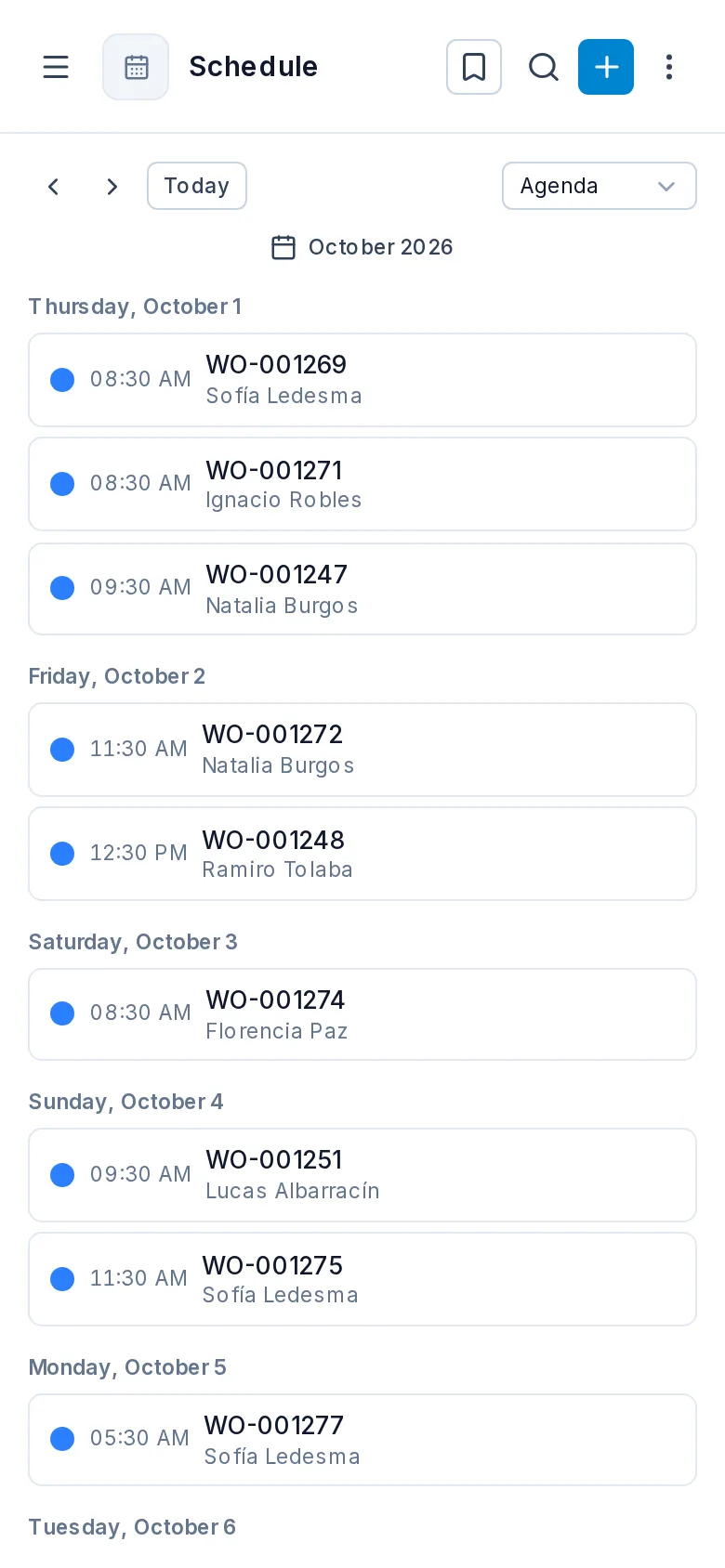
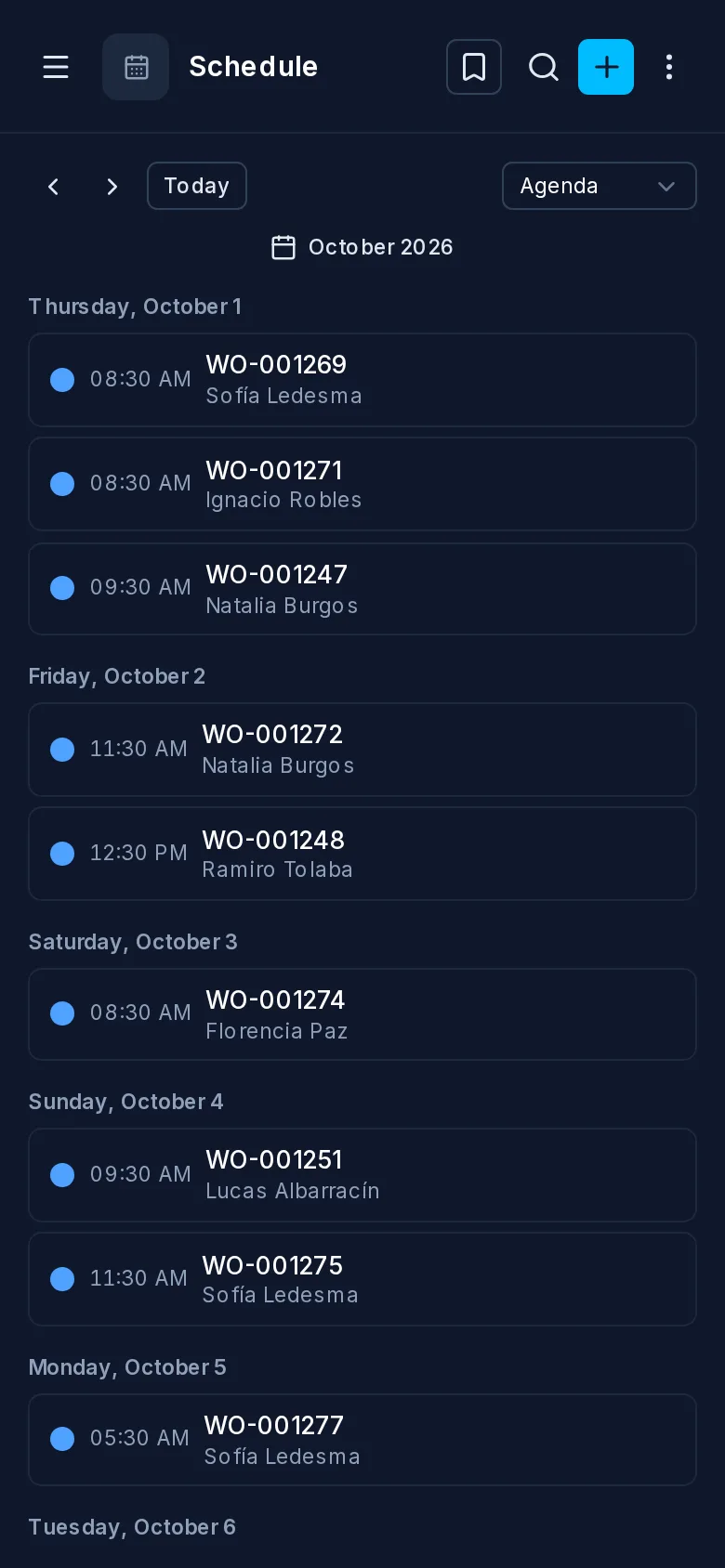
Calendar
Map
PostgreSQL is the authority
Constraints, types, defaults, triggers, functions and transactions are PostgreSQL's job, and TotalBase leaves them there. When a write breaks a CHECK constraint, PostgreSQL rejects it and the API returns PostgreSQL's own error. TotalBase never runs a query first to imitate a constraint, and it doesn't keep a second copy of your schema.
What TotalBase adds is what PostgreSQL can't express by itself: which resources an HTTP API exposes, who may read or write which rows and fields, how a column is presented on screen, and what should happen after a change commits.
PostgreSQL first explains this division of work.
One instance, one database
A TotalBase instance is one server process on one port, connected to one PostgreSQL database. That process serves the Data API, the admin, the App and the MCP server. Background work (workflow runs, outgoing events, maintenance) runs in the same process and is queued in PostgreSQL. You don't need Redis, a message broker or Kubernetes.
TotalBase keeps its own tables in a reserved schema, totalbase, inside your database. Your data stays in your schemas.
TotalBase also works with less than full database power. It never needs a PostgreSQL superuser: it can do exactly what its database role can do, and nothing more.
The example used in these pages
Examples throughout the documentation use one fictional company, Acme Field Services. Acme installs and maintains HVAC and solar equipment at its customers' sites in northwestern Argentina. It has branches in Salta, Jujuy and Tucumán, and a fleet of vehicles tracked by GPS.
| Area | Tables |
|---|---|
| Organization | branches, technicians |
| Customers and equipment | customers, sites, equipment, contracts |
| Work | work_orders, visits, time_entries, work_order_parts, projects |
| Inventory | parts, warehouses, stock, purchase_orders |
| Billing | quotes, invoices |
| Fleet | vehicles, vehicle_positions, vehicle_maintenance |
The roles are Manager, Dispatcher, Technician, Sales and Accounting, plus a GPS device that only writes positions. A dispatcher sees only their own branch's work orders, and a technician sees only the orders assigned to them. These are the kinds of rules TotalBase is built to express.