

External Frame
In the admin: New DataView › External frame · Settings › Page
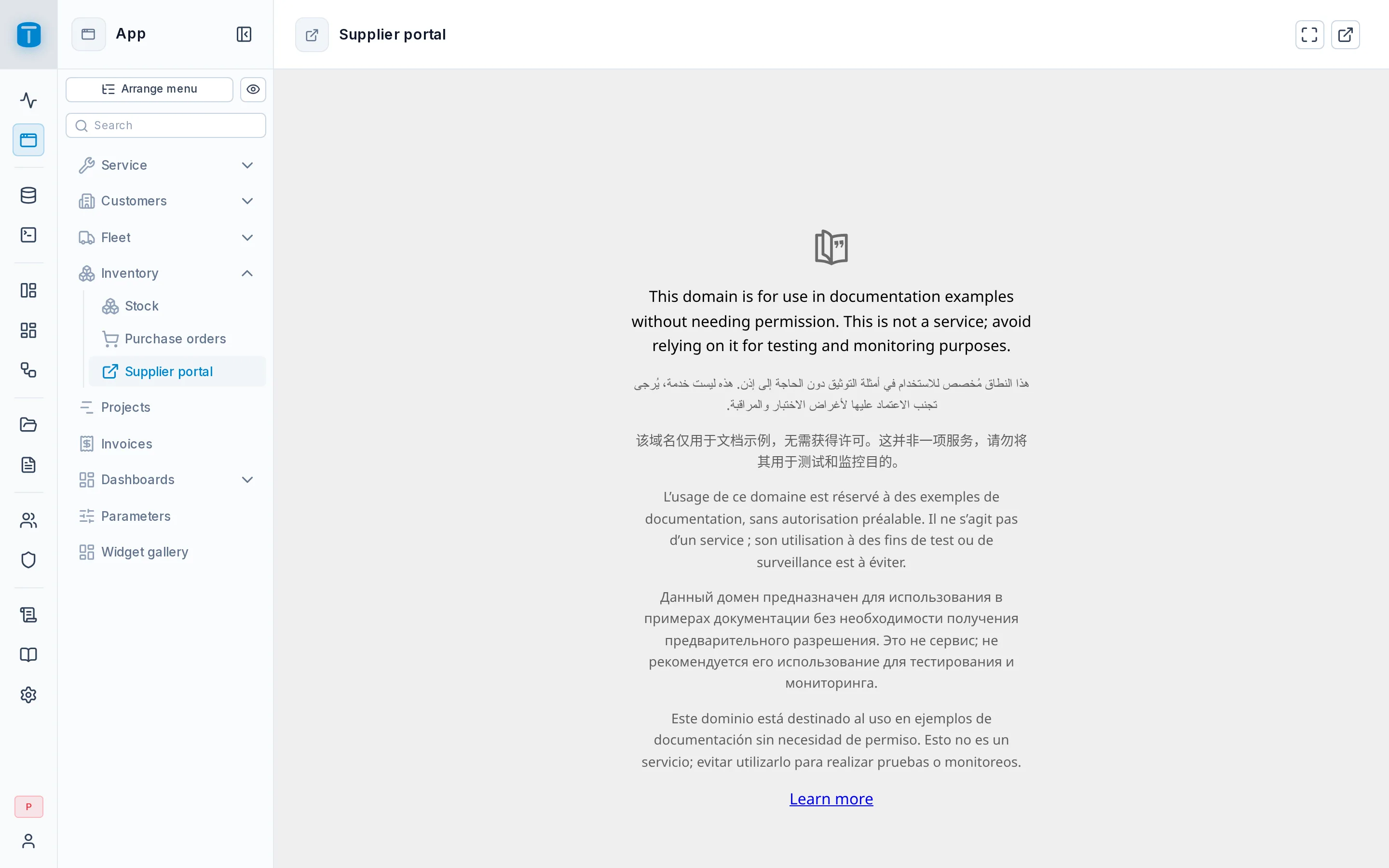
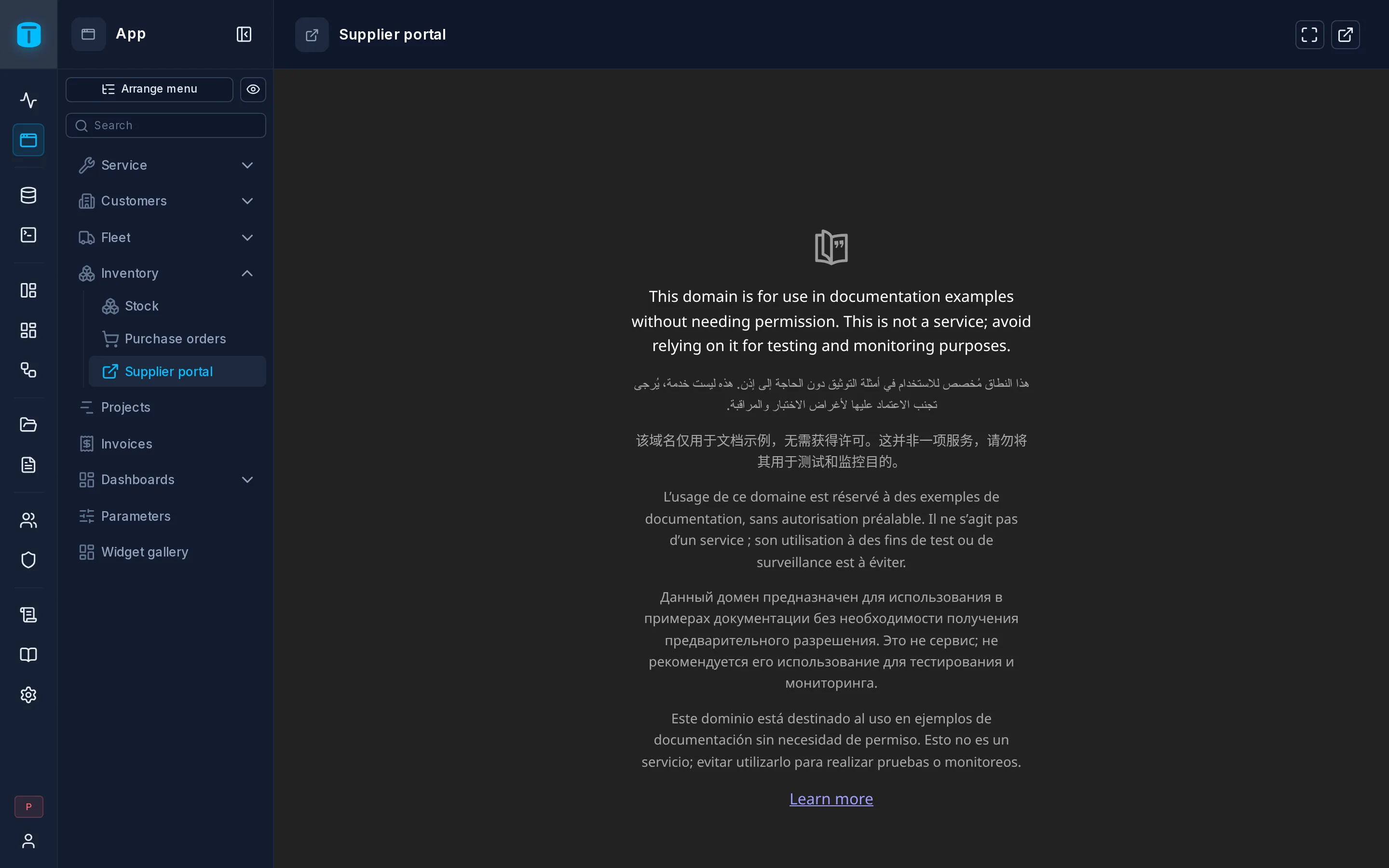
An External frame shows another site's page inside the App, in a sandboxed frame: a supplier's portal, a shared spreadsheet, a monitoring screen. Your users find it in the same menu as everything else.
What it needs
An https address of another site, up to 2048 characters, without a user name or password in it. TotalBase's own address is refused, and so are http: and any other scheme.
The address isn't a secret: everyone who can open the DataView can see it. Nothing about the user (session, token) is added to it.
Options
| Option | |
|---|---|
| Open in new tab | A header button that opens the page in a new tab |
| Fullscreen | A header button that shows the page fullscreen |
The Frame step and Settings › Page preview the page as you type the address.
When the frame stays blank
Whether a page can be shown inside another is that site's decision: many refuse, and the frame stays blank. TotalBase can't reliably detect it. Open in new tab is the way out, which is why it's on by default.
Security
- The frame runs sandboxed: the embedded page can run its scripts, use forms and open pop-ups, but can't reach TotalBase's page, cookies or storage.
- Access is only object access: the roles granted it in Settings › Security. There's no source, so no data permission applies.
- An External frame has no toolbar, no record actions and no Design form.
To show another site inside a page of your own, with an address built from the page's values, use the Frame widget instead. See Widgets.