

Quickstart by Hand
This guide builds a small piece of Acme's field service application by hand: a work orders table, a kanban board over it in the App, and a dashboard. Along the way you'll see where each kind of rule lives. You need a running instance (see Installation) and its administrator account.
Create a table
Open SQL Console in the rail and run:
CREATE TABLE public.work_orders (
  id          uuid PRIMARY KEY DEFAULT gen_random_uuid(),
  title       text NOT NULL,
  site        text NOT NULL,
  priority    text NOT NULL DEFAULT 'NORMAL'
              CHECK (priority IN ('LOW', 'NORMAL', 'HIGH', 'URGENT')),
  status      text NOT NULL DEFAULT 'NEW'
              CHECK (status IN ('NEW', 'ASSIGNED', 'IN_PROGRESS', 'COMPLETED')),
  resolution  text,
  reported_at timestamptz NOT NULL DEFAULT now(),
  CONSTRAINT work_orders_completed_resolution
    CHECK (status <> 'COMPLETED' OR resolution IS NOT NULL)
);

COMMENT ON CONSTRAINT work_orders_completed_resolution ON public.work_orders
  IS 'Write the resolution before completing the order.';

INSERT INTO public.work_orders (title, site, priority, status) VALUES
  ('Compressor trips after 10 minutes', 'Mercado del Norte - Depósito', 'URGENT', 'NEW'),
  ('Yearly maintenance, 4 split units', 'Hotel Salta - Lobby', 'NORMAL', 'ASSIGNED'),
  ('Inverter shows error 31', 'Finca Las Moras - Solar field', 'HIGH', 'IN_PROGRESS'),
  ('Install 2 units in new offices', 'Estudio Paz - 3rd floor', 'LOW', 'NEW');
The rules are in the table itself: the allowed priorities and statuses, and "a completed order has a resolution". PostgreSQL enforces them for every writer: the screens you'll build, the API, a script. The comment on the constraint is the message users will see when they break it.
You can also create tables visually, with Database › New table and Add column.
Expose it
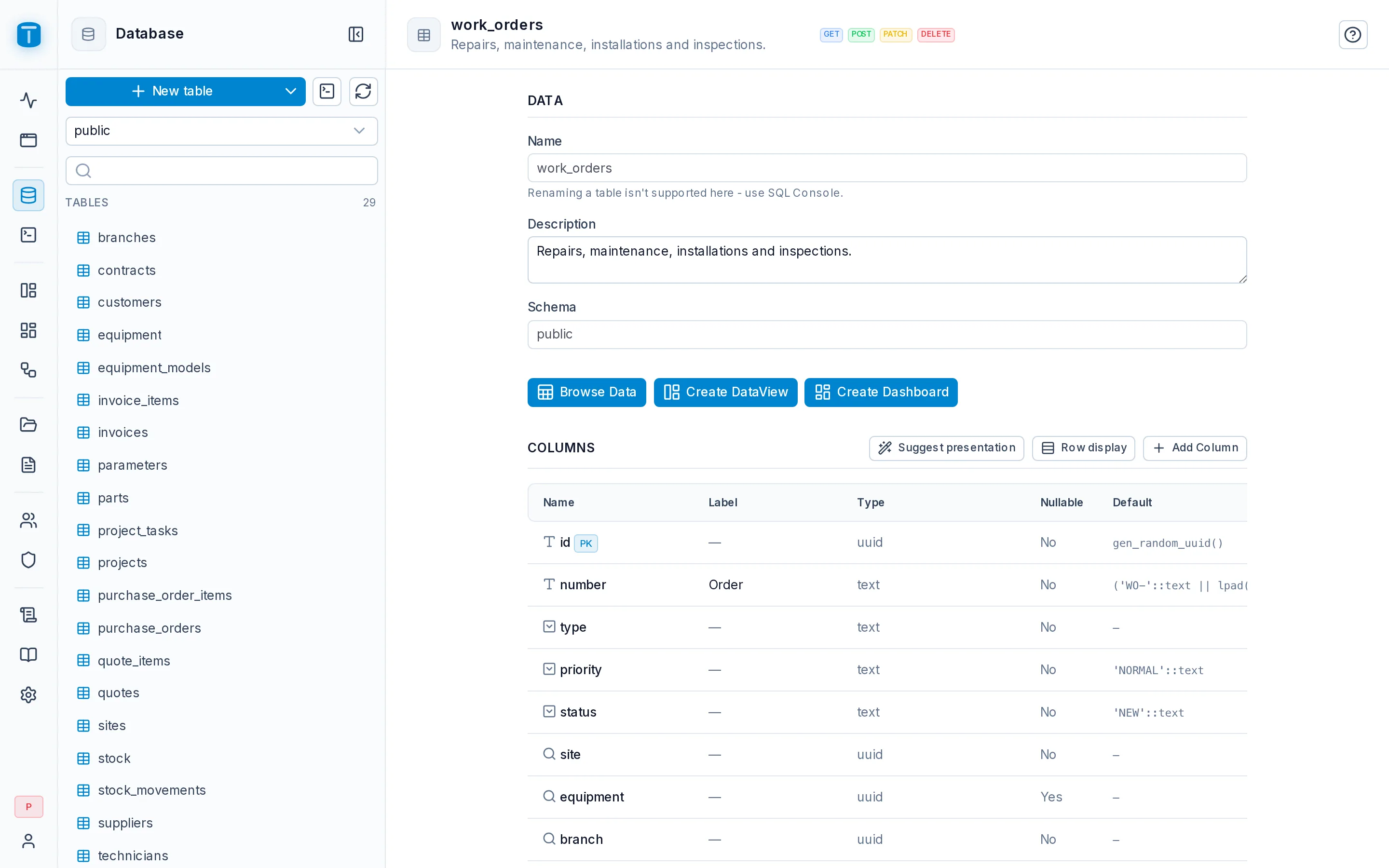
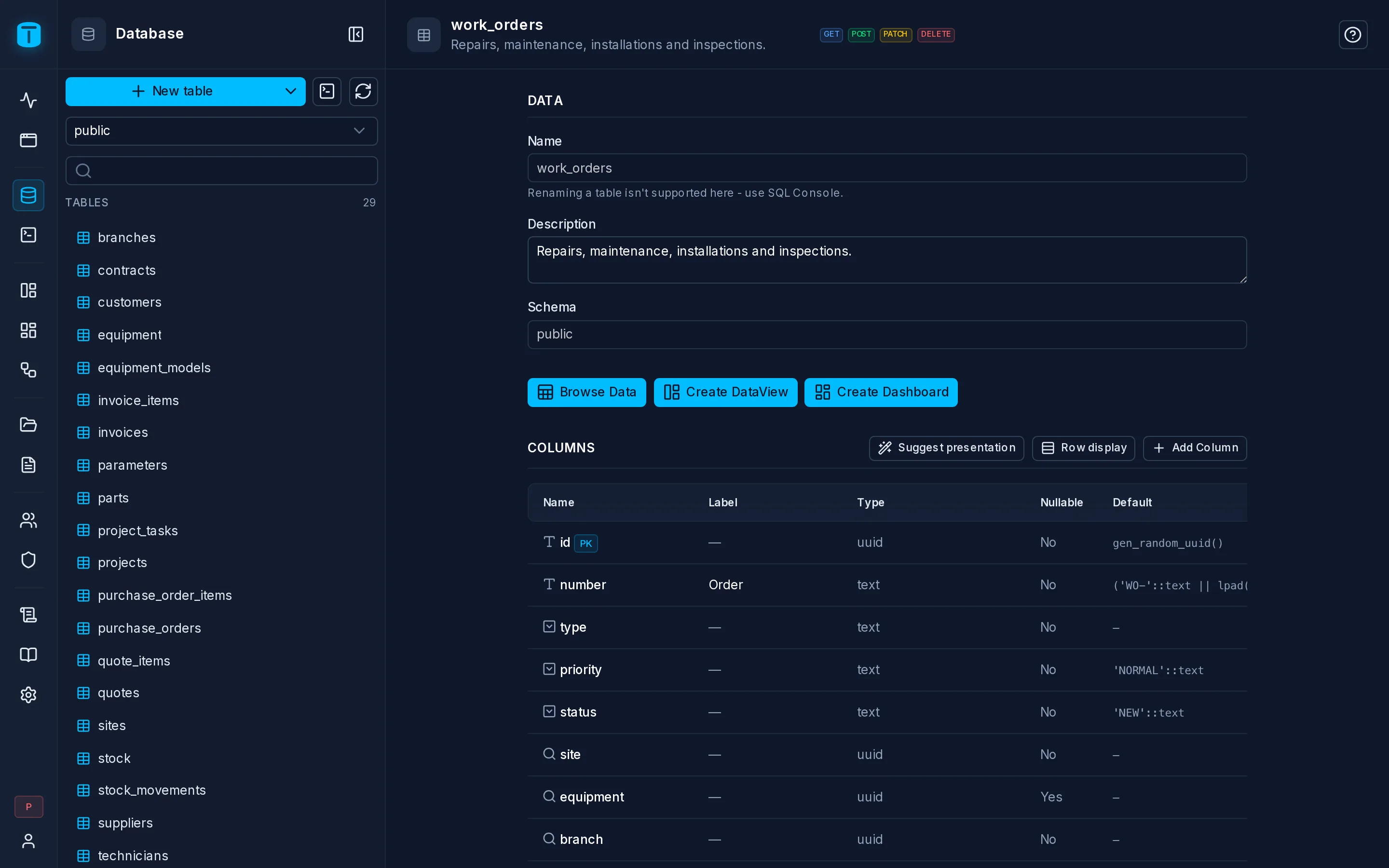
Every table starts hidden. Open Database, choose the public schema's Tables, and in the work_orders row's ⋮ menu choose Endpoints. Turn on GET, POST and PATCH, so screens can read, create and edit orders. Leave DELETE off.
Give the statuses colors
Still in Database, open work_orders and its Columns tab. Open the status column: because it has a CHECK list, its Options list each value. Give each one a label and a color (New gray, Assigned blue, In progress amber, Completed green). Do the same for priority.
Every screen that shows these columns will now use these labels and colors.
Build a kanban board
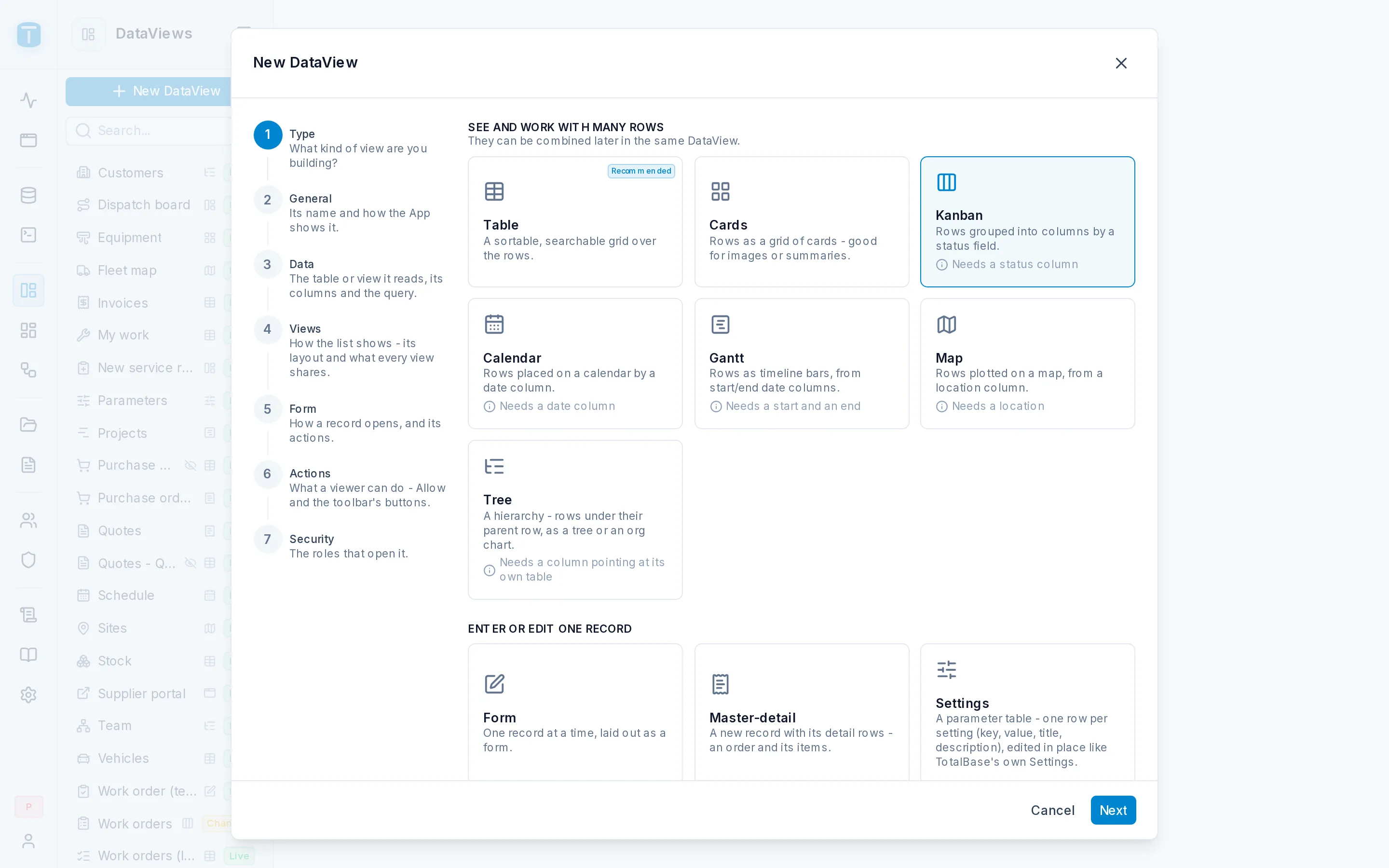
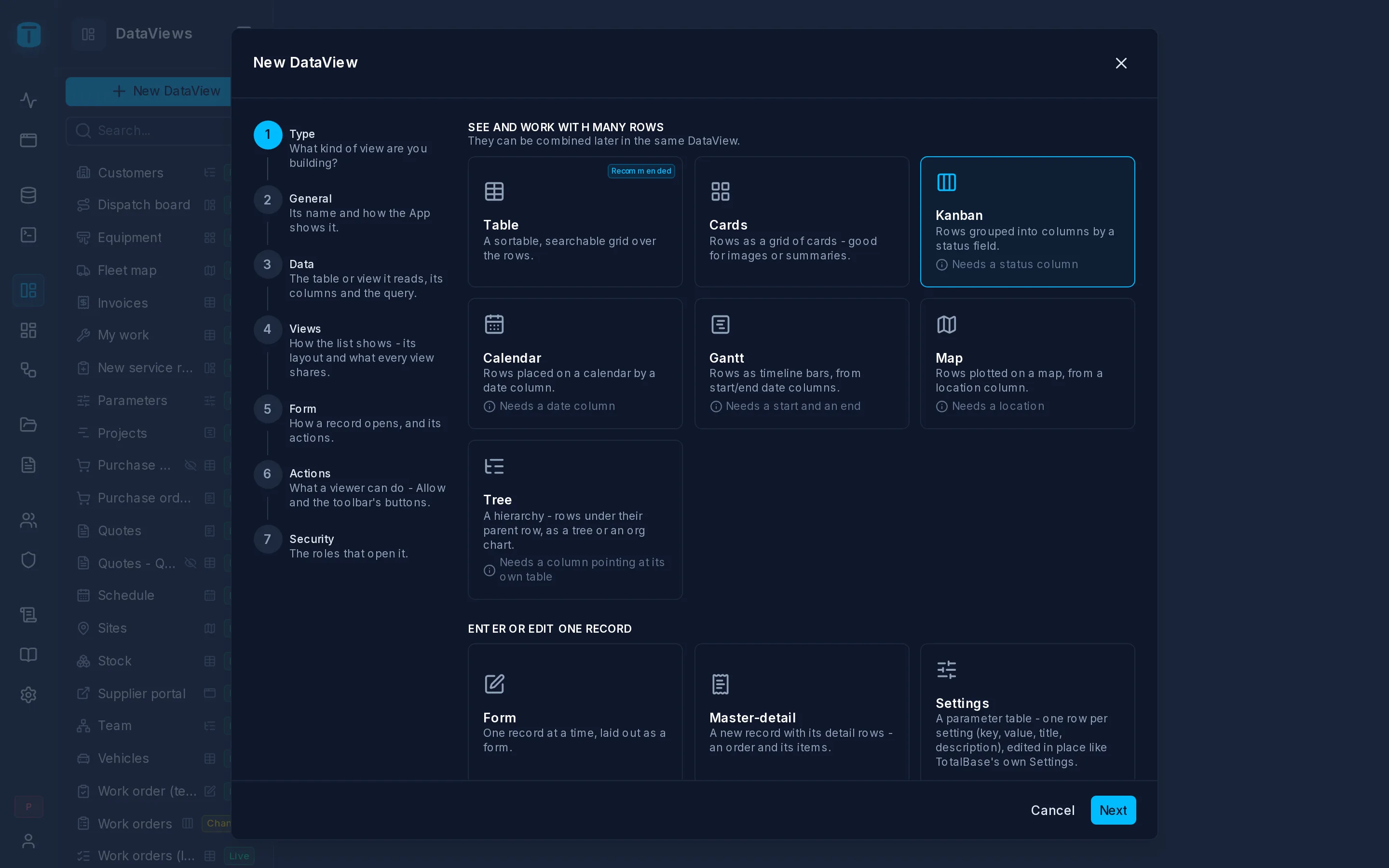
Open DataViews › New DataView. The wizard asks, step by step:
- Type: Kanban.
- General: name it "Work orders".
- Data: the
work_orderstable; keep all its columns. - Views: Group by
status, Card titletitle. - Form, Actions, Security: keep the defaults.
Finish the wizard. The DataView opens as a draft. Click Publish.
Open it in the App
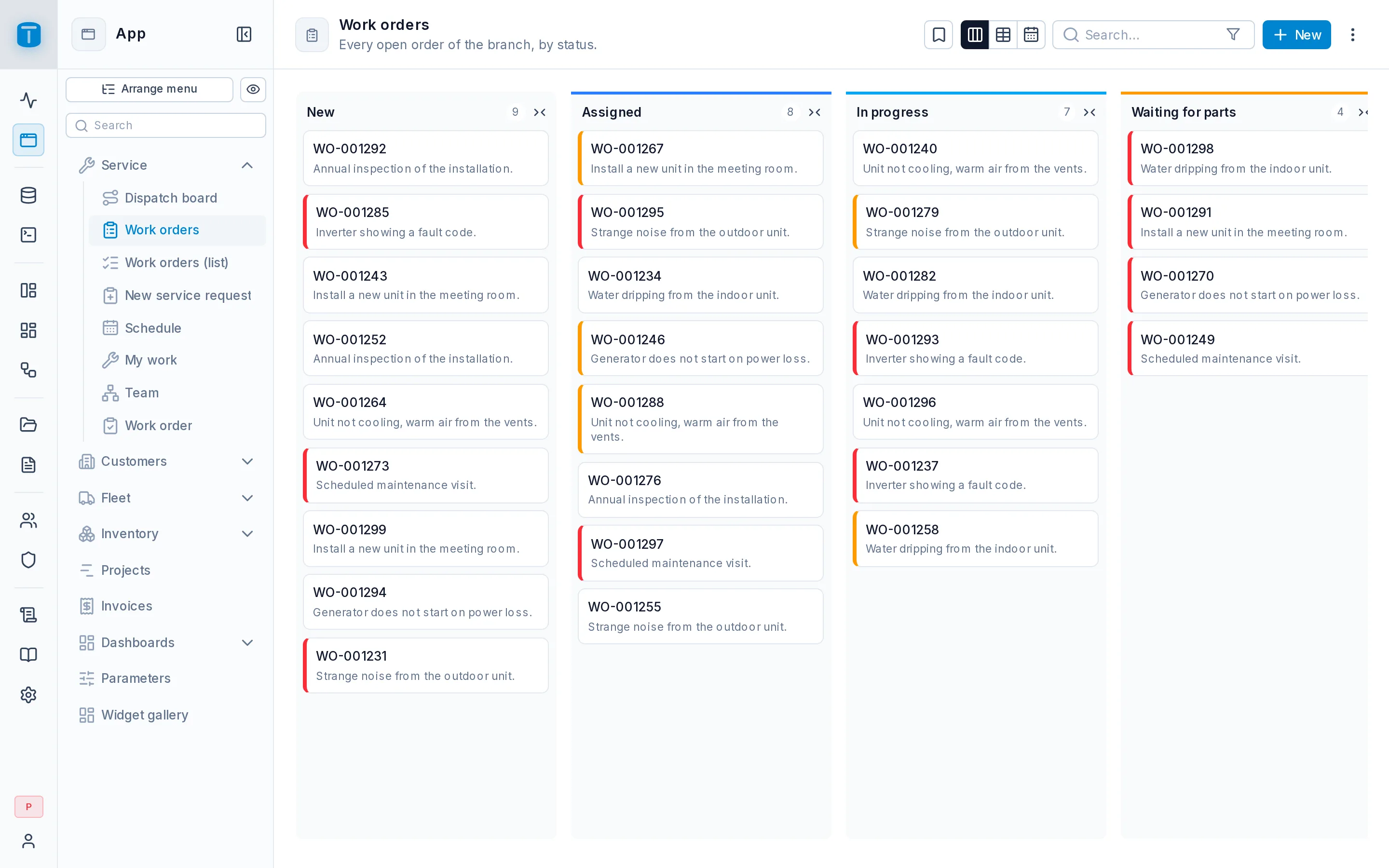
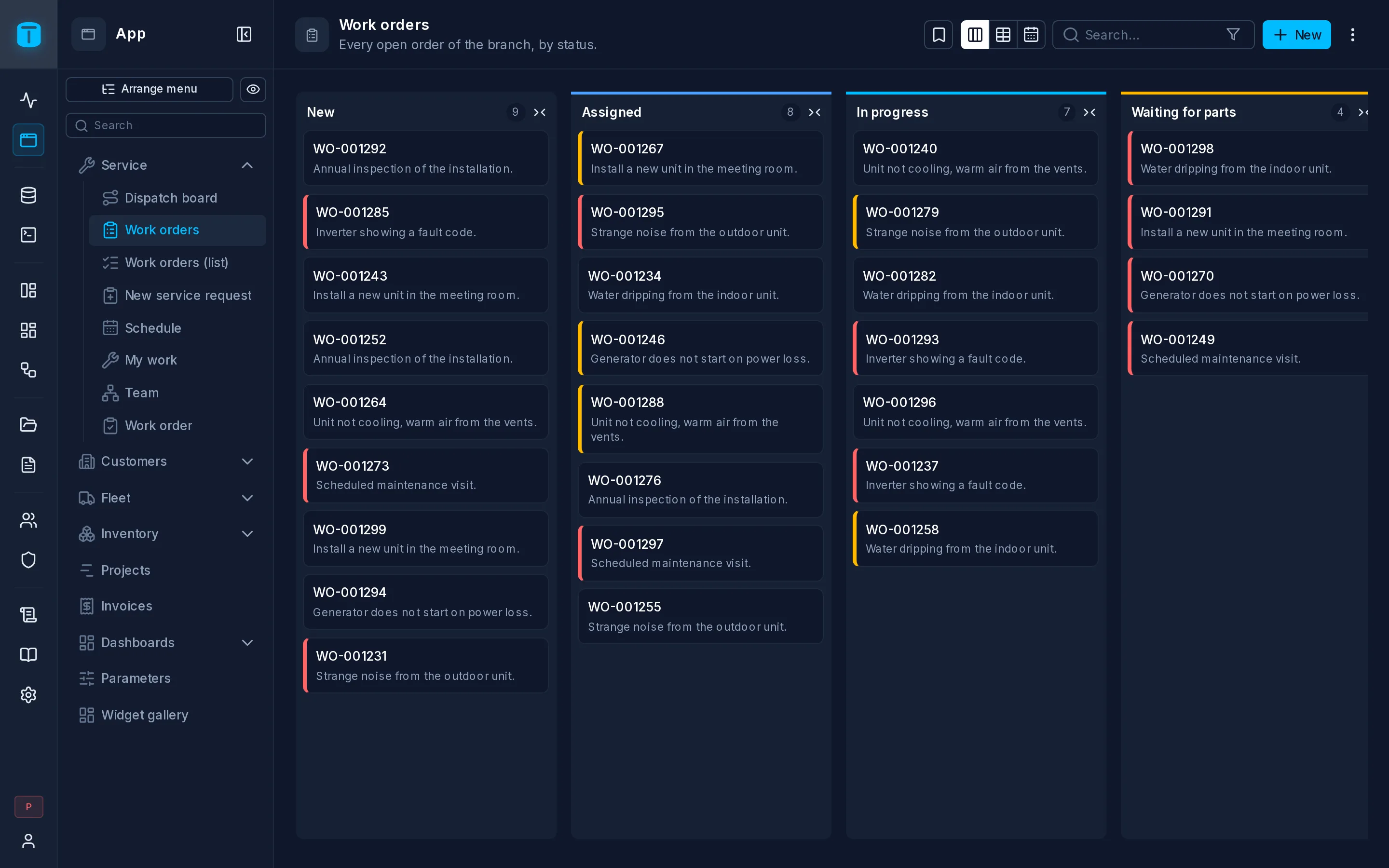
Click App in the rail. Your kanban is in the menu: one column per status, a card per order. Drag a card from New to Assigned: the change is saved at once and recorded in the audit log.
Try a rule
Drag the Inverter shows error 31 card to Completed. PostgreSQL refuses it, because the order has no resolution, and the App shows your constraint's message: "Write the resolution before completing the order."
Open the card, write a resolution, and save. Now it can be completed.
You didn't write any validation in the screen. The rule lives in the database, so it holds everywhere: in this board, in the API, and in anything an AI agent builds later.
Give it to a role
So far only you, the administrator, see the board. Give it to the people who assign the orders:
- Roles › New role: name it "Dispatcher" and turn on App access.
- Its Permissions: on the
work_ordersrow, the ⋮ › Allow all actions. A role reads and changes only what it's granted, and seeing a screen grants nothing by itself. - Back in DataViews › Work orders › Settings › Security: switch on Dispatcher.
If something is still missing for the role, the DataView's header shows a warning count. Click it: each warning says what is missing and links to the fix, for example a column the role can't read.
To see what a dispatcher sees, go to App and click the eye beside Arrange menu, then Role › Dispatcher › See the App. The App opens as theirs, read-only; Stop takes you back. See App › See as.
Add a dashboard
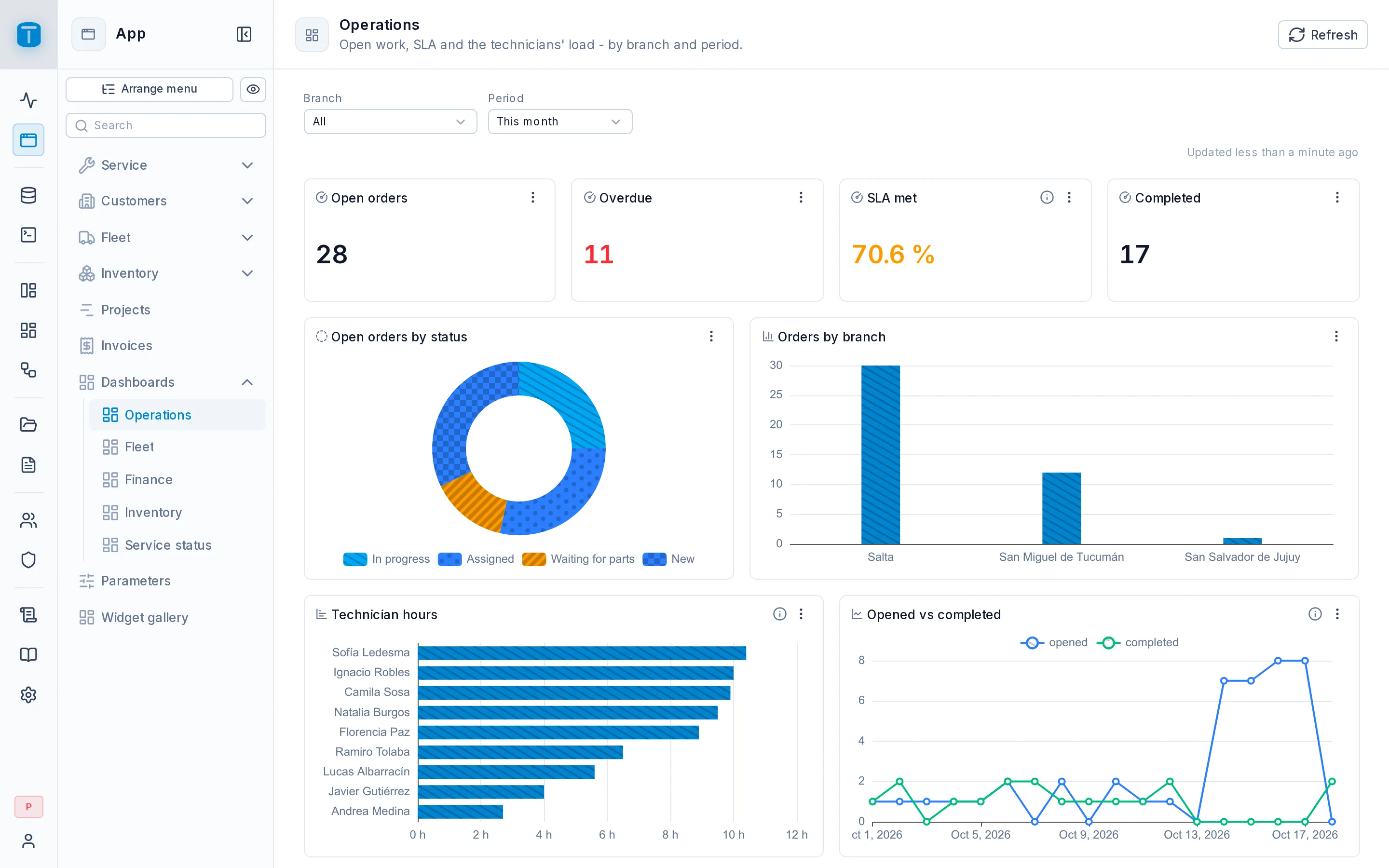
Open Dashboards › New Dashboard, name it "Operations", and add a Bar chart widget. A widget is a SQL query:
SELECT status, count(*) AS orders
FROM work_orders
GROUP BY status
ORDER BY status
Add a KPI widget with the open orders:
SELECT count(*) FROM work_orders WHERE status <> 'COMPLETED'
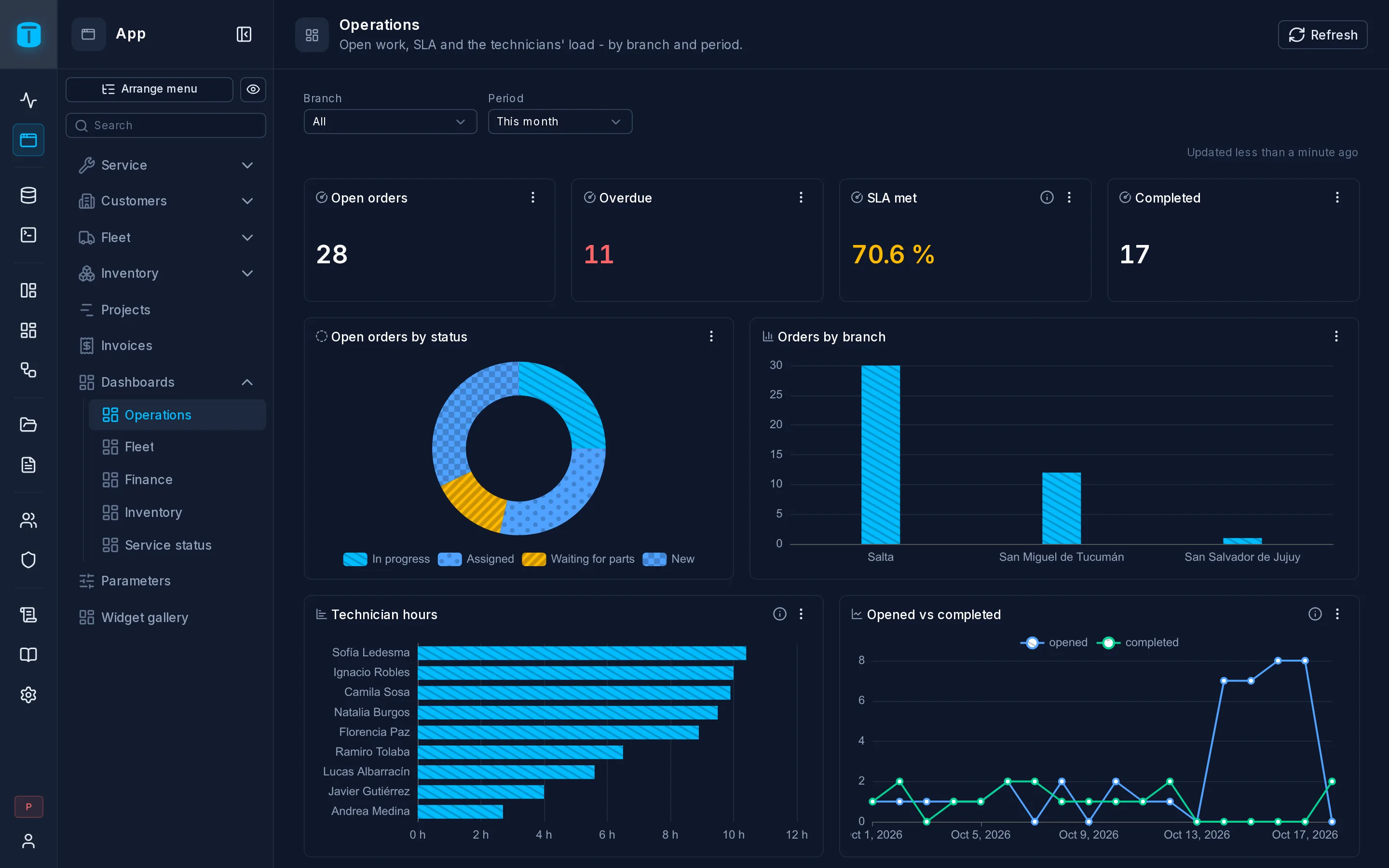
Publish, and the dashboard appears in the App next to the kanban.
What you've seen
- PostgreSQL holds the rules. The allowed values, required fields and "completed needs a resolution" are constraints. TotalBase shows their messages instead of re-implementing them.
- Nothing is exposed until you say so. The table was hidden until you enabled its endpoints.
- Presentation is set once. Labels and colors are set on the column, and every screen inherits them.
- Drafts and publishing. The DataView and the dashboard were drafts until you published them.
- The same table is already an API. The endpoints you enabled serve the kanban and any other client:
curl -s "http://localhost:3050/api/public/table/work_orders?fields=title,status&where[status][_neq]=COMPLETED" \
  -H "Authorization: Bearer $TOKEN"
Next steps
- Give it to people. Add users to the Dispatcher role, and choose exactly which fields it reads: Granting permissions and Object access.
- Limit what each one sees. Technicians see only their own orders: Row filters.
- Automate. Email the customer when an order is completed: Workflows.
- Use it from code. Data API.
- Let an agent do the rest. Quickstart with AI.