

Trigger
In the admin: Workflows › a Workflow › Settings › Trigger
Trigger holds what starts the workflow and who its runs act as: the configuration of its Start step. Clicking Start on the canvas opens it.
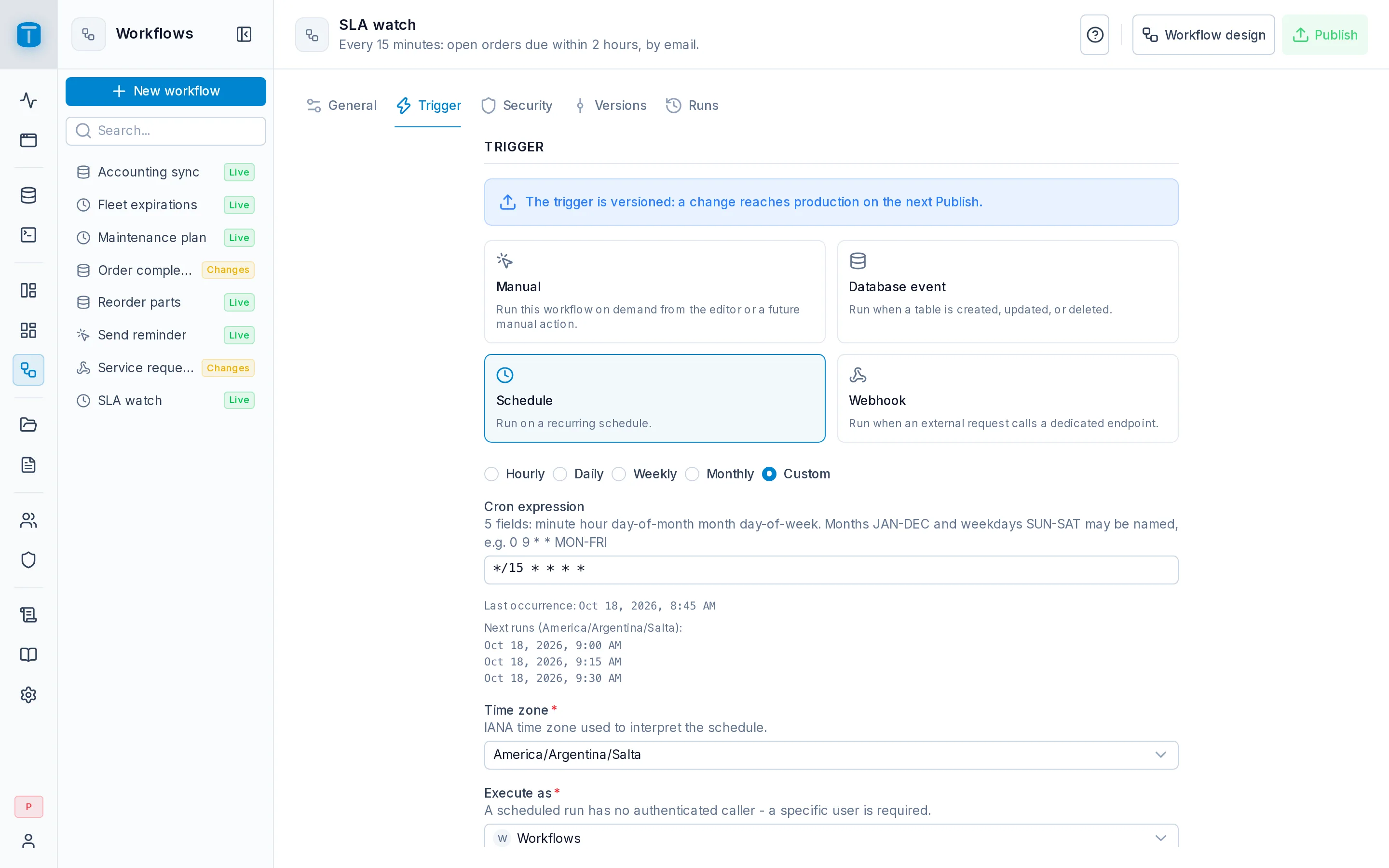
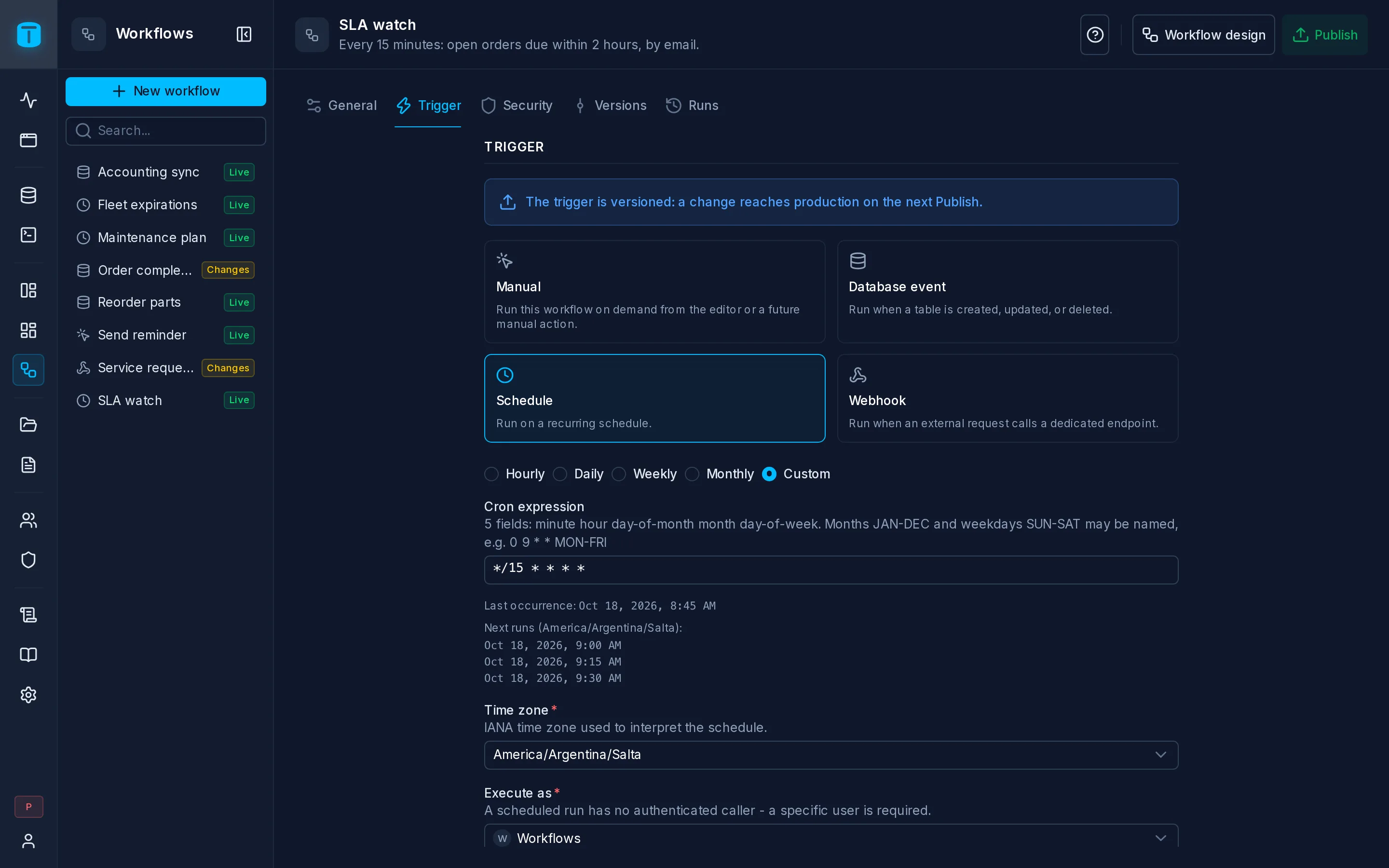
Versioned
Unlike the other sections, the trigger is part of the design: The trigger is versioned: a change reaches production on the next Publish. Changing a schedule from daily to hourly, or a database event's table, does nothing until you publish; the live version keeps its trigger until then.
A change is saved to the draft as you make it, even incomplete, so you can leave and come back. Publishing is what requires it to be complete.
The trigger
The four trigger cards, as in the creation wizard, with the chosen one's fields below:
| Trigger | Configuration | Details |
|---|---|---|
| Manual | Execute as, Input form, Confirmation, all optional | Manual |
| Database event | Table, Events, For each, Filter, Changed fields, Filter on the row before, Execute as | Database event |
| Schedule | the frequency or a cron expression, Time zone, Execute as | Schedule |
| Webhook | Method, Response, Wait time, On timeout, Access, Execute as | Webhook |
Switching to another trigger is allowed at any time. Check the steps afterwards: what {{start.data}} holds depends on the trigger, so a step reading {{start.data.body.email}} from a webhook finds nothing once the trigger is a database event.
A Schedule also shows its Last occurrence, the most recent time it ran on schedule.
Execute as
Every trigger has an Execute as: the user whose permissions the run's steps use.
| Trigger | Execute as | Empty means |
|---|---|---|
| Manual | optional | whoever starts the run |
| Database event | required, the Workflows system account proposed | |
| Schedule | required | |
| Webhook, Public | required | |
| Webhook, Authenticated | optional | the caller |
Only active users are offered. The user is checked again each time a run starts: a user deactivated since makes the run fail, visibly in Runs, rather than run as someone else. There's no fallback to an administrator.
Choose the user whose permissions match what the workflow does. The Workflows system account can read and write everything; a dedicated user with only the permissions the workflow needs limits what a mistake, or a public webhook, can reach. See Who a run acts as.