

Payload Checks
In the admin: Roles › a role › Permissions › a cell › Payload checks
A payload check is a rule that the values a role writes must satisfy. It is attached to a role's CREATE or UPDATE grant, uses the same filter syntax as row filters, and is evaluated by PostgreSQL on the row being written.
When to use one
Use a payload check when a rule applies to some roles but not others. A CHECK constraint applies to every writer, so it can't express "Sales may give at most 20% discount, but a Manager may give more".
| Rule | Use |
|---|---|
| A discount is between 0 and 100 | CHECK constraint: true for everyone |
| Sales' discounts are at most 20 | payload check on Sales' grant |
| A completed order has a resolution | CHECK constraint, if it's always true |
| A technician closes an order only with the customer's signature | payload check on Technician's grant |
Writing one
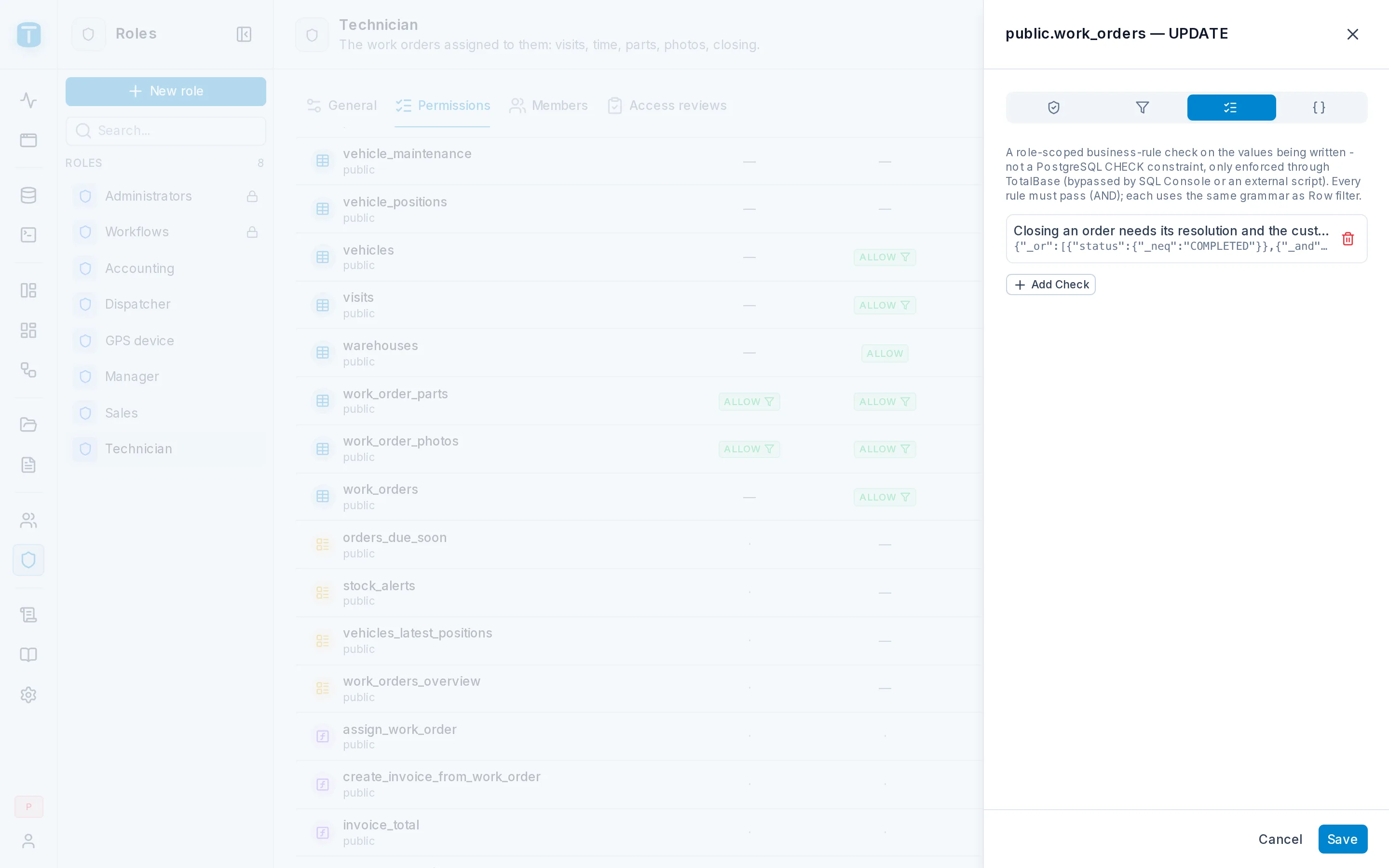
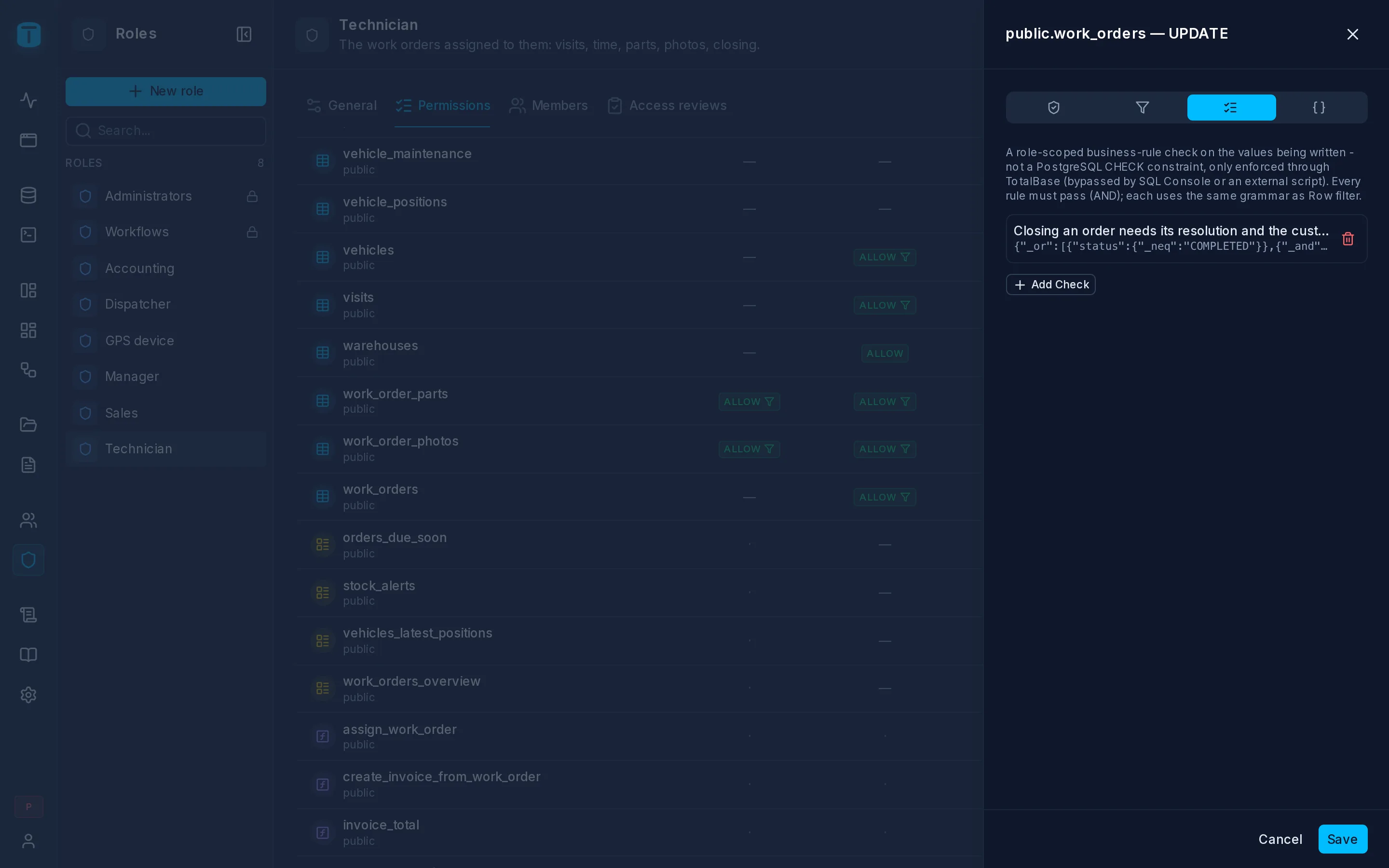
Open the grant in the role's matrix (CREATE or UPDATE on a table) and its Payload checks tab. Each check has a rule (a filter) and a label, the message the user sees when the check fails.
Acme's discount cap, on Sales' CREATE and UPDATE grants for quote_items:
| Label | Rule |
|---|---|
| Discounts above 20% need a manager | { "discount_pct": { "_lte": "20" } } |
Closing an order, on Technician's UPDATE grant for work_orders:
| Label | Rule |
|---|---|
| Add the resolution and the customer's signature before completing the order | see below |
{ "_or": [
  { "status": { "_neq": "COMPLETED" } },
  { "_and": [ { "resolution": { "_nnull": true } },
              { "customer_signature": { "_nnull": true } } ] }
] }
Read it as "either the order isn't completed, or it has both".
How they're evaluated
- On the resulting row. The check sees the row as it will be stored, with the user's values, the defaults and anything triggers set. A partial update that only sets
statusis checked against the full row, with its existingresolution. - By PostgreSQL, in the same statement as the write. If any check fails, nothing is written.
- All of them. Every check of every grant that allows the write must pass (AND). They are conditions, not alternative ways in.
- After the row filter. The row filter decides whether the role may touch the row at all. Payload checks then decide whether these values are acceptable.
A failure returns 422 PAYLOAD_CHECK_FAILED with the labels of every check that failed:
{ "errors": [{ "source": "TOTALBASE", "code": "PAYLOAD_CHECK_FAILED",
               "message": "Discounts above 20% need a manager" }] }
Forms show the message to the user, so write labels as instructions.
What they don't cover
A payload check applies only to writes made through TotalBase by a role that holds the grant: the Data API, DataView forms, nested writes, transactions, and workflows running as that role. It does not apply to:
- administrators, who bypass permissions;
- the SQL Console, or scripts that connect to PostgreSQL directly.
When a rule must hold no matter who writes, make it a CHECK constraint or a trigger.
Variables
Checks accept the same variables as row filters: $USER.*, $CURRENT_DATE, $ROW.<column> and the rest. For example, Sales can't send a quote that has already expired:
{ "valid_until": { "_gte": "$CURRENT_DATE" } }
Or a quantity can't exceed another column of the same row:
{ "quantity": { "_lte": "$ROW.max_quantity" } }
Next steps
- Tables:
CHECKconstraints. - Row filters.